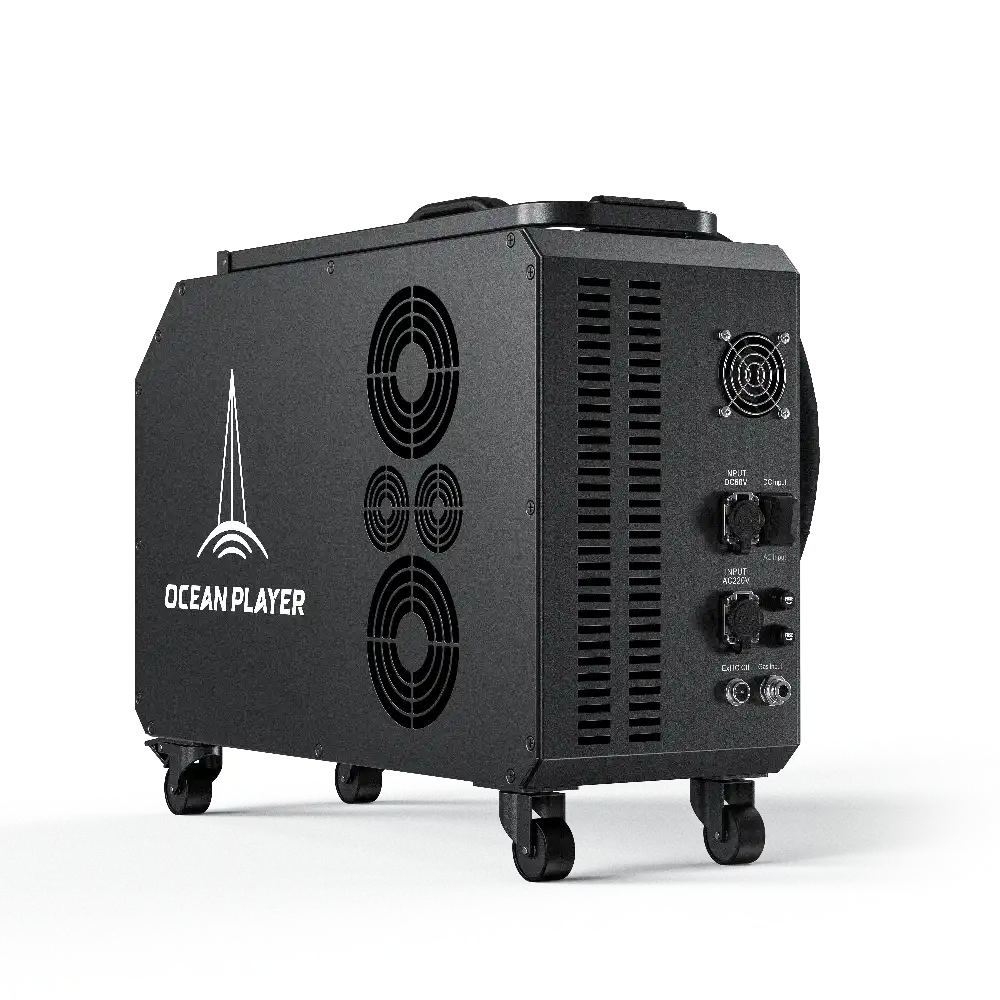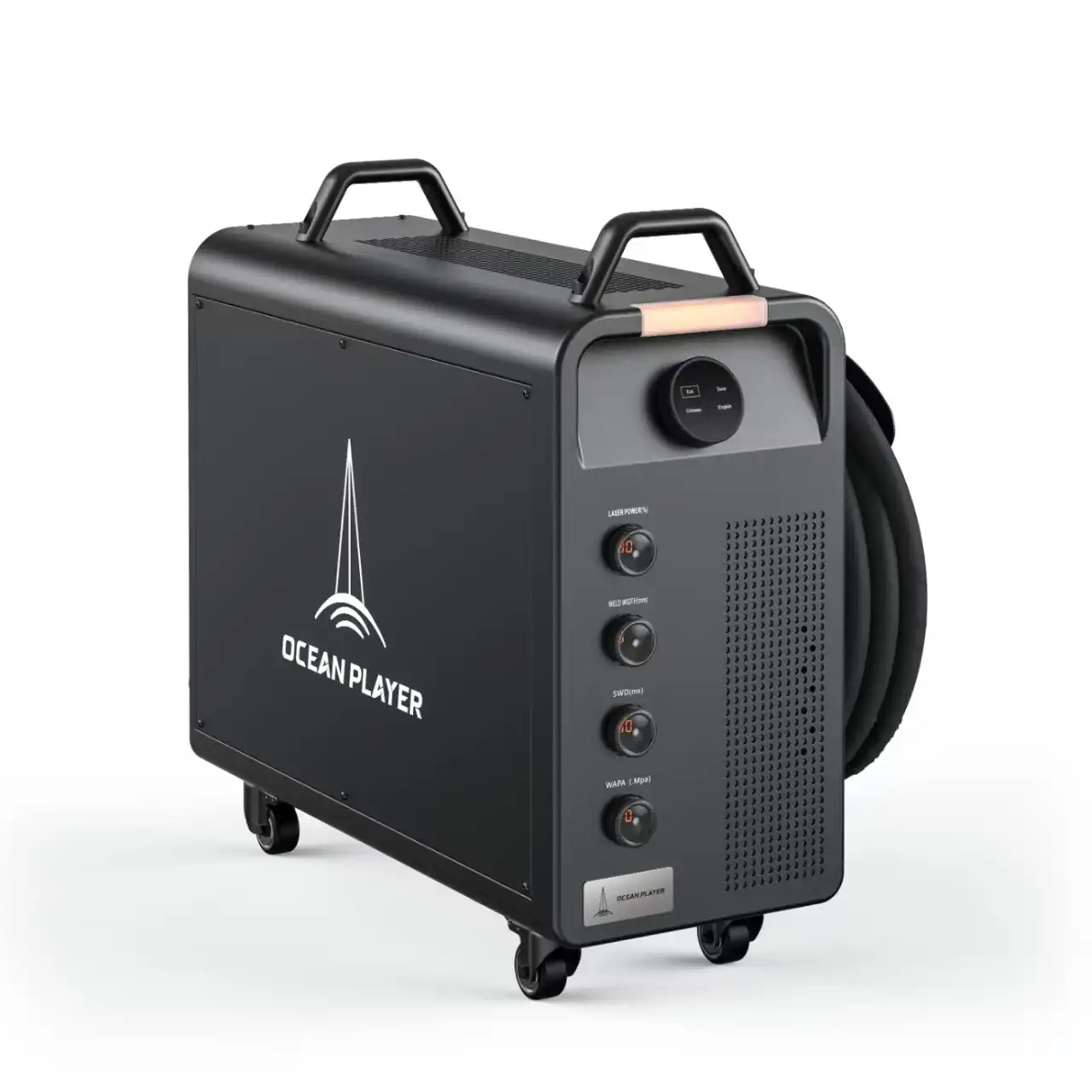
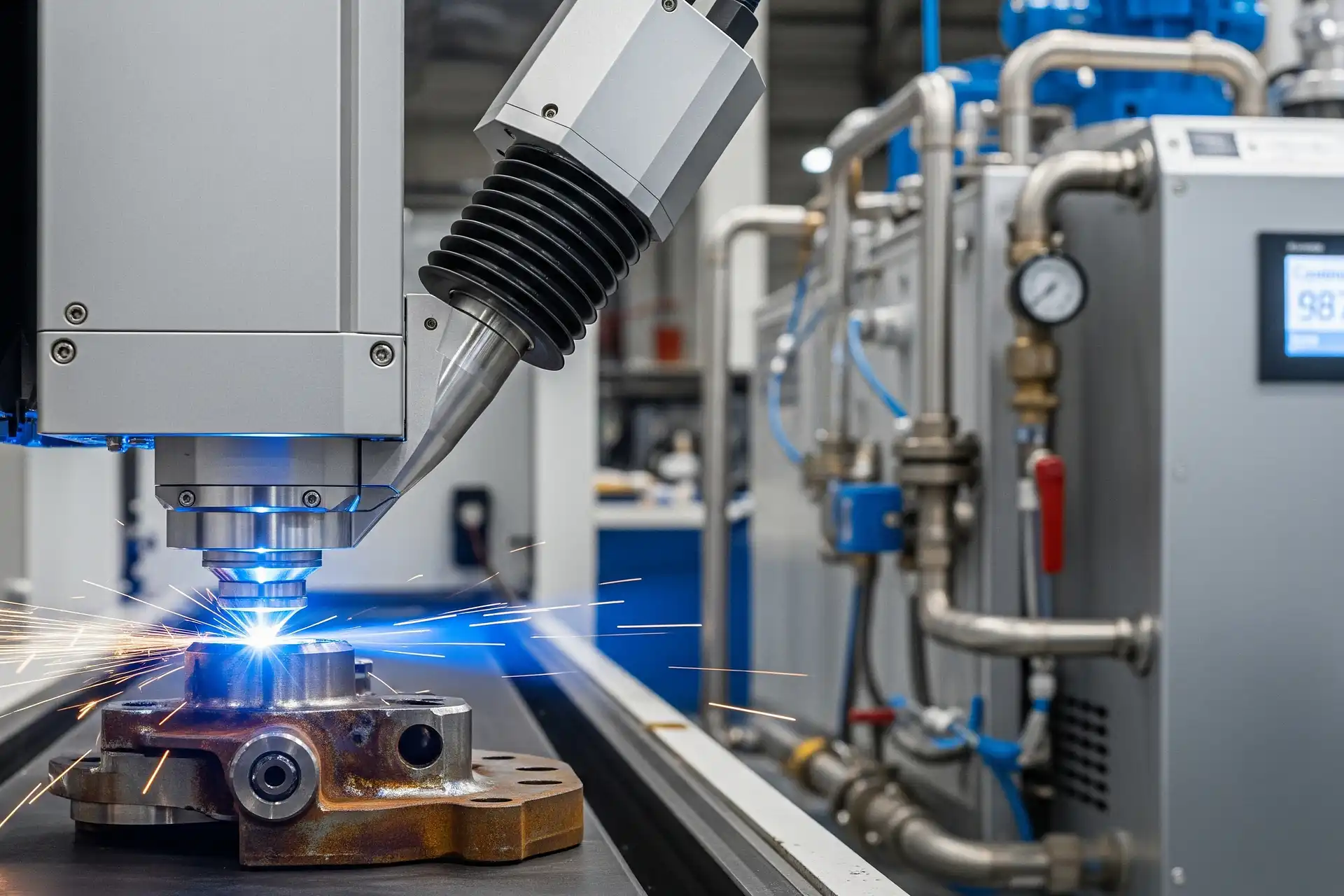
You might wonder how long a laser cleaning machine can run without stopping. Most machines can work for 4 to 8 hours straight. This time depends on the model and how you use it. Some continuous models can last between 30,000 and 50,000 hours. Pulse models can last even longer than that. Look at the table below to compare different types:
| Type of Laser Cleaning Machine | Operational Life (Hours) | Maintenance Requirements |
|---|---|---|
| Continuous Laser Cleaning | 30,000 – 50,000 | Cleaning optics, checking beam alignment, maintaining cooling systems |
| Pulse Laser Cleaning | > 50,000 | Optical system checks, dust filtration, software updates |
Key Takeaways
- Most laser cleaning machines can work nonstop for 4 to 8 hours. Pick the right model if you need to use it longer.
- Regular maintenance is very important. Clean the lenses every day. Check the cooling systems to stop overheating.
- Look for warning signs like strange noises or overheating. Finding problems early can save time and money.
- Follow the manufacturer’s rules for best performance. This keeps you safe and helps the machine last longer.
- Make sure the area is clean and controlled. Good temperature and humidity help your machine work longer.
Laser Cleaning Machine Continuous Operation
Typical Nonstop Working Hours
If you use a laser cleaning machine, you may want to know how long it can work before stopping. Most machines can run for 4 to 8 hours without a break. Some bigger models can work longer if you take care of them. The nonstop time depends on the machine type, power, and how well you look after it.
A continuous wave laser cleans fast and is good for tough jobs. These machines are made for long work times. Many new machines have water chillers. Water chillers help keep the machine cool. This lets you work longer without overheating. The table below shows features that help with nonstop use:
| Feature | Description |
|---|---|
| Continuous Wave Laser | Made for strong, quick cleaning |
| Water Chiller Integration | Stops overheating, so you can work more hours |
If you need to clean soft materials, use a lower power laser or a pulsed laser. Pulsed lasers control heat better. This means you can clean without hurting the material. These machines are good for jobs that need careful cleaning.
Tip: Always read your machine’s manual to know the best working hours. This helps you stop overheating and keeps your laser cleaning machine working well.
Lifespan of Fiber Lasers and Diode Modules
The main part of your laser cleaning machine is the laser source. Most machines use fiber lasers or diode modules. You may wonder how long these parts last and how that affects nonstop work.
- Fiber lasers last from 50,000 to 100,000 hours. That is a lot of cleaning time!
- Diode lasers do not last as long, but they are still strong.
- If you do regular maintenance and use your machine right, you can make these parts last longer.
Some machines let you change the laser source. This means you can keep your machine working for more years.
Manufacturers give service plans and warranties to help your machine work nonstop. Here are some common choices:
| Service Plan | Description |
|---|---|
| PM – Preventative Maintenance | Regular checks help your machine last longer |
| PAA – Priority Assurance | Fast service (24-48 hours) to fix problems quickly |
| Extended Warranty | More coverage after the normal warranty ends |
- Most warranties cover fiber lasers for two years and CO2 lasers for one year.
- You can get repairs at your location if something breaks.
- Warranties only work for normal use, so follow the rules and do not change your machine in risky ways.
Note: The power level of your laser cleaning machine is important. More power cleans faster but makes more heat. Less power is safer for soft jobs. Pulsed lasers are good for careful cleaning and heat control. Continuous lasers are best for big, hard jobs.
If you choose the right machine and take care of it, you can clean for a long time without stopping. Your machine will last for many years.
Factors Affecting Operation Time
Cooling and Ventilation
You want your machine to run as long as possible, right? Cooling and ventilation play a huge role in nonstop operation. Most laser cleaning machines use water cooling systems. These systems use a tank, pump, cooler, and pipes to move water around and pull heat away from the laser and other sensitive parts. Water cooling works well and keeps the temperature steady, but you need to check the water quality and make sure it does not freeze. Some machines use air cooling, which has improved a lot in the last few years. Air-cooled machines now use less energy and need less maintenance, but they still keep the machine safe from overheating. Good cooling means your machine can work longer without stopping.
Tip: Always check your cooling system before a long cleaning job. A quick look can save you from a sudden shutdown.
Machine Quality and Components
The quality of your machine and its parts matters a lot. If you have a well-built laser cleaning machine, you will notice fewer problems and longer working hours. Some of the most common issues come from dirty optics, worn-out moving parts, or old software. For example:
- Lenses and mirrors can get dirty and block the laser beam.
- Moving parts like scanning mirrors can wear out and lose accuracy.
- Outdated software can slow down your work or cause errors.
If you keep your machine clean and update the software, you will avoid most of these problems. High-quality machines also use better materials and smarter designs, so they last longer and work better.
Environmental Conditions
Where you use your machine can change how long it runs. Temperature, humidity, and dust all make a difference. The best temperature for most machines is between 59°F and 86°F (15℃ to 30℃). If it gets too hot or too cold, your machine might shut down to protect itself. Humidity should stay between 30% and 65%. Too much moisture can cause rust or short circuits, while very dry air can create static electricity. Dust is another big problem. Dust can block the optics and lower cleaning power. If you work in a clean, dry place with the right temperature, your machine will run longer and need fewer repairs.
Remember: Some machines are built to handle tough environments, but you still need to watch out for extreme heat, cold, or dust.
Maximizing Laser Cleaning Machine Runtime
Maintenance Best Practices
If you want your machine to run longer without trouble, you need to take care of it every day. Good maintenance keeps your machine strong and ready for any job. Here’s a simple table to help you remember what to do and how often:
| Maintenance Task | Frequency | Description |
|---|---|---|
| Clean lenses | Daily | Wipe gently to keep the laser beam strong and clear. |
| Check cooling water | Regularly | Use distilled water and clean out any scale to keep things cool. |
| Clean electrical cabinet | Regularly | Remove metal dust so the fans work well. |
| Monitor key wear parts | Ongoing | Watch parts like laser tubes and mirrors for signs of wear. |
You should also:
- Keep a log for important parts so you know when to replace them.
- Store spare parts nearby to fix problems fast.
- Make sure the room stays between 59°F and 86°F (15°C to 30°C).
- Keep the area clean and dry to stop dust and moisture from causing trouble.
- Place your machine on a flat surface to avoid shaking.
Don’t forget, training matters too. When you know how your machine works, you can spot problems early and fix them before they get worse.
Monitoring for Warning Signs
You can catch most problems before they stop your work. Watch for these early warning signs:
| Failure Mode | Early-Warning Signs |
|---|---|
| Micro-Leaks | Coolant loss, bubbles in lines, wet spots, or low pressure |
| Pump Cavitation | Loud noises, shaky coolant flow, or sudden pressure drops |
| Fan or Compressor Wear | Extra noise, poor cooling, or overheating |
| Sensor Drift | Odd readings, false alarms, or no alarms when things heat up |
| Increased Electrical Use | Higher energy bills, hot enclosures, or circuit trips |
| Laser Power Drop | Weaker cleaning, software warnings, or sudden shutdowns |
Here are some quick tips:
- Listen for strange sounds or feel for extra heat.
- Check the display for error messages.
- Use your senses—if something smells burnt or looks off, pause and check.
- Replace worn parts like lenses and nozzles on a schedule.
If you spot any of these signs, stop and check your Laser Cleaning Machine. Quick action can save you time and money. Remember, a well-trained operator can spot trouble fast and keep your machine running longer.
You can expect your laser cleaning machine to run nonstop for 4 to 8 hours, but things like cooling, machine quality, and your work environment matter a lot. Want to keep your machine running longer? Try these tips:
- Clean and check your machine often.
- Watch for warning signs like odd noises or heat.
- Always follow the manufacturer’s guidelines. These rules keep you safe and help your machine work better and last longer.
Regular care and smart use mean you get the most out of your laser cleaning machine every time.
FAQ
How often should you clean the laser lens?
You should clean the lens every day if you use your machine a lot. A clean lens keeps the laser strong and your results sharp.
Can you run a laser cleaning machine overnight?
No, you should not run it overnight. Most machines need breaks after 4 to 8 hours. This helps prevent overheating and damage.
What happens if your machine overheats?
If your machine gets too hot, it may shut down or lose power. You might see warning lights or error messages. Let it cool before starting again.
Do you need special training to use a laser cleaning machine?
Yes, you do. Training helps you use the machine safely and spot problems early. Many companies offer short courses or guides.
Can you use a laser cleaning machine outdoors?
- You can use some machines outside.
- Make sure the area is dry and dust-free.
- Avoid rain or extreme temperatures for best results.
See also
How Quickly Can a Laser Cleaning Machine Work
Fiber vs Solid-State Laser Cleaning Machines: Which Performs Better
Is Renting or Buying a Laser Cleaning Machine More Cost-Effective
Introduction to Main Components and Functions of Laser Cleaners