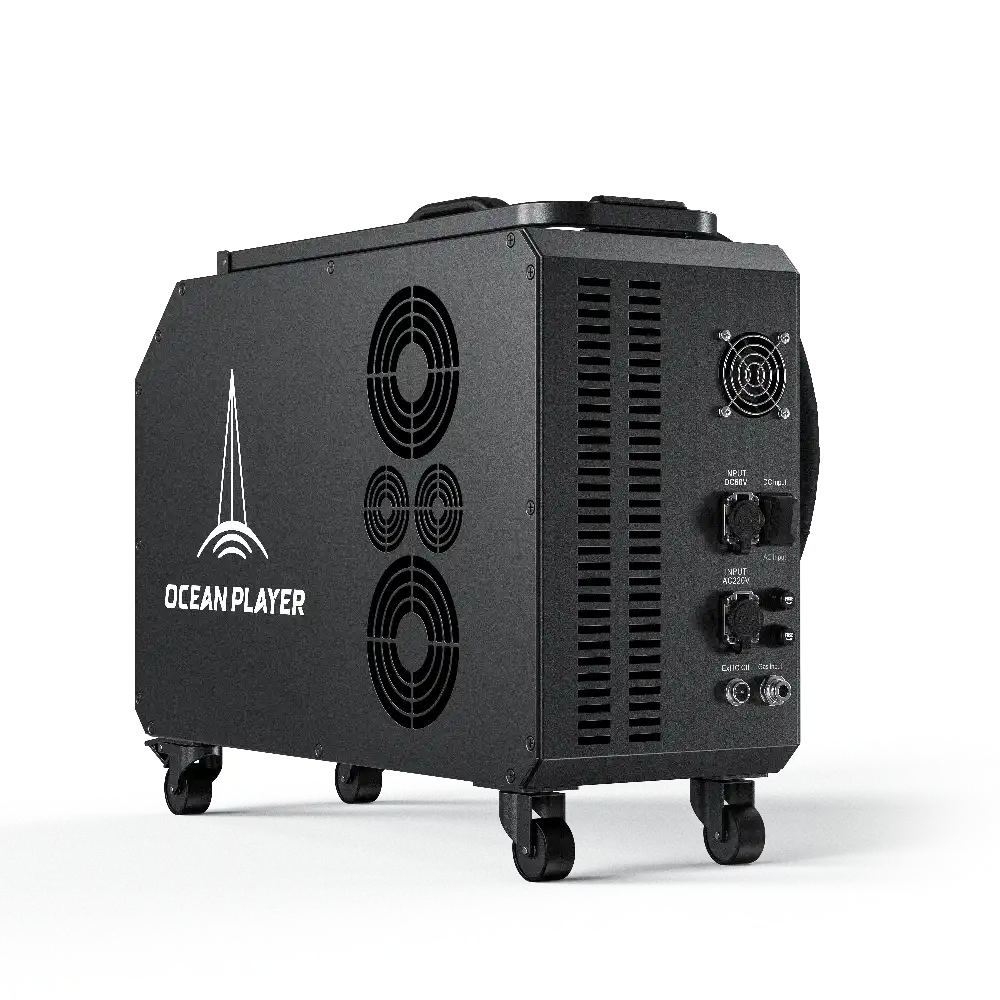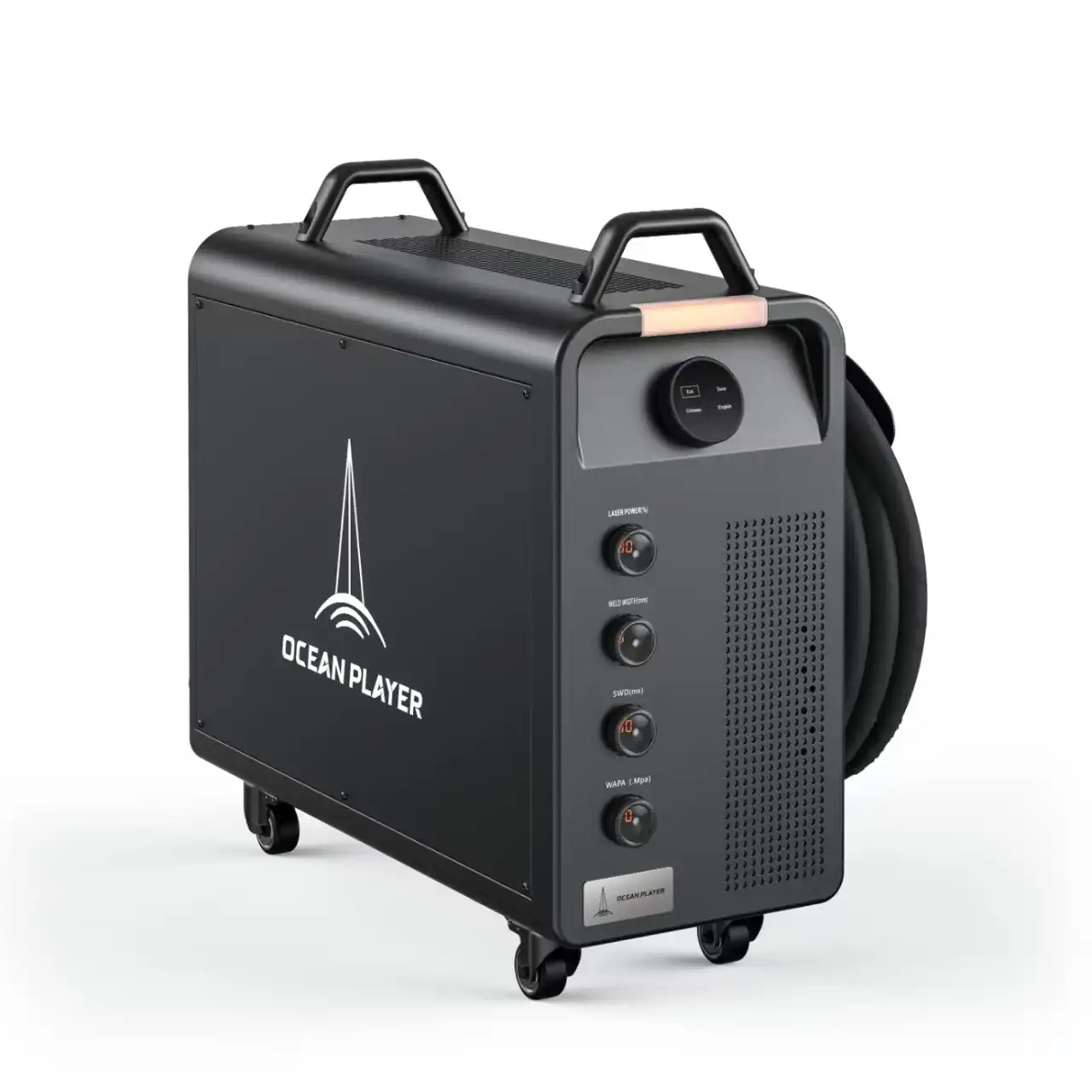
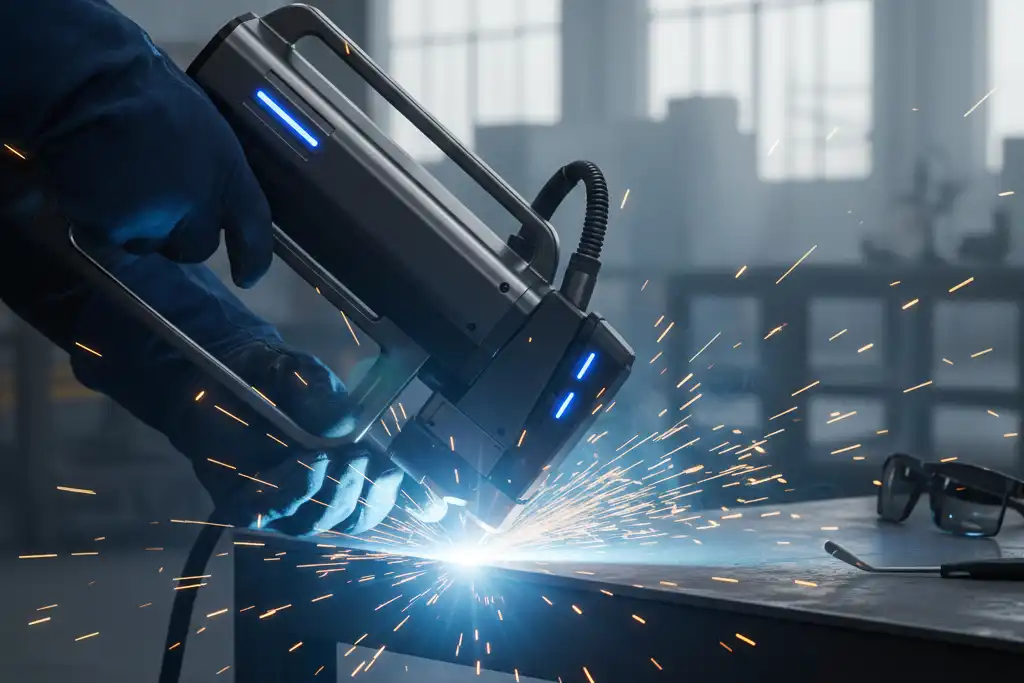
You can typically weld materials from 0.05 mm up to 8 mm thick with laser welding, though common ranges fall between 0.5 mm and 6 mm. Several factors affect the best thickness for your project:
- Laser power sets the maximum thickness you can weld. For example, a 1500W laser often works well for 0.5 mm to 4 mm materials.
- The type of material changes how much energy you need.
- Handheld and fiber machines have different limits.
Choosing the right settings for your material thickness helps you get strong, clean welds.
Key Takeaways
- Laser welding works with materials from 0.05 mm to 8 mm thick. Most often, it is used for 0.5 mm to 6 mm thick materials.
- If you use more laser power, you can weld thicker materials. For example, a 1500W laser can weld 0.5 mm to 4 mm thick materials.
- Some materials take in laser energy better than others. Stainless steel and carbon steel are easier to weld. Aluminum needs more power to weld.
- The way you design the joint is important. Butt joints let the laser go deeper than lap joints. This changes how thick the material can be.
- Always use the right laser power for the material thickness. This helps make strong and safe welds. The right settings stop the weld from being weak.
- For very thin materials, like 0.05 mm, use special tools and watch the process closely. This helps stop the material from burning through.
- Handheld machines work best for materials up to 3 mm thick. Standard machines can weld up to 6 mm thick materials.
- Checking the weld quality is very important. Use your eyes, measure how deep the weld goes, and test how hard it is. This makes sure the weld is strong.
Key Factors Affecting Thickness
When you start a laser welding project, you should know what changes the thickness you can weld. Some main things decide if your weld will be strong and clean. These things are laser power levels, the kind of material, and the way you join the pieces.
Tip: Using the right laser settings for your material and joint helps you stop weak welds and problems.
Laser Power Levels
Laser power tells you how thick a material you can weld. If you use more power, you can weld thicker pieces. Less power is better for thin materials.
Low Power (≤1kW)
Low power lasers are good for thin sheets. These lasers work best for materials up to about 1.5 mm thick. If you try to weld thicker pieces, the weld may not go all the way through.
Medium Power (1kW–1.5kW)
Medium power lasers can weld materials from 0.5 mm to 4 mm. You get deeper welds and better quality. This power is good for many jobs.
High Power (1.5kW–3kW)
High power lasers can weld thick pieces, sometimes up to 6 mm or more. You see a strong ‘keyhole’ effect, which means the laser melts deep into the metal. This power is best for big jobs.
- Laser power is very important in welding.
- More power gives deeper welds and makes a ‘keyhole’ effect, so you can weld deeper.
- Not enough power can make weak welds that do not go all the way through.
Studies show that more laser power lets you weld thicker materials. For example, high-power lasers can weld big steel pieces that low power lasers cannot.
Material Types
The kind of metal you pick changes how much energy you need. Some metals take in laser energy better than others.
Stainless Steel
Stainless steel takes in laser energy well. You can weld thin and medium pieces with medium power.
Carbon Steel
Carbon steel also works well with laser welding. You can weld thicker pieces if you use enough power.
Aluminum
Aluminum bounces back more laser energy. You need more power to weld it. Thicker aluminum may need special settings.
Joint Design
How you put the pieces together changes the thickness you can weld.
Butt Joints
Butt joints let the laser go deeper. You can weld thicker pieces with this joint.
Lap Joints
Lap joints do not let the laser go as deep. You may need more power or to go slower to get a strong weld.
Here is a table that shows what things change the most and least thickness you can weld with laser welding:
| Factor | Description |
|---|---|
| Joint Configuration | How you put the pieces together changes the most thickness; butt joints let the laser go deeper than lap joints. |
| Beam Quality | The M² factor shows how well the laser can be focused, which changes how deep it can go. A lower M² value means the laser can be focused better. |
| Material Properties | Different metals take in laser energy in different ways, which changes the most thickness; for example, mild steel can be welded up to 6 mm with a 3kW laser, but aluminum needs more power. |
| Welding Speed | Going slower lets the laser go deeper but can make the metal bend; picking the right speed is important for good welds. |
| Heat Input | Controlling heat is important to stop cracks or bending, especially in thick pieces. Changing speed and power helps control heat. |
You need to think about all these things when you pick your laser welding setup. If you use the right power, material, and joint, you get better welds that are stronger.
Laser Welding Thickness Ranges
When you choose laser welding for your project, you need to know the right thickness range for your material and machine. This section explains what thicknesses you can weld, from the thinnest to the thickest, and how machine power changes your options.
Minimum Thickness
Ultra-Thin Materials (0.05 mm)
You can use laser welding to join ultra-thin materials as thin as 0.05 mm. Working with such thin metals brings special challenges. You must keep the metal from warping or burning through. To solve these problems, you can use advanced tools and systems. The table below shows some common solutions:
| Technical Solution | Purpose |
|---|---|
| Adaptive fixtures | Hold each part firmly for a precise start |
| Weld seam tracking system | Watch the weld in real time to stop tiny bends |
| Intelligent temperature control | Protect the weld pool and reduce heat damage |
| Closed-loop monitoring | Adjust the welding gun for the best results |
Note: Ultra-thin welding needs careful control. You should use special fixtures and real-time monitoring to get clean, strong welds.
Maximum Thickness
Standard Machines (up to 6 mm)
Most standard laser welding machines can weld materials up to 6 mm thick. The maximum thickness depends on the laser power and the type of metal. For example, with a 2 kW laser, you can weld stainless steel up to 6 mm, carbon steel up to 5 mm, and aluminum up to 5 mm. The table below shows the maximum thickness for different metals and laser powers:
| Laser Power | Stainless Steel | Carbon Steel | Aluminum |
|---|---|---|---|
| 1 kW | 3 mm | 3 mm | 3 mm |
| 1.5 kW | 5 mm | 4 mm | 4 mm |
| 2 kW | 6 mm | 5 mm | 5 mm |
| 3 kW | 8 mm | 8 mm | 6 mm |
Handheld Machines (up to 3 mm)
Handheld laser welding machines usually work best for materials up to 3 mm thick. Some advanced handheld models can weld up to 8 mm on one side or up to 18 mm with double-sided welding, but most jobs use them for thinner metals. The table below compares handheld and standard machines:
| Machine Type | Maximum Single-Sided Thickness | Maximum Double-Sided Thickness |
|---|---|---|
| Handheld Laser Welding | Up to 8 mm | Up to 18 mm |
| Standard Welding Machines | Varies by machine/process | Varies by machine/process |
Tip: For most handheld jobs, keep the thickness at 3 mm or less for the best results.
Recommended Ranges by Power
1000W (0.5–3 mm)
A 1000W laser works well for welding materials between 0.5 mm and 3 mm thick. You get good penetration and clean welds in this range.
1500W (0.5–5 mm)
A 1500W laser lets you weld thicker materials, from 0.5 mm up to 5 mm. This power level gives you more flexibility for medium-thickness metals.
3kW (up to 6 mm)
A 3kW laser can weld materials up to 6 mm thick. You can use this power for heavy-duty jobs and thicker metals. The table below shows the recommended maximum thickness for stainless steel at different power levels:
| Laser Power | Maximum Welding Thickness (Stainless Steel) |
|---|---|
| 1000W | Up to 2 mm |
| 1500W | Up to 5 mm |
| 2000W | Up to 8 mm |
| 3000W | Up to 12 mm |
Note: Always match your laser power to your material thickness. Using the right power helps you get strong, reliable welds.
Laser welding gives you a wide range of thickness options. You can weld ultra-thin sheets or thick plates if you choose the right machine and settings. Knowing these ranges helps you plan your project and pick the best equipment.
Material Thickness Ranges
When you choose the right thickness for your welding project, you need to know what works best for each material. The thickness you can weld depends on the type of metal and the power of your machine. This section shows you what thickness ranges work best for stainless steel, carbon steel, and aluminum.
Stainless Steel
Stainless steel is a popular choice for many projects. You can weld very thin sheets or thicker plates if you use the right power.
0.05–3 mm (1000W)
- You can weld stainless steel as thin as 0.05 mm with careful control.
- A 1000W laser works well for thicknesses up to 3 mm.
- Lower power levels (500–1500W) are best for thin sheets under 1 mm.
Up to 5 mm (1500W)
- If you use a 1500W laser, you can weld stainless steel up to 5 mm thick.
- For even thicker plates, you need more power.
Here is a table that shows the best thickness ranges for stainless steel at different power levels:
| Power Level | Thickness Range |
|---|---|
| 500–1500 Watts | Less than 1.0 mm |
| 1500–3000 Watts | 1.0–3.0 mm |
| 3000–6000 Watts | Greater than 3.0 mm |
You get the best results when you match your laser power to the thickness of your stainless steel.
Carbon Steel
Carbon steel is strong and used in many industries. The thickness you can weld depends on your machine’s power.
0.5–4 mm (1000W)
- A 1000W laser can weld carbon steel from 0.5 mm up to 4 mm.
- You get full penetration for most jobs in this range.
Up to 6 mm (3kW)
- With a 3kW laser, you can weld carbon steel up to 6 mm thick in a single pass.
- Higher power lets you weld thicker plates with strong joints.
Here is a table that shows the maximum thickness for carbon steel at different power levels:
| Power | Maximum Thickness |
|---|---|
| 300W | Up to 0.3 mm |
| 600W | Up to 1 mm |
| 1000W | Up to 2–3 mm |
| 1500W | Up to 4–5 mm |
| 2000W | Up to 6–8 mm |
You should always check your machine’s power before welding thick carbon steel.
Aluminum
Aluminum reflects more laser energy, so you need more power for thicker pieces. You can use handheld or fiber machines for different thicknesses.
0.5–3 mm (handheld)
- Handheld machines work best for aluminum sheets from 0.5 mm to 3 mm.
- You get smooth welds and good control in this range.
Up to 4 mm (fiber)
- Fiber laser machines can weld aluminum up to 4 mm thick.
- You need to use higher power and slower speeds for thicker plates.
Here is a quick list for aluminum welding:
- 0.5–3 mm: Use a handheld laser welder.
- Up to 4 mm: Use a fiber laser machine for better results.
For the best welds, always match your machine and settings to your material’s thickness.
You can use laser welding for many thicknesses and materials. When you know the right range for your project, you get stronger and cleaner welds every time.
Practical Limitations
When you use laser welding, you will face some limits. These limits depend on how thick your metal is and what machine you use. Knowing these limits helps you plan and avoid mistakes.
Thin Material Challenges
Burn-Through
Burn-through happens when the laser melts right through thin metal. This problem is common with thin sheets that cannot cool down fast. Thin metals also get a big heat-affected zone, which can make the weld weak. If the shielding gas does not cover the weld well, or if the heat is too high, you might see tiny gas bubbles called porosity. Cracks can happen because thin metals heat up and cool down fast, especially if the metal is brittle. Sometimes, dirt or other stuff gets stuck in the weld if you do not clean the metal.
- Thin sheets cannot cool fast, so burn-through can happen.
- Porosity and cracks can show up from too much heat.
- Slag can get in the weld if the metal is not clean.
Tip: Always check your shielding gas and clean your metal before welding thin sheets.
Heat Control
You need to control heat when welding thin metals. Too much heat makes a big heat-affected zone, and the metal can bend or twist. You must watch the heat closely to keep the weld strong. If the joint is not lined up or has gaps, the weld can be weak. The kind of metal matters too. Some metals take in laser energy better, so you need to adjust the heat.
- Too much heat can bend thin metals.
- Good energy control stops problems in the weld.
- Picking the right joint and metal helps make better welds.
Thick Material Challenges
Penetration Limits
Welding thick metals brings new problems. You must control heat to stop the metal from bending and to keep the weld even. Some metals can react during welding, which can cause rust or tiny cracks. After welding, you might need to do extra work to lower stress and keep the weld strong.
| Challenge | Description |
|---|---|
| Managing Heat Input | Stops bending and keeps welds even |
| Material Reactions | Rust and tiny cracks can make welds weaker |
| Post-Weld Processing | Lowers stress and makes welds stronger |
Multi-Pass Welding
Multi-pass welding helps you join very thick plates. You can weld steel plates up to 50 mm thick by using more than one pass. The first pass makes a strong base, and the next passes help stop hot cracks. The last pass, sometimes with a laser-arc hybrid, makes the surface look better. Tests show that multi-pass welds can be stronger than the metal itself and can pass impact tests.
Note: Multi-pass welding lets you weld thicker metal and makes the joint better.
Machine Type Considerations
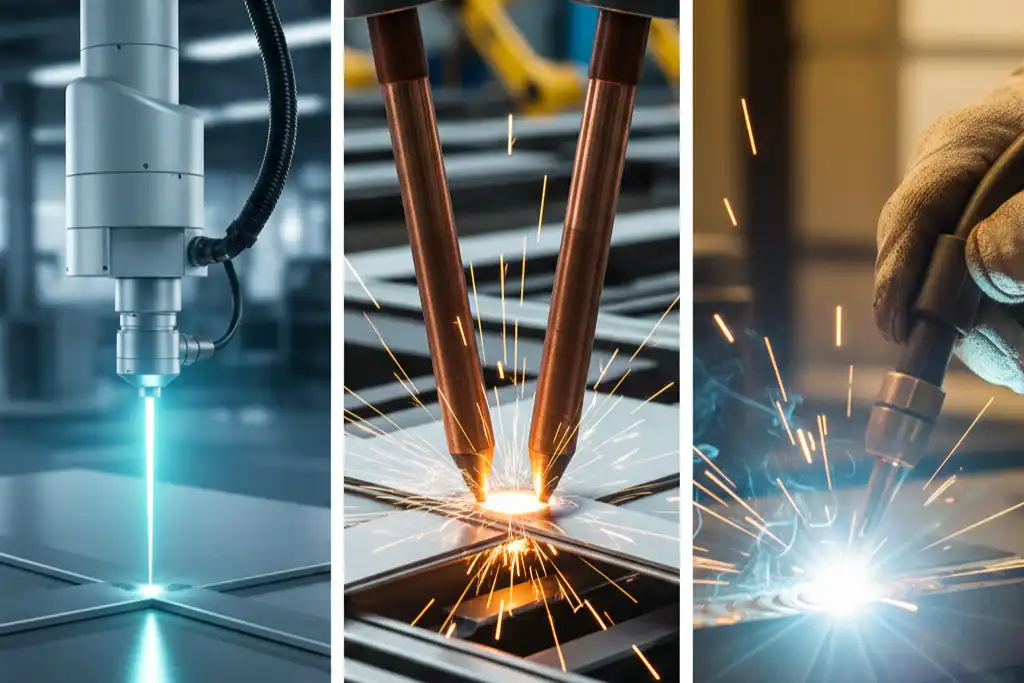
Handheld vs. Fiber Lasers
The machine you use changes what thickness you can weld. Handheld laser welders work best for thin and medium metals. For example, a 1000W handheld fiber laser can weld stainless or carbon steel up to 4 mm in one go. If you use a 1500W or 2000W machine, you can weld up to 6 mm. Fiber lasers with more power and better beam quality can weld even thicker metals. Metals like copper and aluminum need more power because they move heat away fast.
| Factor | Description |
|---|---|
| Laser Power | More power lets you weld deeper and thicker metal. |
| Beam Quality | Better focus gives more energy for deeper welds. |
| Beam Focus Position | The right focus helps you get the weld depth you want. |
| Scanning Speed | Changing speed changes how deep the weld goes. |
| Laser Beam Diameter | A smaller beam gives more energy but can slow down welding. |
- Handheld welders are good for thin and medium metals.
- Fiber lasers can weld thicker metals with more power and better focus.
Tip: Pick your machine based on the metal and thickness you want to weld.
Laser welding can do a lot, but you need to know these limits to get the best welds.
Laser Welding Best Practices
Power Selection
You need to know what laser power works best for your material and thickness. Power selection is important because it affects how deep and strong your weld will be. Thicker materials need more power, while thin materials need less. The type of material also changes the power you should use. For example, copper needs more power than plastic because it reflects more energy.
Here is a table that shows what power works best for different materials and thicknesses:
| Material Type | Thickness Range | Recommended Laser Power |
|---|---|---|
| Thin Stainless Steel | 0.5 mm – 3 mm | 1000W to 2000W |
| Medium Stainless Steel | 4 mm – 8 mm | 2000W to 4000W |
| Thick Stainless Steel | 9 mm – 20 mm | 4000W to 6000W |
| Plastic | 1 mm – 10 mm | 500W to 1000W |
| Wood | 3 mm – 15 mm | 1000W to 3000W |
| Copper | 0.5 mm – 6 mm | 3000W to 5000W |
Selecting the right power helps you avoid weak welds or burn-through. You should always match the laser power to both the thickness and the type of material.
Tip: Thicker or more reflective materials need higher power for a strong weld.
Speed and Focus
Welding speed and focus settings decide what kind of weld you get. If you move the laser too fast, the weld will be shallow and narrow. If you go too slow, you might burn through thin metal or make the weld too wide. Focus means where the laser beam is sharpest. Good focus gives you a clean and deep weld.
Here is what happens at different speeds:
| Material Thickness | Welding Speed Range (m/min) | Effect on Weld Quality |
|---|---|---|
| Thin (<1.0mm) | 5–10 | Prevents overheating |
| Thick (>3.0mm) | 1–5 | Ensures deep fusion |
- Faster speeds make the weld shallower and narrower.
- Slower speeds give more heat and deeper welds, but can cause burn-through in thin metals.
- Good focus helps you get the right weld depth and shape.
Note: Always check your speed and focus settings before you start welding.
Shielding Gas
Shielding gas plays a big part in getting a good weld. It covers the weld pool and keeps air away. This helps you stop oxidation, which can make the weld weak or change its color. Shielding gas also lowers spatter and makes the weld seam smoother. You get better laser efficiency because the gas reduces plasma that can block the laser. Using the right gas also helps stop tiny holes, called porosity, from forming in the weld.
- Reduces oxidation and keeps the weld clean.
- Lowers spatter for a better finish.
- Makes the weld seam smoother.
- Improves laser efficiency by reducing plasma.
- Reduces porosity for stronger welds.
Tip: Always use the right shielding gas for your material and thickness to get the best results.
You can get strong, clean welds in laser welding when you follow these best practices for power, speed, focus, and shielding gas.
Quality Inspection
Quality inspection is very important for good welds. You need to check if your welds are strong and safe. Laser welding needs careful checks to make sure everything is right. There are different ways to look for problems in your welds.
You can use many ways to check welds. Each way looks for different problems. Here are some ways you can use:
- Visual inspection lets you see problems on the surface. You look for cracks, holes, or small bubbles. This is a fast way to see if the weld looks good.
- Dimensional accuracy checks if the parts are the right size. You use measuring tools to see if the weld fits the plan.
- Penetration depth measurement shows how deep the weld goes. You need the weld to go deep enough for it to be strong.
- Microstructure analysis looks inside the weld. You use a microscope to see if the weld cooled the right way.
- Hardness testing checks how hard the weld is. You press a tool into the weld to see how strong it is.
- Tensile and shear testing shows how much force the weld can take. You pull or push on the weld to see if it stays together.
- Leak testing finds leaks in the weld. This is important for things that hold gas or liquid.
You can use a table to see what each check does:
| Inspection Method | What It Checks For |
|---|---|
| Visual Inspection | Surface cracks, holes, porosity |
| Dimensional Accuracy | Correct size and fit |
| Penetration Depth | Proper fusion and weld depth |
| Microstructure Analysis | Internal grain structure |
| Hardness Testing | Weld strength and toughness |
| Tensile/Shear Testing | Resistance to pulling or pushing forces |
| Leak Testing | Leaks in joints for pressure applications |
Tip: Use more than one way to check your welds for the best results.
Quality inspection helps you find problems early. You can fix them before they get worse. These checks help you make sure your welds are safe and strong. You also follow the rules and keep your work good.
Thickness Range Table
By Material and Power
You need a clear guide when you choose the right thickness for laser welding. The table below shows what thickness ranges work best for different materials and laser powers. You can use this table to match your project needs with the right machine settings.
| Material | Recommended Thickness Range | Laser Power (Watts) | Welding Speed (m/min) |
|---|---|---|---|
| Stainless Steel | 0.05–3 mm | 1000–1500 | 5–10 |
| Stainless Steel | 3–5 mm | 1500–3000 | 1–10 |
| Carbon Steel | 0.5–4 mm | 1000–1500 | 5–10 |
| Carbon Steel | 4–6 mm | 3000–6000 | 1–5 |
| Aluminum | 0.5–3 mm | 1000–1500 | 5–10 |
| Aluminum | 3–4 mm | 1500–3000 | 1–5 |
You can see that thin materials need less power and higher speed. Thicker metals require more power and slower welding speeds. This table helps you pick the right settings for your job.
Tip: Always check your material type and thickness before you set your laser power. Matching these factors gives you strong and clean welds.
Quick Reference
You can use these quick tips to make your welding process easier and safer:
- Adjust the laser’s focus position to change the weld profile. A sharp focus gives you deeper penetration.
- Use shielding gases like argon or helium to protect the weld pool. These gases keep the weld clean and stop oxidation.
- Thin metals (less than 1 mm) work best with 500–1500W lasers and faster speeds.
- Moderate thickness (1–3 mm) needs 1500–3000W and flexible speed settings.
- Thick materials (over 3 mm) require 3000–6000W and slower speeds for full fusion.
- Always clean your metal before welding. Dirt and oil can weaken the weld.
- Check your joint design. Butt joints allow deeper welds than lap joints.
💡 Note: You get better results when you match your laser settings to your material and joint type.
You can use this table and these tips as a quick reference for your next laser welding project. You will find it easier to choose the right machine and settings. This helps you avoid common problems like burn-through or weak welds. You can weld thin sheets or thick plates with confidence when you follow these guidelines.
You get strong welds when you use the right laser power for your metal’s thickness. The table below shows which thicknesses work best for each metal:
| Material | Power (Watts) | Suitable Thickness Range |
|---|---|---|
| Stainless Steel | 1000-2000 | 0.5mm-5mm |
| Aluminium | 1000-2000 | 0.5mm-4mm |
| Brass | 1000-2000 | 0.5mm-8mm |
| Carbon Steel | 1000-2000 | 0.5mm-5mm |
- Use more power and go slower for thick metals.
- Use less power and go faster for thin metals.
- Always try your settings first and read the instructions from the maker.
- If you want to learn more, check out guides from IPG Photonics and Coherent.
FAQ
What is the thinnest material you can weld with a laser?
You can weld materials as thin as 0.05 mm using laser welding. You need precise control and special fixtures to avoid burn-through or warping.
What is the thickest material you can weld with a standard laser welder?
Most standard laser welders can handle materials up to 6 mm thick. You may need higher power or multi-pass welding for thicker pieces.
What laser power do you need for welding 3 mm stainless steel?
You need a laser with at least 1000W power for welding 3 mm stainless steel. Higher power gives you deeper penetration and stronger welds.
What happens if you use too much power on thin metal?
Too much power can cause burn-through, warping, or a wide heat-affected zone. You should always match the power to the thickness.
What materials work best with laser welding?
Stainless steel, carbon steel, and aluminum work well with laser welding. Each material needs different power and settings for the best results.
What joint types are suitable for laser welding?
Butt joints and lap joints are common in laser welding. Butt joints allow deeper penetration, while lap joints may need more power for strong welds.
What is the best way to avoid weak welds?
You should match your laser power, speed, and focus to the material thickness. Clean your metal and use the right shielding gas for strong, clean welds.
What safety steps should you follow during laser welding?
You must wear protective eyewear and clothing. Keep the work area clear. Always follow the machine’s safety instructions to prevent accidents.
How Much Thickness Can a 1500W Laser Handle
How thick material a 3000W fiber laser can cut