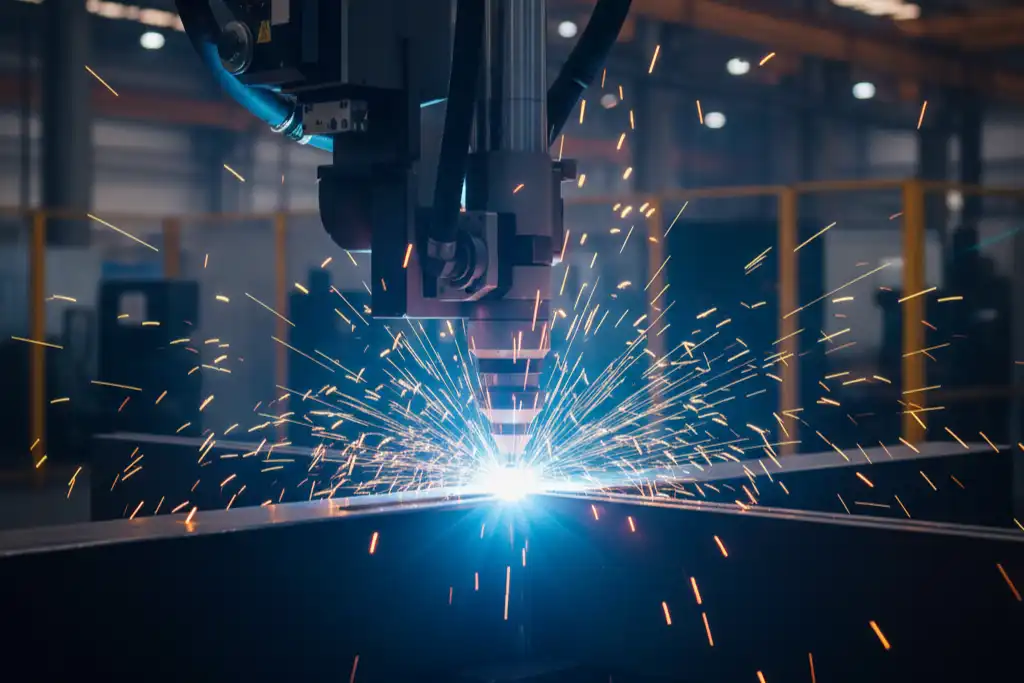
You need to understand the impact of power density when you work with laser welding. A well-known study shows that power density shapes the weld pool. Low levels create a wider and shallower weld pool, while higher levels make it deeper and narrower. The way heat moves and how the melted metal flows depend on these changes. Many people believe some common myths about laser welding:
- More power always gives better results.
- Higher power always means faster welding.
- High-power lasers can cut any thickness.
These ideas do not always hold true. You must adjust power density for each material and job to get strong, clean welds.
Key Takeaways
- Power density changes how the weld pool looks and how strong it is. Change the power density for each material to get better welds.
- The right power density stops problems like cracks and spatter. Always look at your settings before you start welding.
- More power density can make welds stronger, but too much can make them break easily. You need to find the right amount for the best welds.
- Each material needs a different power density. Thicker metals need more power to weld well.
- Check your equipment often and keep it in good shape. This helps keep the power density steady and makes good welds.
Power Density Basics
Definition and Measurement
You need to know what power density means in laser welding. Power density tells you how much laser power hits a certain area on the material. You measure it to make sure the laser works well for welding.
- Power density is the amount of laser power per unit area.
- You measure it using the laser’s power and the size of the laser beam.
- The standard unit is watts per square centimeter (W/cm²).
Calculation Methods
You can find power density with a simple formula. Take the laser power and divide it by the area the beam covers. If you know the diameter of the laser beam, you can use this formula:
Power Density (IP) = 4P / (πD²)
P stands for the laser power in watts. D is the diameter of the laser beam in centimeters. This formula helps you set the right conditions for welding.
Role in Laser Welding
Power density plays a big part in how the weld turns out. If you use the right range, you get strong and clean welds. If you use too much or too little, you may see problems. Here is a table that shows what happens at different power density levels:
| Power Density Range (W/cm²) | Effect on Welding Process | Outcome |
|---|---|---|
| High (above 10⁶) | Rapid heating and vaporization | Good for cutting or punching, not welding |
| Low (10⁴ to 10⁶) | Gradual heating to melting point | Best for melting and strong welds |
You should always check the power density before you start. This helps you avoid weak welds or too much melting. When you control power density, you improve the quality and strength of your welds.
High vs. Low Power Density
Effects on Weld Strength
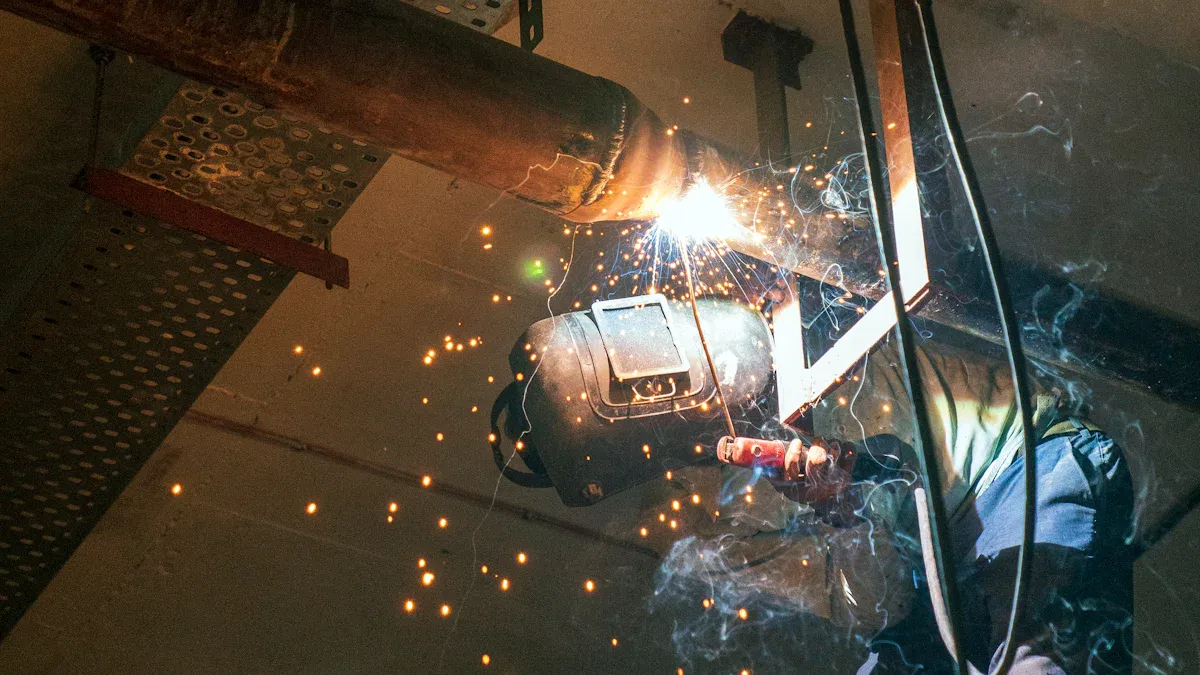
You can see big changes in weld strength when you adjust power density. If you use a low setting, the weld may not melt enough metal. This can make the joint weak. When you use a higher setting, the weld pool gets deeper and the joint becomes stronger. The table below shows how different laser power levels affect tensile strength and elongation:
| Laser Power (W) | Tensile Strength (MPa) | Elongation (%) | Melt Pool Depth (mm) |
|---|---|---|---|
| 250 | 330 | 3 | N/A |
| 450 | 570 | 19 | N/A |
| 300 | N/A | N/A | 1 |
| 400 | N/A | N/A | 1.5 |
| 200 | N/A | N/A | N/A |
| 400 | N/A | N/A | N/A |
You can see that higher power leads to stronger welds and more stretch before breaking. If you use too much power, the weld can become brittle. This happens because the heat changes the metal’s structure.
Impact on Appearance
You can spot the effects of power density by looking at the weld’s surface. When you set the right level, the weld looks smooth and shiny. If you use a peak power density around 13,000 W/mm², you get a smooth surface and good mixing of the metals. If you increase the overlap between laser passes to about 71-75%, the weld becomes softer and the finish improves.
- Adjusting the peak power density can make the weld surface smoother.
- The right overlap reduces hardness and gives a better look.
If you use too little power, the weld may look rough or uneven. Too much power can cause burn marks or extra buildup.
Common Defects
You may see different defects if you do not control power density. Some defects happen when you use too much energy, while others come from not using enough. Here is a table that shows what defects you might find:
| Defect | Relation to Power Density |
|---|---|
| Spatter | Directly related; reducing energy can minimize it. |
| Cracks | Can occur due to improper power settings. |
| Porosity | Influenced by power density variations. |
| Undercut | Can result from rapid energy drop at weld end. |
| Weld Accumulation | Affected by excessive power density. |
| Splash | Directly related; reducing energy can minimize it. |
| Undercut | Correct power and speed matching can prevent it. |
If you use too much power, you may see spatter, cracks, or extra buildup. If you use too little, you may get weak joints or undercut at the edge of the weld.
Process Efficiency
You can make your welding process faster and more efficient by choosing the right power density. High power density can speed up melting and reduce the time needed for each weld. However, if you go too high, you risk making the heat-affected zone larger. This can change the metal’s structure and make it brittle. You want to find a balance. The right setting gives you strong welds, a smooth finish, and fewer defects.
Tip: Always check your settings before you start. Small changes in power density can make a big difference in weld quality and speed.
You can see that power density affects every part of the laser welding process. If you control it well, you get strong, clean, and efficient welds.
Optimal Power Density
Material Guidelines
When you pick the best power density, you must know your material. Different metals and alloys react to heat in their own ways. You need to think about these differences to get good welds. Here are some things to remember: The alloy and thermal cycle change how the metal acts during welding. This changes what power density you should use. Hardness, tensile strength, and ductility depend on how you weld. The way you set your welding, like power density, changes heat and how deep the weld goes. This helps you get the metal properties you want.
For most laser welding, keep power density between 10,000 and 1,000,000 W/cm². This range works for both conductive and fusion welding. If you use too little, the weld may not form right. If you use too much, you could hurt the material.
Laser Pulse Influence
The kind of laser pulse you use changes the weld. You can pick continuous wave or pulsed wave lasers. Each type gives you different control over welding. The table below shows what happens:
| Laser Type | Penetration Depth | Efficiency | Key Findings |
|---|---|---|---|
| Continuous Wave | Lower | Lower | Less control over power density and heat input |
| Pulsed Wave | Higher | Higher | Better control over pulse parameters, leading to improved weld quality and penetration depth |
Pulsed wave lasers let you change the power, time, and shape of each pulse. This means you can control how deep the weld goes and how much heat you use. When you use higher power density with pulsed lasers, you get deeper and stronger welds. The time and length of each pulse also change how fast the weld heats and cools. This helps you stop defects and get the weld you want.
Risks of Deviation
If you do not use the right power density, you can have problems. Using too little or too much can hurt the weld and the material. Here are some risks: Weak welds that break under stress. Cracks or holes inside the weld. Too much melting, which can change the shape or strength. Losing control of the weld pool, which makes rough or uneven surfaces.
You should always check your settings before you start. Staying in the right range helps you avoid these problems and get the best welds.
Power Density Control
Practical Techniques
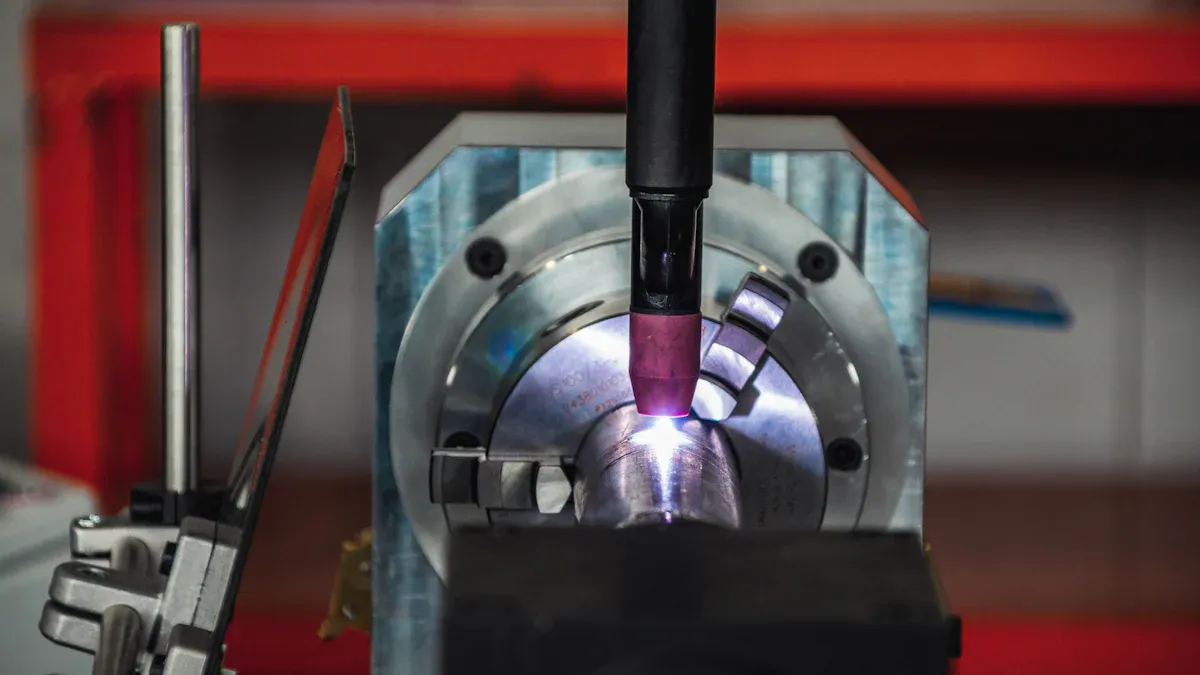
There are a few ways to keep power density right during laser welding. First, check the laser beam path. Take off the wire feeding tube and nozzle. This lets you see the beam. Shine the guiding light onto a metal plate or card. If you see a clear red dot, the beam is lined up. If you notice dark spots, clean or fix the optics. You can also change the beam size and laser power. A smaller focal point puts more energy in one spot. This helps make deeper welds. Change the laser power for each material. Thick metals need more power. Thin metals need less. Shielding gases like argon and helium protect the weld area. Argon works for most metals. Helium is better for metals that move heat fast.
Monitoring Strategies
You should watch the welding process to keep power density steady. New systems use sensors to give feedback right away. These sensors check laser power, welding speed, and weld pool temperature. Some systems can change settings by themselves. Imaging tools help you see the weld pool and find problems early.
| Sensor Type | Function |
|---|---|
| Photodiodes | Measure light and give data on plasma, temperature, and reflection. |
| Visual Sensors | Take pictures to check weld quality. |
| Spectrometers | Study light to see how the process is going. |
| Acoustical Sensors | Listen for sounds that show weld quality. |
| Pyrometers | Check the temperature of the weld area. |
| Plasma Charge Sensors | Watch plasma to give feedback on the process. |
| Machine Learning | Use sensor data to guess results and help control. |
Tips for Consistency
You can use some easy tips to keep welds strong and even. Let the laser touch the workpiece longer for better welds. Pick the right welding speed to spread stress. Clean the lenses every day. Check for loose wires each week. Calibrate your machine once a month. Keep your workspace clean so dust does not get on optics. Always check the cooling system to stop overheating. Use the right shielding gas to protect the weld pool.
Tip: If you check your tools often and get ready before welding, you will get strong and even welds every time.
Power density changes how strong the weld is. It also affects how the weld looks and how many defects appear. The table below shows what happens when you use different laser power levels:
| Laser Power (kW) | Penetration | Microstructure Observations | Hardness (HV) |
|---|---|---|---|
| 4 | Full | Undercutting observed | 58 |
| 3 | Full | Minimized defects | 69 |
| 2.5 | Partial | Pore formation observed | 76 |
To make sure your welds are good, you should do these things:
- Keep your materials in a dry place.
- Make sure surfaces do not get scratched.
- Keep the gap between joints smaller than 0.1 mm.
If you follow these steps, your welds will be strong and have fewer problems.
FAQ
What is the best way to measure power density in laser welding?
To measure power density, divide the laser’s power by the beam spot area.
Tip: Use a power meter that is calibrated. Measure the beam’s diameter to get the right answer.
What happens if you use too low power density?
If power density is too low, welds can be weak. The weld may not go deep enough. The surface can look rough.
- The joint might break with little force.
- The weld may not form the right way.
What materials need higher power density for welding?
Thicker metals, like steel and titanium, need more power density.
| Material | Recommended Power Density (W/cm²) |
|---|---|
| Aluminum | 10,000 – 100,000 |
| Steel | 50,000 – 1,000,000 |
| Titanium | 100,000 – 1,000,000 |
What tools help you control power density during welding?
You can use laser settings that change, beam focus controls, and sensors that work in real time.
Note: Clean and calibrate the optics often to keep power density steady.
What defects show up when power density is too high?
If power density is too high, you can see spatter and cracks. Extra metal can build up.
- The weld might look burnt.
- The metal can turn brittle.
What you should know about CNC machine tools and laser cutting
6 Downsides of Laser Welding for Manufacturers