
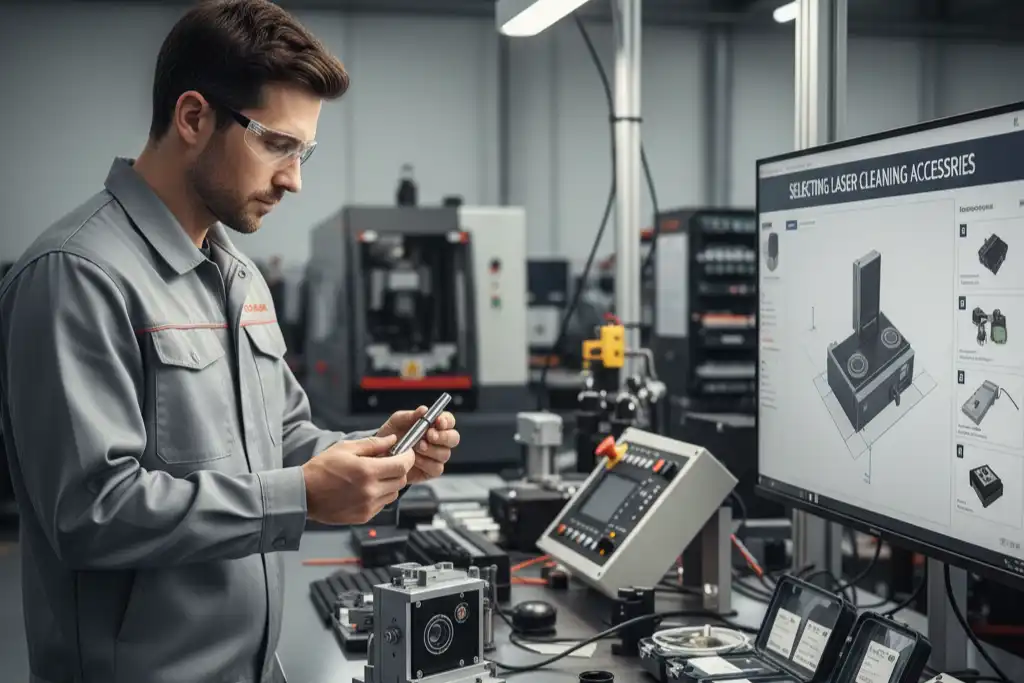
You should pick the wavelength and spot size for your Laser Cleaning Machine by looking at the material and what you want to clean off. Different things like metals, ceramics, plastics, glass, and wood need different laser settings. Some things you might clean off are rust, paint, oil films, coatings, and residues. If you match the laser’s wavelength and spot size to these things, you can clean better and keep your materials safe. Think about how sensitive your surface is, what you want to remove, and what you want to achieve before you begin.
Key Takeaways
- Pick the right wavelength for the material and contaminant. This helps clean well and keeps things safe.
- Use infrared lasers (1064 nm) for metals. Use UV lasers (355 nm) for delicate surfaces. Match the wavelength to the job for good results.
- Choose a small spot size for cleaning tiny or sensitive areas. This lets you clean carefully and avoid damage.
- Pick a large spot size for cleaning big surfaces quickly. This makes cleaning faster but less exact.
- Test your laser settings on a hidden spot first. This shows how the material will react before you clean everything.
- Follow the manufacturer’s rules for the best settings. Each laser cleaning machine has its own advice for good results.
- Wear safety gear like goggles and gloves to stay safe. Safety is very important.
- Change power and speed for each cleaning job. More power cleans faster, but gentle surfaces need lower settings.
Why Wavelength and Spot Size Selection Matters
Picking the right wavelength and spot size helps you clean better. You need to match these settings to the material and what you want to remove. This makes sure you get good results and do not harm the object.
Cleaning Efficiency
Choosing the correct wavelength can make cleaning faster. Different wavelengths work with materials in special ways. Metals absorb infrared light well, so infrared lasers are good for cleaning rust or thick dirt from metal. If you clean fragile things like semiconductors, ultraviolet lasers are very exact and do not heat up the material much. The table below shows how each wavelength works for different jobs:
| Laser Wavelength | Application | Advantages |
|---|---|---|
| UV laser 200nm-400nm | Semiconductor Manufacturing | Very exact, does not heat up much, removes organic dirt, good for fragile things |
| Visible laser 400-700nm | General surface cleaning | Works with many materials, you can see the cleaning, medium strength |
| IR laser 700-1064nm | Metal Cleaning | Metals absorb well, strong energy, good for thick dirt |
| Mid-infrared 2-10 µm | Organic material cleaning | Absorbs organics well, works for tricky shapes |
| Far-IR 30-300 µm | Special cleaning | Good for some plastics, goes through tricky shapes |
Check the material and dirt before you pick the wavelength. This helps you clean quicker and use less power.
Safety and Material Sensitivity
You need to keep the object safe. Some things, like plastics or painted surfaces, can get hurt if you use the wrong settings. A small spot size lets you aim at tiny spots, so you do not damage sensitive areas. A big spot size cleans more at once but can heat up the surface too much. Always start with low power and test a small spot first.
Tip: Try the Laser Cleaning Machine on a hidden part first. This helps you see how the material acts before you clean everything.
Application Versatility
You can use your Laser Cleaning Machine for many jobs if you change the wavelength and spot size. For example, use a small spot size for tiny parts or delicate electronics. Use a big spot size for large areas, like cleaning paint off walls or rust from big metal sheets. Changing these settings makes your machine good for different cleaning jobs.
- Use a small spot size for careful cleaning and tiny spots.
- Use a big spot size for quick cleaning and big areas.
Always match the settings to your cleaning needs. This helps you get good results and keeps your things safe.
Identify Material and Contaminant
Before you set up your laser cleaning machine, you need to know what you are cleaning. You must look at both the material of the object and the type of contaminant on its surface. This step helps you pick the right wavelength and spot size for the best results.
Material Types
Laser cleaning works on many types of materials. You will often see two main groups: metals and non-metals.
Metals
You may need to clean metals in many industries. Metals like steel, stainless steel, aluminum, copper, brass, cast iron, and alloys are common. Each metal reacts differently to laser cleaning.
- Steel and Stainless Steel: You can remove rust and coatings easily.
- Aluminum: You can take off oxide layers without much trouble.
- Copper and Brass: You can clean away oxide layers and dirt.
- Cast Iron: You can remove oxides and improve the surface quality.
- Alloy Materials: You can clean many types of metal alloys.
Note: Metals usually absorb infrared wavelengths well. This makes IR lasers a good choice for most metal cleaning jobs.
Non-metals
Non-metal materials also need cleaning. These include plastics, glass, ceramics, stone, wood, and artifacts. Each non-metal material has its own needs.
- Plastics: You must use gentle settings to avoid melting or burning.
- Glass and Ceramics: You need to avoid cracks or chips.
- Stone and Wood: You should use lower power to protect the surface.
- Artifacts: You must use extra care to keep them safe.
Tip: Non-metals often need shorter wavelengths, like UV, for safe and precise cleaning.
Common Contaminants
You also need to know what you want to remove. Different contaminants need different laser settings.
Rust
Rust forms on metals like steel and iron. You can use a laser to break down and remove the rust layer. IR lasers work well for this job.
Paint
Paint can cover both metals and non-metals. You can use a laser to strip paint without damaging the base material. You should test a small area first.
Oil and Grease
Oil and grease often build up on machine parts. Lasers can vaporize these films quickly. You should use a wavelength that the oil absorbs well.
Oxides
Oxide layers form on metals like aluminum and copper. You can use a laser to remove these layers and restore the metal’s shine.
Coatings
Coatings protect surfaces but sometimes need removal. You can use a laser to strip coatings from metals and non-metals. You must adjust the settings to avoid harming the base material.
Always check both the material and the contaminant before you start. This helps you choose the safest and most effective laser settings.
Choosing the Right Wavelength

Picking the right wavelength helps you clean safely. You need to think about the material and the dirt. The wavelength decides how the laser works with the surface. Some wavelengths are better for metals. Others are good for soft materials.
Wavelength Options for Laser Cleaning Machine
You can pick short wavelengths like UV and visible light. You can also pick long wavelengths like infrared. Each type has its own good points.
Short Wavelengths (UV, Visible)
Short wavelengths are UV (about 355 nm) and visible light (about 532 nm). These work well for cleaning soft surfaces and organic dirt. You can use them for plastics, painted things, and old artifacts. Short wavelengths go into thin layers. This means you do not heat up the base material.
- UV lasers (355 nm) clean organic dirt and soft surfaces.
- Visible lasers (532 nm) remove some paints and polymers.
Tip: Use short wavelengths to keep sensitive surfaces safe from heat.
Long Wavelengths (Infrared)
Long wavelengths are infrared lasers, usually at 1064 nm. These lasers work best for metals and rust. Infrared light goes into metals well. You can remove thick dirt fast. Infrared lasers are common in big Laser Cleaning Machines.
| Laser Power | Wavelength | Cleaning Area | Power Consumption |
|---|---|---|---|
| 300W | 1064nm | 175mm*175mm | 2000W |
| 2000W | 1064nm | Up to 15mm | 3000W |
| 500W | 1064nm | Up to 500mm/s | 2500W |
| N/A | 1064nm | Up to 95 mm/s | N/A |
Note: Most Laser Cleaning Machines use infrared lasers for cleaning metals and rust.
Matching Wavelength to Material
You need to match the wavelength to the thing you want to clean. This helps you avoid damage and get good results.
Absorption and Heat Sensitivity
Materials take in laser energy in different ways. Metals take in infrared light well. You can use 1064 nm for rust and oxide. Non-metals like plastics and painted things take in UV and visible light better. You should use 355 nm or 532 nm for these.
| Material Type | Preferred Wavelength | Reason for Selection |
|---|---|---|
| Metallic materials | 1064 nm | High absorption rate, good for rust removal |
| Non-metallic materials | 355 nm and 532 nm | Good absorption, less heat, protects soft surfaces |
You need to think about heat. Short laser pulses keep the heat small. This helps keep the material safe. Long wavelengths can make things hot, especially dark or colored samples. Too much heat can hurt soft materials.
- Short pulses keep the surface cool.
- Long wavelengths may heat up samples, especially dark or soft ones.
Tip: If you clean old artifacts, use both 1064 nm (IR) and 355 nm (UV) lasers. Use more UV for thin dirt. Use more IR for thick crusts. Keep UV energy low (0.1–0.2 J/cm²) and IR energy medium (up to 1.8 J/cm²).
Avoiding Material Damage
You want to keep the base material safe. You can use filters like hot mirrors and cold mirrors to control heat.
| Filter Type | Function | Wavelength Range (nm) |
|---|---|---|
| Hot Mirrors | Reflect unwanted infrared wavelengths to lower heat | 750 – 1250 |
| Cold Mirrors | Let visible light through, reflect infrared well | Wide range |
You should always test the Laser Cleaning Machine on a small spot first. This lets you see how the material acts. If you see damage, change the wavelength or lower the power.
- Use short wavelengths for soft surfaces.
- Use long wavelengths for metals and thick dirt.
- Use filters to keep sensitive materials safe from heat.
Note: Heating can hurt or change soft materials. Always check the surface after cleaning.
You can match the wavelength to the material and the dirt. For rust, use 1064 nm. For paint and polymers, use 532 nm. For organic dirt, use 355 nm.
| Wavelength (nm) | Effective For |
|---|---|
| 1064 (Infrared) | Metals and oxides (rust) |
| 532 (Green) | Some paints and polymers |
| 355 (UV) | Organic dirt and soft surfaces |
Picking the right wavelength helps you clean well and safely. You protect your things and get good results from your Laser Cleaning Machine.
Selecting Spot Size for Cleaning Needs
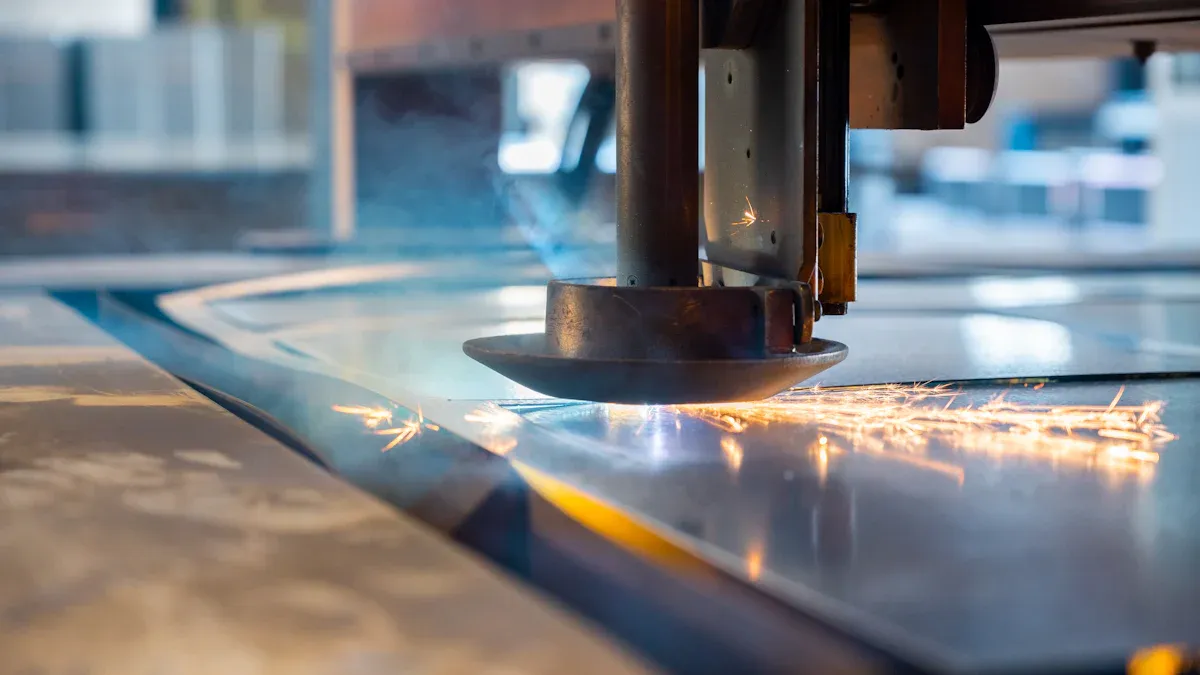
When you set up your Laser Cleaning Machine, you must choose the right spot size for your cleaning job. Spot size means how wide the laser beam is when it hits the surface. This choice affects how well you clean, how fast you finish, and how safe your process is for the material.
Small Spot Size for Precision
A small spot size gives you more control. You can focus the laser on tiny areas and avoid touching parts you do not want to clean. This helps you work on detailed jobs and sensitive surfaces.
Detail Work
You need a small spot size when you clean fine details. For example, you might want to remove rust from a small screw or clean a thin line of paint from a metal part. A focused beam puts more energy into a small area. This makes it easier to remove thin layers of dirt or coatings.
- You can clean small parts like gears, screws, or circuit boards.
- You can remove thin layers without hurting the base material.
- You can reach tight corners and edges.
The table below shows how spot size affects cleaning efficiency for different contaminant thicknesses:
| Spot Size | Effect on Cleaning Efficiency | Notes |
|---|---|---|
| Smaller | Improves removal accuracy, suitable for detailed cleaning | Concentrates energy for better performance on thinner contaminants. |
| Larger | Enhances overall efficiency, covers larger areas | May require increased power due to reduced energy density on thicker contaminants. |
Sensitive Areas
You must protect sensitive areas when you clean. A small spot size helps you avoid damage. You can target only the dirty spots and leave the rest untouched. This is important for cleaning old artifacts, electronics, or painted surfaces.
Tip: Always test the laser on a hidden spot first. You can check if the material reacts well before you clean the whole area.
A small spot size lowers the risk of harming the base material. You keep the cleaning process safe and gentle.
Large Spot Size for Coverage
A large spot size lets you clean big areas quickly. You spread the laser energy over a wider space. This works well for jobs where you need speed and coverage.
Fast Cleaning
You can finish cleaning faster with a large spot size. This is useful for large metal sheets, walls, or industrial surfaces. You do not need to move the laser as much. You save time and effort.
The table below shows how spot size, scan width, and line speed affect cleaning speed and coverage:
| Parameter | Effect on Outcome |
|---|---|
| Spot size (mm) | Larger spot reduces heat per area, enhancing cleaning speed and coverage |
| Scan width (mm) | Wider line increases coverage |
| Line speed (m/min) | Higher speed reduces heat input |
- You can clean large surfaces in factories or workshops.
- You can remove thick layers of rust or paint from big objects.
- You can finish jobs faster and cover more ground.
General Surface Cleaning
You need a large spot size for general cleaning tasks. You can clean floors, walls, or big machine parts. You do not need high precision. You want to remove dirt, grease, or coatings from wide areas.
Note: A large spot size may lower precision. You must watch out for sensitive spots. If you clean delicate materials, use a smaller spot or lower the power.
The size of the laser spot changes how focused the beam is. A larger spot can reduce precision. This increases the chance of damaging sensitive areas. You must balance speed and safety when you choose the spot size.
You can adjust the spot size on your Laser Cleaning Machine to fit your needs. Use a small spot for detail and safety. Use a large spot for speed and coverage. Test your settings before you start the full cleaning job.
Adjusting Laser Cleaning Machine Parameters
Initial Testing
You should always start with initial testing before cleaning a new object. This step helps you avoid mistakes and protect the material. Follow these steps to set up your Laser Cleaning Machine for the best results:
- Identify the base material and any coatings or layers on the surface.
- Review the material’s thermal, mechanical, and optical properties.
- Run a test cleaning on a sample piece or a hidden area.
- Inspect the cleaned spot with a magnifier to check for any damage.
- Adjust the laser settings as needed before cleaning the whole object.
Tip: Testing on a hidden spot lets you see how the material reacts. You can change the settings if you notice any problems.
Fine-Tuning for Best Results
After your initial test, you need to fine-tune the laser parameters. Adjusting the wavelength and spot size helps you get better cleaning results. You can improve energy absorption and spread the laser more evenly across the surface.
- Change the wavelength to match the material and contaminant. This helps you clean without harming the base.
- Adjust the spot size for the job. A larger spot cleans faster, while a smaller spot gives you more control.
- Increase the pulse repetition frequency for thick rust or heavy coatings. This can make cleaning faster, but watch for surface burns.
- Use faster scanning speeds for large areas. This saves time, but check for missed spots or uneven cleaning.
Note: Always balance cleaning speed with safety. If you see any damage, lower the power or slow down the scan.
Considering Power and Speed
Power and speed play a big role in cleaning performance and safety. You need to pick the right settings for your Laser Cleaning Machine.
- Higher laser power cleans faster. For example, a 100w laser can clean 20-30 cm² per second. A 200w laser can double that rate. A 500w laser can clean over 100 cm² per second if you set it up well.
- Choose the power based on the size and type of the job. Delicate surfaces need lower power to avoid damage.
- Pulsed lasers give you better control over heat. This helps protect sensitive materials, like paint or thin coatings.
- Adjust the speed to match the power and spot size. Faster speeds help with big areas, but you might miss spots if you go too fast.
| Laser Power (W) | Cleaning Speed (cm²/s) | Best Use Case |
|---|---|---|
| 100 | 20-30 | Small parts, gentle cleaning |
| 200 | 40-60 | Medium jobs, faster results |
| 500 | 100+ | Large surfaces, quick work |
Tip: Always check the cleaned area after each adjustment. You can avoid damage and make sure you get the best results.
Careful selection of power, speed, wavelength, and spot size helps you clean efficiently and safely. You can tailor your Laser Cleaning Machine to fit any cleaning task.
Beam Profile and Mode
When you set up your laser cleaning machine, you need to pay attention to the beam profile and mode. The beam profile describes how the laser’s energy spreads across the spot. The mode tells you how the light travels inside the beam. Both factors can change how well you clean and how safe the process is.
A good beam profile helps you focus the laser energy where you need it. If the beam is smooth and even, you get better cleaning results. A rough or uneven beam can leave spots untouched or cause damage. You want the beam to look like a smooth hill, which experts call a “Gaussian” profile.
You can use mode cleaners to improve your beam profile. These devices remove unwanted shapes in the beam and help you get a cleaner, more focused spot. If your laser already has a beam close to Gaussian, a mode cleaner can make it even better without losing much power. If your beam is poor quality, using a mode cleaner might lower the power a lot. You should check your beam before you use a mode cleaner.
Tip: Always inspect your beam profile before starting a cleaning job. A smooth, round spot gives you the best results.
Laser beams can travel in different modes. The most common mode is called the “fundamental mode.” This mode gives you a tight, focused spot and helps you clean with precision. Sometimes, the laser energy spreads into other modes, which can make the beam wider or uneven. Research shows that beam self-cleaning can move energy into a single dominant mode. This process helps you get a better beam profile, even if the starting conditions are not perfect.
You can choose between pulsed and continuous modes for your cleaning job. Pulsed mode sends short bursts of energy. This helps you control heat and avoid damage, especially on sensitive surfaces. Continuous mode sends a steady stream of energy. This works well for big areas and tough dirt.
Here is a simple table to help you pick the right mode:
| Mode Type | Best Use Case | Advantages |
|---|---|---|
| Pulsed | Sensitive surfaces, detail | Less heat, more control |
| Continuous | Large areas, thick dirt | Fast cleaning, strong power |
If you want to clean delicate objects, use pulsed mode and a smooth beam profile. For large surfaces, use continuous mode with a wide, even beam. Always test your settings on a small area first.
- Check your beam profile before cleaning.
- Use mode cleaners if your beam is not smooth.
- Pick pulsed mode for detail and safety.
- Pick continuous mode for speed and coverage.
A good beam profile and the right mode help you clean better and protect your materials. You get more control and better results from your laser cleaning machine.
Practical Tips and Checklist
Manufacturer Guidelines
When you use a laser cleaning machine, always follow the manufacturer’s instructions. These guidelines help you get the best results and keep your equipment safe. Here are some key points you should remember:
- Wavelength: Pick a wavelength that the contaminant absorbs well. This helps you remove dirt or coatings without harming the base material.
- Beam Spot Size: Adjust the spot size for your task. A smaller spot size gives you more precision and higher energy in one place. A larger spot size lets you clean bigger areas faster.
Always check the user manual before you start. The manufacturer knows the best settings for their machine.
Safety Precautions
Laser cleaning can be very safe if you take the right steps. You must protect yourself and others in the work area. Here are important safety tips:
- Wear safety goggles, gloves, and protective clothing every time you use the machine.
- Set up and calibrate the laser cleaning machine for the specific material you plan to clean.
- Watch the cleaning process closely. Make sure the laser stays within safe limits.
- Keep emergency stop buttons easy to reach. Make sure everyone knows the evacuation plan.
You should also follow these steps before you begin:
- Inspect the work area. Remove anything that could get in the way.
- Check all parts of the laser cleaning system. Make sure everything works as it should.
- Make sure you and anyone else using the machine have proper training and certification.
Safety comes first. Never skip these steps, even if you feel confident.
Step-by-Step Review
You need a clear process to check if your laser settings work well. Use this step-by-step review to guide your cleaning job:
| Step | Description |
|---|---|
| 1 | Define what you want to achieve with the cleaning process. |
| 2 | Choose which laser settings you want to test (like power, speed). |
| 3 | Set the levels for each setting (for example, high or low power). |
| 4 | Pick an experiment plan, such as testing different combinations. |
| 5 | Run your tests as planned. |
| 6 | Look at the results to see which settings work best. |
| 7 | Test again if you need to confirm your findings. |
This review helps you find the best settings for each job. Take your time and record your results for future use.
Common Mistakes
When you use a laser cleaning machine, you want good results. People sometimes make easy mistakes that can cause bad cleaning or damage. If you know these mistakes, you can stay safe and do a better job.
- Ignoring Material and Contaminant Type
Sometimes, people forget to check what the object is made of or what they want to clean off. Each material and contaminant reacts in its own way to laser cleaning. For example, metals like steel or aluminum need different settings than plastics or painted things. Always find out both the base material and the contaminant before you start. - Choosing the Wrong Wavelength
The wavelength of your laser changes how deep it goes into the dirt or coating. Shorter wavelengths, like UV lasers at 355 nm, work better for thin or organic layers. Longer wavelengths, such as fiber lasers at 1030 nm or Nd:YAG lasers at 1064 nm, are best for metals and thick rust. If you choose the wrong wavelength, you might not clean well or you could hurt the surface. - Using the Wrong Spot Size
The spot size changes how much energy hits one place. A small spot size gives more power in one area, which helps with tough dirt. If the spot is too small, you might burn or mark the surface. A big spot size covers more area but lowers the energy in each spot. This can leave dirt if the energy is too low. - Skipping Test Runs
Some people do not test on a hidden spot first. If you skip this step, you might damage the object. Always try your settings on a small, hidden area. This lets you see how the material reacts. - Not Adjusting for Surface Sensitivity
Delicate surfaces need lower power and sometimes a different wavelength. If you use high power or the wrong settings, you can cause burns, cracks, or color changes. - Overlooking Manufacturer Guidelines
Each laser cleaning machine has its own best settings. If you do not read the manual, you might use the wrong settings. Always check the manufacturer’s advice for wavelength, spot size, and power.
Tip: Make a checklist before you start. Write down the material, contaminant, wavelength, spot size, and power. Check each step as you go.
| Mistake | Possible Result | How to Avoid |
|---|---|---|
| Wrong wavelength | Bad cleaning, surface damage | Match wavelength to material |
| Wrong spot size | Burns or missed spots | Adjust for job size |
| No test run | Unexpected damage | Always test first |
| Ignoring guidelines | Unsafe or weak cleaning | Follow the manual |
If you watch for these mistakes, you will get better results and keep your materials safe. Take your time, check your settings, and always test before you clean the whole object.
You can pick the best wavelength and spot size by looking at what the object is made of and what is on it. Try your laser settings on a tiny spot before you clean everything. Change the laser settings to keep things safe and get good results. Use your checklist and listen to the instructions in the manual. If the cleaning job is hard, ask someone who knows more for help.
- Always check the manual for clear steps.
FAQ
What is the best wavelength for cleaning rust from metal?
You should use an infrared wavelength, like 1064 nm. Metals absorb this wavelength well. You can remove rust quickly and safely.
How do I choose the right spot size for delicate surfaces?
Pick a small spot size. You can focus the laser on tiny areas. This helps you avoid damage and clean with precision.
Can I use one laser cleaning machine for different materials?
Yes, you can adjust the wavelength and spot size. You can clean metals, plastics, and painted surfaces by changing the settings.
What safety gear do I need when using a laser cleaning machine?
You should wear safety goggles, gloves, and protective clothing. You protect your eyes and skin from laser exposure.
How do I test laser settings before cleaning the whole object?
Try the laser on a hidden spot first. You can check for damage or unwanted changes. Adjust your settings if needed.
Why does the manufacturer’s manual matter?
The manual gives you the best settings for your machine. You can avoid mistakes and keep your equipment safe.
What should I do if the surface gets damaged during cleaning?
Stop the process right away. Lower the power or change the wavelength. Test again on a small area before you continue.
Can I clean painted surfaces without removing the paint?
You can use a short wavelength, like UV. Set the power low. Test on a small area to see if the paint stays safe.
See also
Continuous or Pulsed Laser Cleaning Machine Which Suits Your Needs
The advantages of laser rust removal technology in ship maintenance
The advantages of laser cleaning in the automotive industry
What Factors Affect the Lifespan of Fiber Laser Cleaning Machines



