
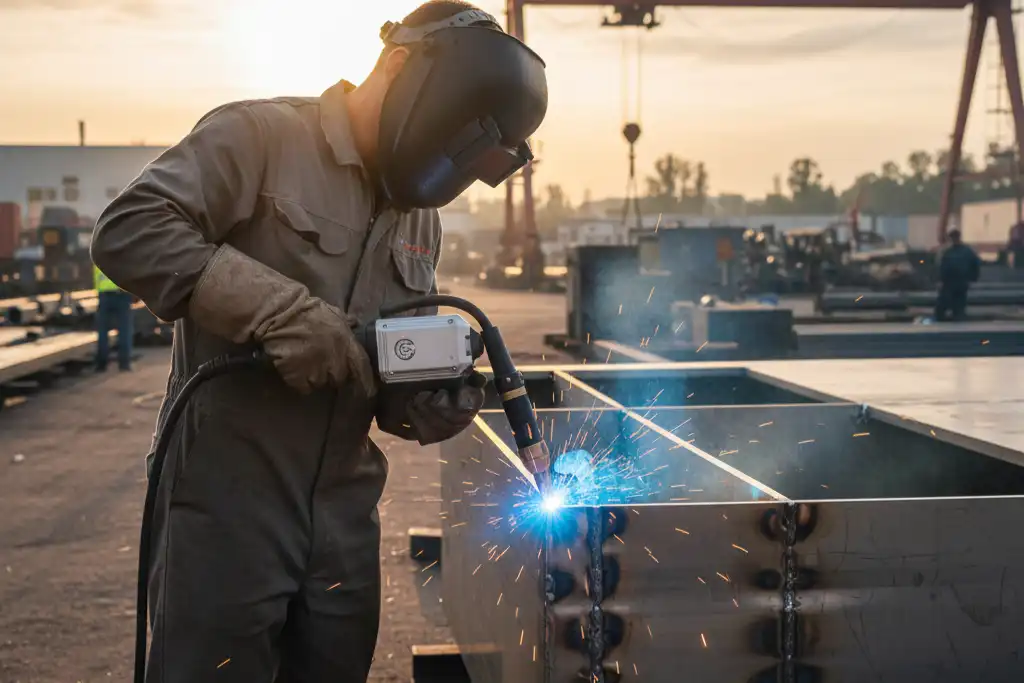
You might see that laser welding gets very hot, and this can sometimes bend the metal. Usually, you can stop this problem because the process heats only a small area. Engineers made new tools like adaptive optics. These tools change the laser beam right away to make the weld better. The SHS+UHLW method also cuts down bending after welding by up to 40%. These changes make laser welding work better for thick materials.
Key Takeaways
- Change welding settings like power and speed to manage heat. This lowers distortion and keeps welds strong.
- Pick joint designs that spread out stress evenly. Simple shapes like butt joints stop bending and make welds better.
- Use the right clamps and fixtures to hold the workpiece still during welding. This stops movement and keeps things accurate.
- Watch the temperature difference during welding. Keeping it steady lowers the chance of heat distortion.
- Do post-weld treatments like stress relief to make welds stronger and last longer. This can stop bending or cracking later.
Laser Welding Deformation Causes
Laser welding lets you control heat well. But you can still see deformation in finished parts. You may ask why this happens with new technology. It is because of how heat moves in metal. The kind of material and the weld joint shape also matter. Each thing changes how much deformation you get after welding.
Thermal Distortion
Thermal distortion happens when metal heats and cools fast. There are two main ways heat moves in laser welding:
- In conduction mode, the laser heats the surface. The heat spreads into the metal. This makes a wide and shallow weld. You use this for thin materials.
- In keyhole mode, the laser uses more power. The metal turns into vapor and makes a deep hole. This helps you weld thick materials with a high aspect ratio.
Laser welding puts heat in a small spot. This helps lower distortion because the metal heats and cools quickly. You get less uneven heating and fewer problems from too much heat. If you control the temperature gradient, you keep the weld size right and stop cracks. High temperature gradients can cause stress and make metal unstable. You may see cracks or weak welds if you do not control these gradients. Good heat control shrinks the heat-affected zone and makes welds stronger.
Tip: Always check the temperature gradient during laser welding. This lowers the chance of thermal distortion and keeps welds strong.
Material Properties
The metal you pick changes laser welding deformation. Some metals handle heat better than others. Look at the table below to see how different properties change deformation risk:
| Material Property | Effect on Deformation |
|---|---|
| Thermal Conductivity | Higher conductivity causes more thermal distortion during welding. |
| Material Thickness | Thicker materials bend more because they keep more heat. |
| Hardness | Harder materials may not bend but can break easier. |
| Tensile Strength | Higher tensile strength lowers bending but can raise stress. |
| Ductility | More ductile metals bend better and crack less. |
You should also think about how much metal grows when heated and how well it spreads heat. Metals with high thermal expansion grow and shrink more, which raises distortion. Metals with low thermal conductivity do not spread heat well. This makes steep temperature gradients and more risk of bending.
| Property | Description |
|---|---|
| Coefficient of Thermal Expansion | Higher values mean more growth and shrinkage, raising distortion risk. |
| Thermal Conductivity | Low values mean poor heat spreading, causing steep temperature gradients and more distortion. |
Joint Geometry
The weld joint’s shape changes how much bending you see. You need to watch the welding thermal cycle. This changes the metal’s properties while welding. The order you weld also changes where stress builds up. Segmented double-sided welding helps control leftover bending.
- The weld’s shape, like C-shape or straight, changes how strong your weld is.
- Small notch-like radii from laser welding can be stress points. These can start cracks if you do not design joints well.
- Fatigue tests show that weld shapes and load directions change how long welds last.
Check the table below to see which joint designs bend more during laser welding:
| Joint Design Type | Prone to Deformation | Notes |
|---|---|---|
| Long and Straight Structures | Yes | Asymmetric sections bend a lot. |
| Asymmetric Welding Lines | Yes | Hard to control bending with outside help. |
| Weakly Constrained Joints | Acceptable | Bending predictions are okay. |
| Strongly Constrained Joints | Yes | Predictions may not match real results. |
| Mild Steel Bead-on-Plate Joints | Yes | Studied out-of-plane bending. |
Note: You can lower bending by picking joint shapes that spread stress evenly and by planning your welding steps.
Laser welding gives you many ways to control bending. But you must think about heat flow, material choice, and joint shape. If you know these causes, you can make better choices and get stronger, more accurate welds.
Optimizing Laser Welding Parameters
Choosing the right settings for laser welding helps you minimize distortion and get strong, clean welds. You can control how much heat goes into the metal by adjusting the laser power, speed, beam focus, and welding mode. Each setting changes the way the metal reacts, so you need to pick the best combination for your project.
Laser Power and Speed
You control the heat input by changing the laser power and speed. If you use too much power or move too slowly, the metal gets too hot. This can make the heat-affected zone (HAZ) bigger and cause more bending. If you use less power or move faster, you keep the HAZ small and reduce the chance of warping.
Here is a table that shows recommended laser power and speed for common metals:
| Material Type | Laser Power (kW) | Speed (m/min) | Notes |
|---|---|---|---|
| Copper/Aluminum | 1.5–2 | 1-10 kHz | Pulsed fiber lasers recommended |
| 10mm Stainless Steel | 6–12 | 2–4 | Continuous wave lasers preferred |
| Up to 1 mm | 1.5–2 | N/A | Excellent beam quality needed for cutting |
| 1–3 mm | 3–6 | N/A | Stable cuts required |
| 3–6 mm | 6–12 | N/A | Production-quality results with nitrogen |
Tip: Always match the power and speed to the thickness and type of metal. This helps you avoid overheating and keeps welds straight.
You should also know how these settings affect the HAZ and deformation:
| Parameter | Effect on HAZ | Consequence on Deformation |
|---|---|---|
| Laser Power | Higher power can enlarge the HAZ if uncontrolled. | May lead to increased residual stresses. |
| Travel Speed | Increased speed reduces heat input, minimizing HAZ. | Can prevent excessive thermal diffusion. |
| Energy Density | High energy density produces narrow welds with small HAZ. | Improves weld integrity but may cause instability if too high. |
- Higher laser power can make the HAZ bigger if you do not control it.
- Faster travel speed keeps the HAZ small and helps minimize distortion.
- The HAZ can change the hardness and stress in the metal, which affects how much the weld bends.
Beam Focus and Spot Size
The way you focus the laser beam changes how much energy hits the metal. A small spot size gives you more energy in one place. This helps you make deep, precise welds. A larger spot size spreads the energy out, which is good when you want even heating.
If you set the focus just below the surface, you get better penetration in thick materials. This can help you minimize distortion. But if the spot is too wide, the weld becomes shallow and the HAZ gets bigger. This can lead to more bending.
- Adjusting the focus position controls energy density and helps you avoid thermal distortion.
- A focus below the surface works well for thick metals and keeps welds strong.
- A wider spot size can make the weld shallower and increase the risk of bending.
Note: Always check your focus and spot size before you start. This helps you get the right weld depth and keeps the metal from warping.
Welding Mode Selection
You can choose between pulsed and continuous wave modes in laser welding. Each mode changes how the heat moves through the metal.
- Pulsed laser welding uses short bursts of energy. This keeps the HAZ small and lowers the risk of bending or changing the metal’s properties.
- Continuous wave welding gives steady heat. This works well for thick materials but can make the HAZ bigger and increase the chance of distortion.
| Welding Mode | Heat Affected Zone (HAZ) | Deformation Risk |
|---|---|---|
| Pulsed Laser Welding | Smaller HAZ | Reduced risk of distortion or changes in material properties |
| Continuous Wave Welding | Larger HAZ | More manageable on thicker materials, but higher risk of deformation |
- Pulsed mode creates high temperatures and pressure quickly. This can remove dirt but may cause tiny holes or cracks.
- Continuous mode gives smooth welds with fewer defects, but you need to watch for extra heat.
When you pick a welding mode, think about the shape and width of your welds. Wide welds help spread out stress and lower the risk of sharp corner deformation. Narrow welds can make it hard to inspect and may cause more problems at corners or tight spots.
Tip: Avoid sharp corners in your weld design. Use wider welds when possible to minimize distortion and make inspection easier.
Using appropriate laser welding parameters helps you control heat, reduce stress, and get strong, straight welds. Always test your settings on scrap material before starting your main project. This lets you see how the metal reacts and helps you make adjustments for the best results.
Joint Design and Material Selection
Joint Shape and Size
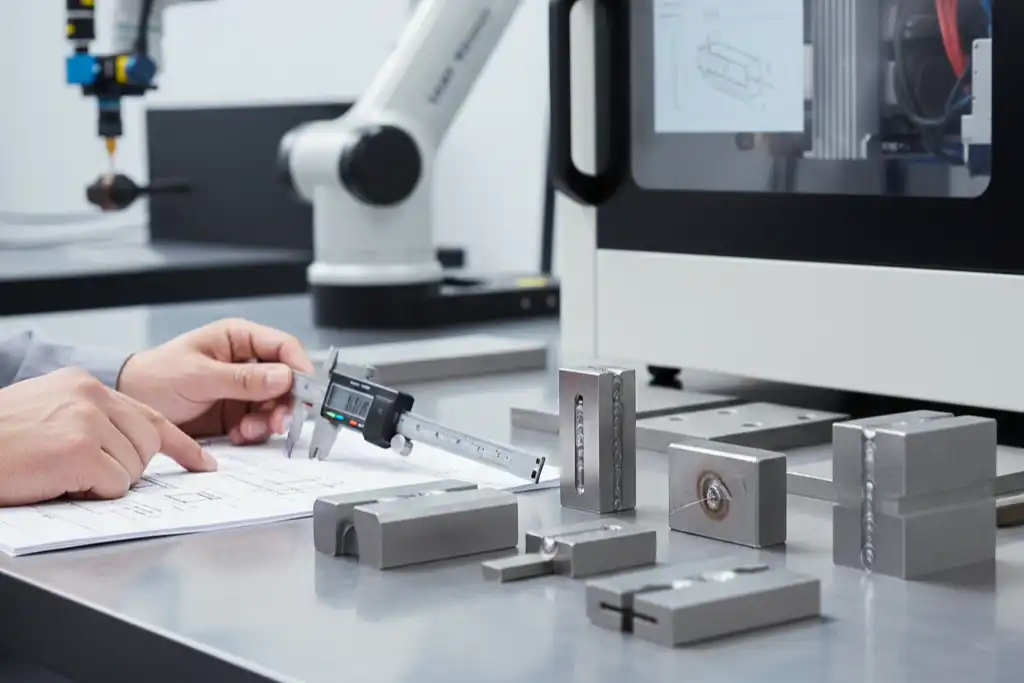
You can lower distortion by picking the right joint shape and size. Simple joints like butt joints and lap joints help keep the weld area small. Tight fits and fewer gaps make the weld stronger and reduce bending. Clean surfaces also help you get better welds.
Here is a table that shows how modeling and checking can help improve joint design and lower distortion:
| Methodology Steps | Description |
|---|---|
| Physics-based modeling | Use computer models to guess how parts and fixtures will act. |
| Calibration | Change the heat source using real weld results. |
| Validation | Check with optical tools to see if results match. |
| Results | Buckling drops from 15 mm to about 2 mm with good fixtures. |
Tip: Choose joint shapes that spread stress evenly. This helps you avoid stainless steel laser welding deformation and makes welds last longer.
Material Thickness
Material thickness affects how much distortion you see during laser welding. Thick metal expands and shrinks when heated. This can make some parts of the weld bead harder or softer. If you do not relieve stress after welding, cracks and bending can happen.
Welding thick metal brings extra problems:
- You may see more bending because thick metal expands unevenly.
- Cracks and holes can form if you do not control heat.
- High thermal conductivity means you need more laser power or faster speed.
Always match your welding settings to the thickness of your metal. This helps keep the weld strong and straight.
Advanced Techniques for Minimal Deformation
You can use advanced techniques to get strong joints with almost no bending. Laser welding gives you high accuracy and lets you control energy input. This means you can make deep, narrow welds in one pass, even in thick metal.
Some new methods include:
- Hybrid laser-arc welding, which uses two processes for deep welds and less heat-affected zone.
- Meta model-based optimization, where computer models help pick the best settings for low bending.
- NSGA-II algorithm, which helps you find the right balance between weld width and temperature.
When you use these advanced techniques, you can make strong, clean welds with little risk of bending. Always check your joint design and material before you start. This helps you avoid problems and get the best results from your laser welding process.
Workpiece Support and Post-Weld Treatments
Clamping and Fixturing
You can stop metal from bending during laser welding by using the right clamps and fixtures. These tools keep your workpiece still and in the right spot. If you clamp and fix things well, the metal does not move or bend while you weld. Here are some ways to do this:
- Use cylinder clamps or quick clamps to hold the workpiece tight.
- Pick the number of clamps based on the weld’s size and shape.
- Use fixtures with vices or adjustable clamps for more support.
Special fixtures help you get the same results every time. They make mistakes less likely and help machines do the work. The table below shows how fixture features change weld quality:
| Aspect | Impact on Quality and Stability |
|---|---|
| Adaptability to Processes | Makes welds good with different methods |
| Repeatability | Lowers mistakes and helps machines work better |
| Thermal Expansion | Handles changes in metal during welding |
Tip: Always clean your workpiece and clamps before welding. Dirt and oil can make welds weak and cause problems.
Stress Relief Methods
After welding, you need to lower stress in the metal so it does not bend or crack. One way is to use modulated power emission. This means you change the laser’s power in steps. It can lower leftover stress by up to 16% compared to using the same power all the time. You also get deeper welds with fewer problems.
Another way is post-weld heat treatment. You heat the welded part slowly to a set temperature. Then you keep it there and let it cool down slowly. This helps get rid of stress inside and makes the weld stronger. For thick metals like carbon steel, this can also make the weld tougher and less hard in the heat-affected zone.
Note: Stress relief methods help welds last longer and save money on repairs.
Inspection and Correction
You should always check your welds for bending and other problems. Good inspection methods help you find issues early. Some common ways are:
| Technique | Description |
|---|---|
| Laser triangulation | Uses laser points and cameras to find bending or warping on the surface. |
| Interferometry | Uses light waves to find small changes on the surface, good for careful checks. |
| Ultrasonic testing | Sends sound waves through the metal to find hidden cracks or flaws. |
You can also use laser ultrasonic tools to check tiny welds and see if joints are good or bad. Acoustic emission monitoring listens for sounds during welding and turns them into signals that show weld quality.
If you find small bending, you can sometimes fix it by gently straightening or using careful heating and cooling. Always check your welds before you move on to the next step.
You can prevent deformation in laser welding by following a few key steps:
- Adjust welding parameters to keep heat input low.
- Design joints that spread stress evenly.
- Use strong clamps and fixtures for support.
- Monitor and standardize your process for best results.
When you use modern technology and good process control, you get precise welds with less risk of bending or warping. These steps help you save time, lower costs, and improve quality.
FAQ
What causes most deformation during laser welding?
You see most deformation from fast heating and cooling. The metal expands and shrinks quickly. This movement bends or warps the workpiece. You can control this by adjusting heat input and using proper support.
How can you reduce warping in thin materials?
Use lower laser power and faster speed. Clamp the workpiece tightly. Choose joint designs that spread stress. These steps help you keep thin metals flat and strong.
Do all metals deform the same way during laser welding?
No, different metals react in unique ways. For example, aluminum expands more than steel. You should check the metal’s properties before welding. This helps you pick the best settings.
Can you fix deformation after welding?
You can fix small bends by gentle straightening or controlled heating and cooling. For bigger problems, you may need to cut and re-weld the part. Always inspect your welds to catch issues early.
What Are the Effects of Power Density on Laser Welding Quality
Fiber Laser Welding Versus CO2 Laser Welding—A Detailed Comparison



