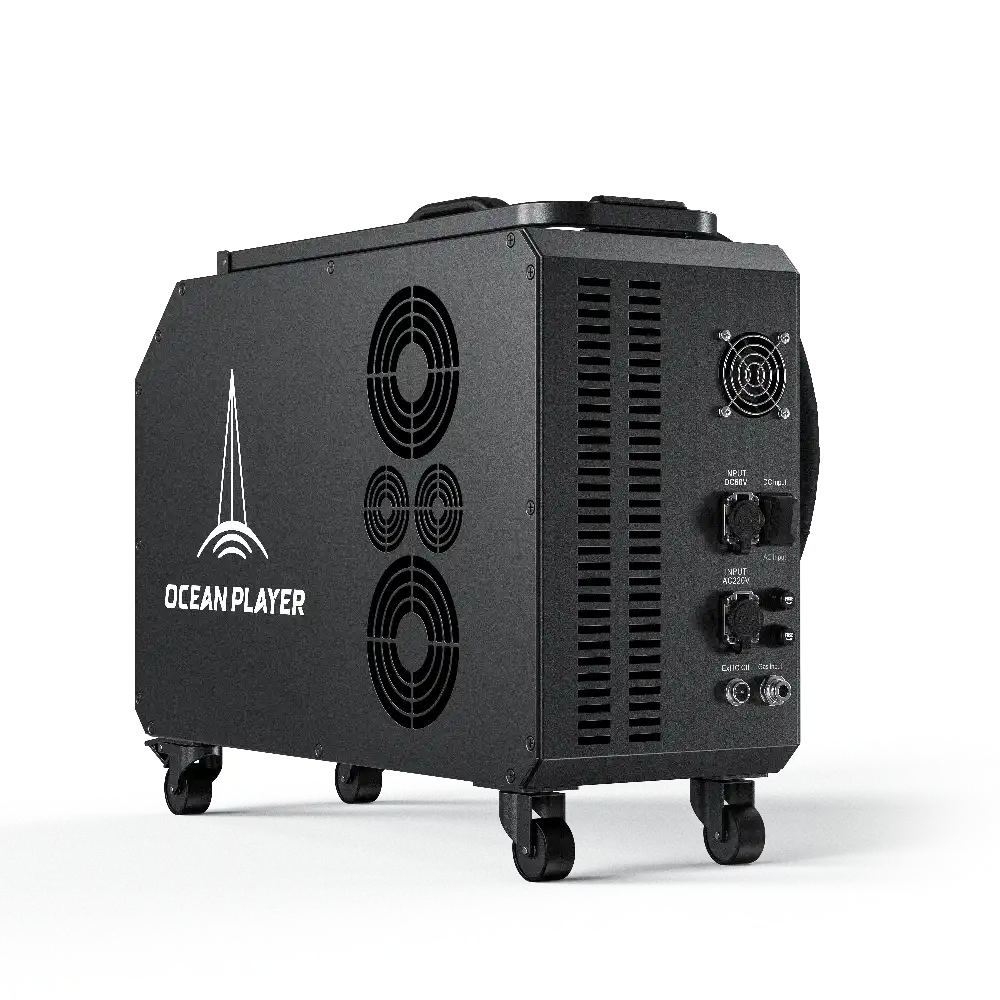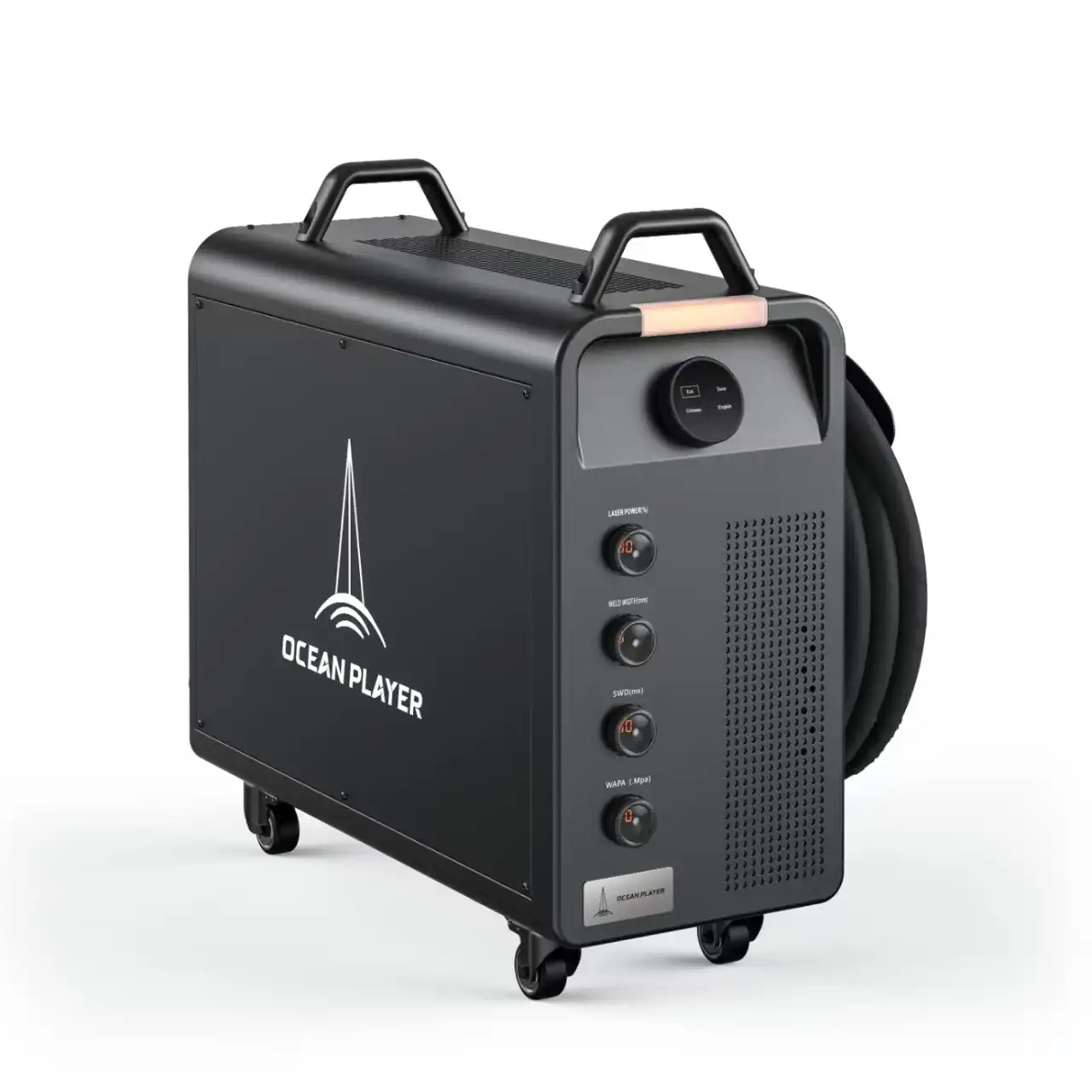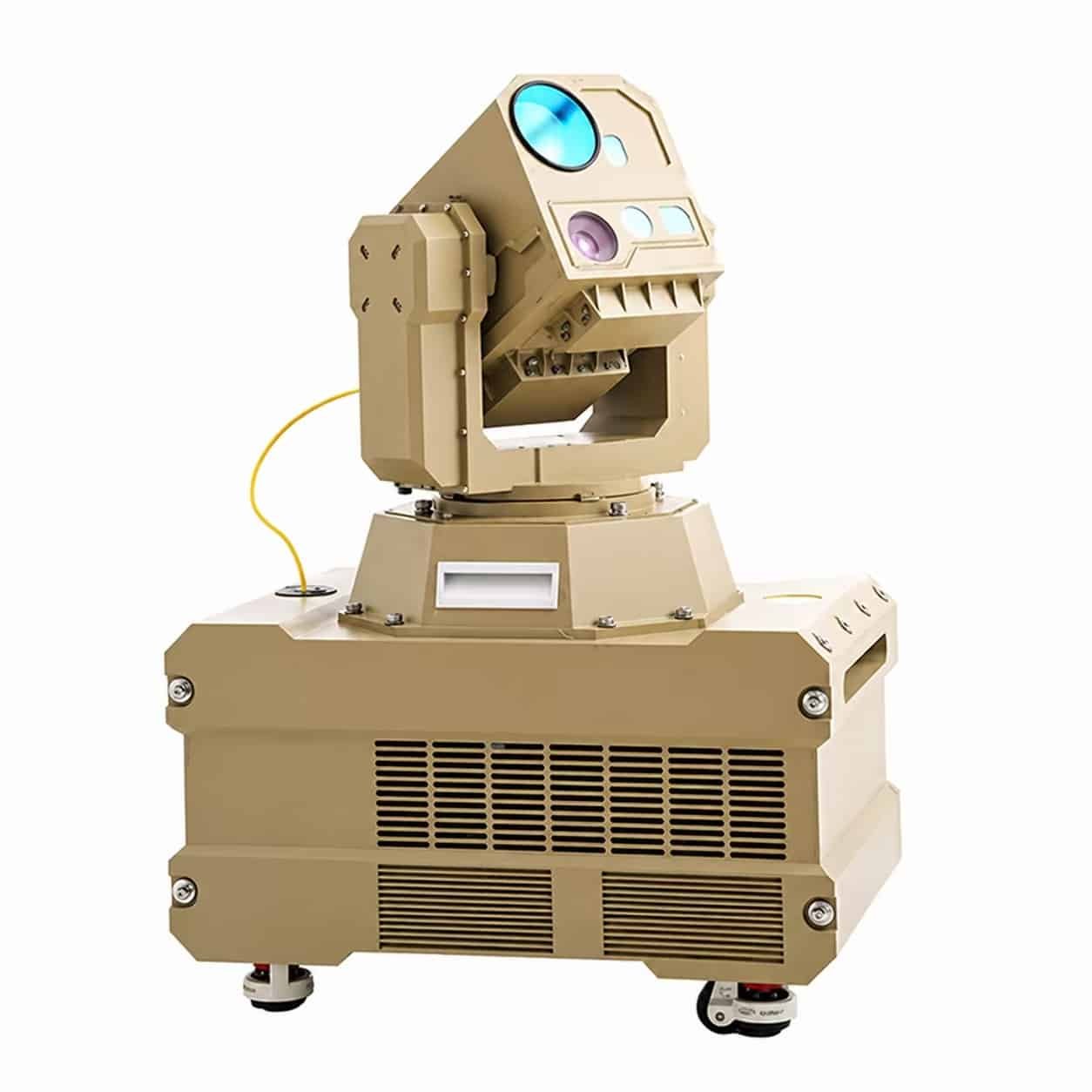
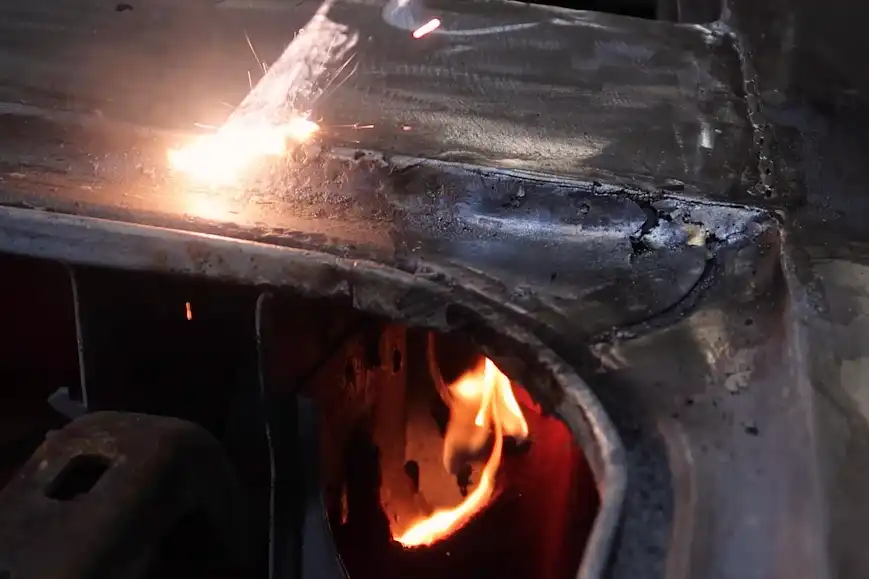
You can keep metal safe with a Laser Cleaning Machine by doing three simple things. First, set the machine’s settings. Next, get the metal ready and test it. Last, use safe ways to clean. These steps help stop accidents and keep you safe at work.
Safety is very important when you use lasers. Look at some common dangers below:
| Safety Incident | Description |
|---|---|
| Burns | Hot things and surfaces can burn your skin. |
| Toxic Fumes | Some materials can make bad gases when heated. |
| Particulate Matter | Tiny dust and metal bits can make it hard to breathe. |
| Electric Shock | Open parts can give you an electric shock. |
| Fire Hazards | Problems with wires can start a fire. |
| Ignition of Combustibles | Sparks or laser beams can light flammable things. |
| Pinching and Entanglement | Moving parts can pinch you or grab your clothes. |
| Falling Objects | Broken machines can drop pieces on you. |
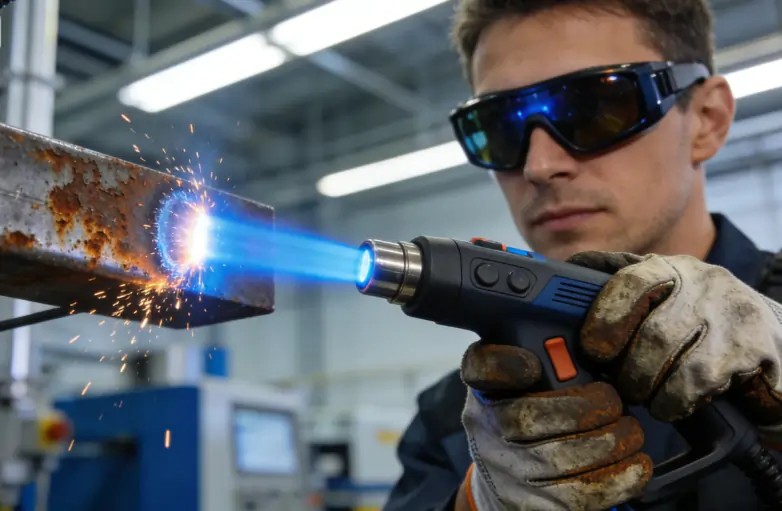
An operator safely using a laser cleaning machine on a metal surface while wearing proper protective gear
Key Takeaways
- Set the right settings on your Laser Cleaning Machine. Change power, pulse time, and scan speed for the metal type. This stops damage and makes cleaning work well.
- Always get the metal surface ready before cleaning. Take off dirt, oil, and rust to help the laser work better. A clean surface lets coatings stick well and stay longer.
- Try the laser settings on a hidden spot or scrap metal first. This lets you see how the metal acts and stops mistakes that could hurt it.
- Use safe ways to clean. Keep the nozzle at the right space and wear safety gear to stop injuries. Safety is very important when using lasers.
- Check your Laser Cleaning Machine often for problems. Look for loose wires and clean lenses to keep it working safely and well.
Set Laser Cleaning Machine Parameters
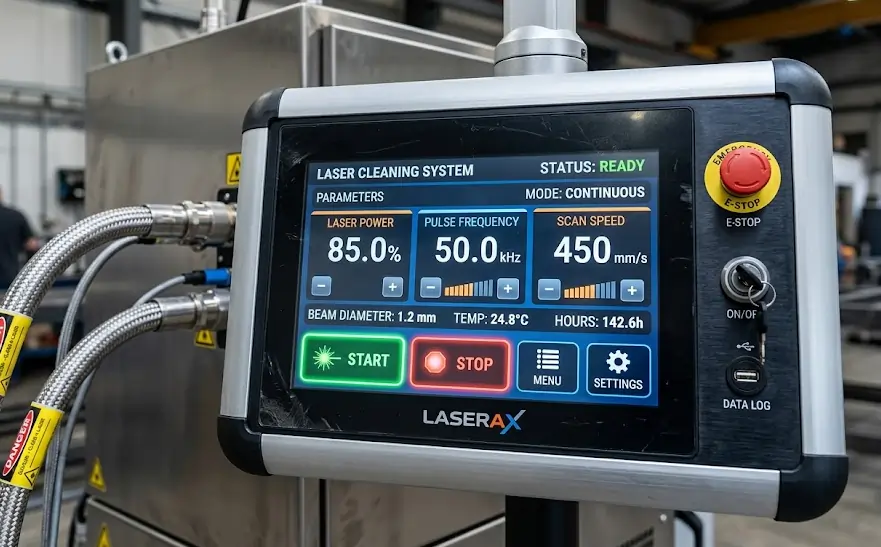
Close-up of a laser cleaning machine’s digital control panel showing power and frequency settings
Adjust Power and Frequency
Set the power and frequency before you clean. Too much power can hurt the metal. If you use too little, it will not clean well. Most Laser Cleaning Machine models work best from 50W to 2000W. Short pulses, like 100 to 500 nanoseconds, help stop overheating. Set the scan speed between 100 and 3000 mm/s. This spreads out the energy and keeps the metal safe.
| Parameter | Safe Range (Typical) | Effect on Metal | Notes |
|---|---|---|---|
| Power (W) | 50W–2000W | Low to moderate thermal load | Higher power means faster cleaning but more risk |
| Pulse Duration (ns) | 100–500 ns | Minimal surface contact | Short pulses help stop overheating |
| Scan Speed (mm/s) | 100–3000 mm/s | Spread energy to avoid focus | Slow speed means more heat in one spot |
Match the settings to the metal you are cleaning. Steel and stainless steel take in laser energy well. Aluminum and copper reflect more, so you may need to change the settings for them.
Tip: Begin with low power and raise it slowly. This helps you avoid mistakes and keeps the metal safe.
Optimize Spot Size and Fluency
You also need to set the spot size and fluency. Spot size is how wide the laser beam is. A big spot size covers more area but does not clean as deep. A small spot size cleans deeper but can heat the metal more. Change the spot size to fit your job.
- Good control of spot size and fluency stops surface damage.
- Cleaning well helps the metal last longer.
- After you clean, check the surface to see if it looks good.
| Laser Parameter | Impact on Surface Longevity |
|---|---|
| Power | The right power, like 120 W, keeps the metal strong and safe |
| Pulse Width | More pulse width cleans better but can hurt the surface if over 200 ns |
| Beam Diameter | Good control stops damage and helps the metal last longer |
You can keep the metal safe and get great results by setting your Laser Cleaning Machine carefully.
Prepare and Test the Metal Surface
Clean and Inspect Before Cleaning
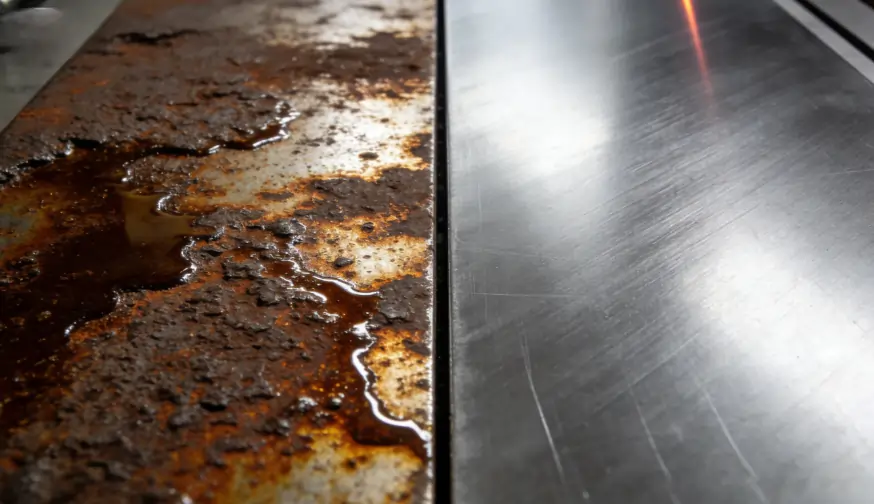
Side-by-side comparison of a dirty, rusted metal surface and a clean, prepped metal surface ready for laser cleaning
Start by making sure the metal is clean. Dirt, oil, and rust can block the laser. This makes cleaning harder. Use a brush or cloth to wipe off dust. For greasy spots, use a mild cleaner. Look for thick rust, paint, or scale. Remove heavy stuff first. This helps the laser work better.
Note: Things like oil, grease, oxide films, and dust can stop the laser from working well. Rust is also called oxide film. It can make steel work worse. Always clean these off before you start.
Here are some things you might find on metal:
- Oil
- Rust
- Dust
- Paint
- Grease
- Coatings
- Lubricants
- Metal particles
Check the metal for cracks or damage. If you see any, fix them first. This helps you avoid problems later.
Here is a quick checklist for getting the surface ready:
| Requirement | Description |
|---|---|
| Environmental Permitting | Follow local rules and safety standards. |
| DFT Survey | Measure how thick the coating is. |
| Laser Safety | Set up safety steps for everyone nearby. |
| Precleaning | Remove heavy rust, scale, and dirt before using the laser. |
| Job Reference Standard | Know how clean and rough you want the metal to be. |
Test on a Hidden or Scrap Area
Test the Laser Cleaning Machine on a hidden spot first. You can also use a scrap piece of metal. This shows how the metal reacts to the laser. Change the settings if you see color changes or damage. Testing first helps you avoid mistakes.
Tip: Put a scrap piece under the metal you want to clean. This keeps your workbench safe from stray laser beams.
If you skip testing, coatings may not stick well. They can fail early or rust can form. Oil or salts left behind can cause problems. Dust and leftover stuff can wear out your tools faster.
| Consequence | Description |
|---|---|
| Poor coating adhesion | Oil left on metal can stop coatings from sticking. |
| Premature coating failure | Bad prep can make coatings fail early. |
| Increased risk of corrosion | Salts under paint can cause rust and blisters. |
| Increased equipment wear | Dust and residues can hurt your cleaning tools. |
Testing and cleaning the metal helps you get the best results. Clean metal lets coatings stick better and last longer. You also protect your tools and avoid costly mistakes.
Use Safe Laser Cleaning Techniques
Maintain Proper Distance and Movement
You should keep the nozzle close to the metal. The best distance is between 0.5 mm and 1.5 mm. This helps you clean well and keeps the metal safe. If the nozzle is too close, it can hurt the metal. If it is too far, cleaning will not work. Always check what kind of metal you have before you start. Also, check how thick it is.
- Keep the nozzle 0.5 mm to 1.5 mm from the metal.
- Move the Laser Cleaning Machine at a steady speed.
- Use a line speed between 3 and 12 meters per minute. Faster speeds help keep the metal cool.
If you move the nozzle wrong or use the wrong distance, you can cause problems. The metal might melt, bend, or even turn into vapor. You can stop these problems by making short, careful passes. Check your work often to make sure it looks good.
| Technique | Material | Laser Parameters | Key Findings |
|---|---|---|---|
| Nd:YAG Laser | Aluminum Alloy | 1064 nm, 100 ns | Removes oil films, creates a smoother surface |
| Fiber Laser | Q235 Carbon Steel | 1064 nm, 340 ns, 250 kHz, 90 W | Removes oxide layers, better than mechanical polishing |
Use Enclosures and Protective Gear
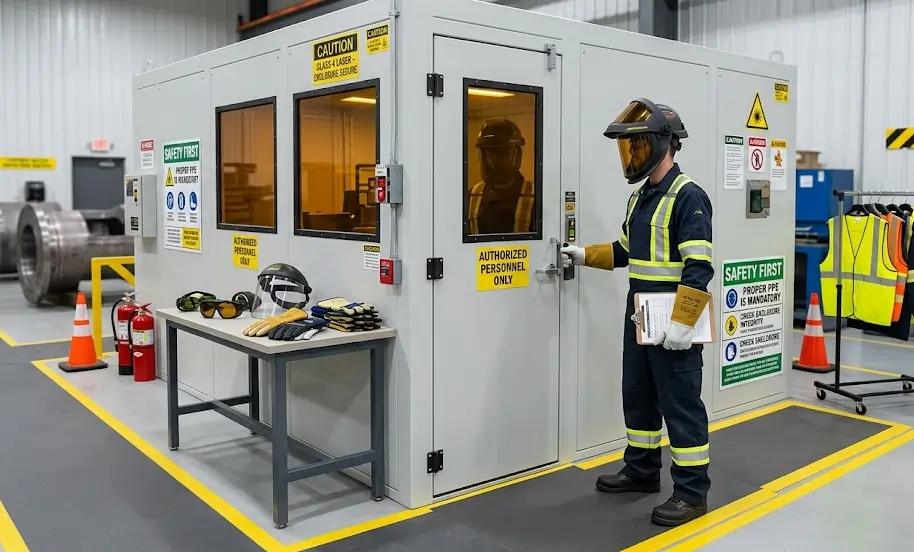
An industrial worker wearing comprehensive safety gear including a face shield and heat-resistant gloves near a laser enclosure
You need to use enclosures to keep everyone safe. Laser welding enclosures trap the laser beams inside. This stops the beams from bouncing out. These enclosures protect your eyes and skin from stray beams. The inside should soak up the laser energy and not bounce it back. Barriers must be strong enough to block the laser and keep light in.
- Laser welding enclosures keep laser radiation inside and lower injury risk.
- Barriers stop people from getting hit by accident.
- Enclosures make your workspace safer.
You also need to wear protective gear every time you use a Laser Cleaning Machine. Pick gear that covers your skin and blocks laser energy.
- Long-sleeve shirts and pants protect your skin.
- Aprons give extra safety.
- Respirators help you not breathe in fumes and dust.
- Laser-resistant and heat-resistant gloves stop burns.
- Face shields keep your face safe from beams and flying bits.
- Hearing protection keeps your ears safe from loud sounds.
- Safety helmets protect your head from harm and laser light.
Tip: Always check your gear before you start. If something is broken, replace it right away.
If you do not clean the right way, you can hurt the metal. You can stop bending, melting, and rust by using these safe steps.
You can keep metal safe by using three easy steps with your Laser Cleaning Machine. First, choose the right settings for the machine. Then, get the metal ready and test it. Last, clean the metal in a safe way. These steps help stop damage and make your workspace safer.
Being safe and getting ready are important. Experts say that checking for risks, wearing the right gear, and learning how to use the machine make things safer. Laser cleaning does not scrape away metal like other ways, but using it wrong can still hurt the surface.
If you work carefully and use good habits, your metal will last longer and look better.
- Always look over your setup.
- Learn how to use the machine before you begin.
- Wear safety gear every time.
FAQ
How do you know if you set the right laser power?
Check the cleaned area. If the metal looks shiny and smooth, you set the power well. If you see burns or color changes, lower the power. Always start low and increase slowly.
What should you do if the laser leaves marks on the metal?
Stop cleaning right away. Lower the power or speed. Test again on a scrap piece. Marks mean the settings are too strong for your metal.
Can you clean painted metal with a Laser Cleaning Machine?
Yes, you can. Test on a small spot first. Some paints may burn or release fumes. Wear a mask and use good ventilation.
What safety gear do you need for laser cleaning?
You need laser safety glasses, gloves, long sleeves, and a face shield. Use a respirator if you see dust or fumes. Always check your gear before you start.
How often should you check your Laser Cleaning Machine?
Check your machine before every use. Look for loose wires, dirty lenses, or broken parts. Regular checks help you stay safe and keep your machine working well.