
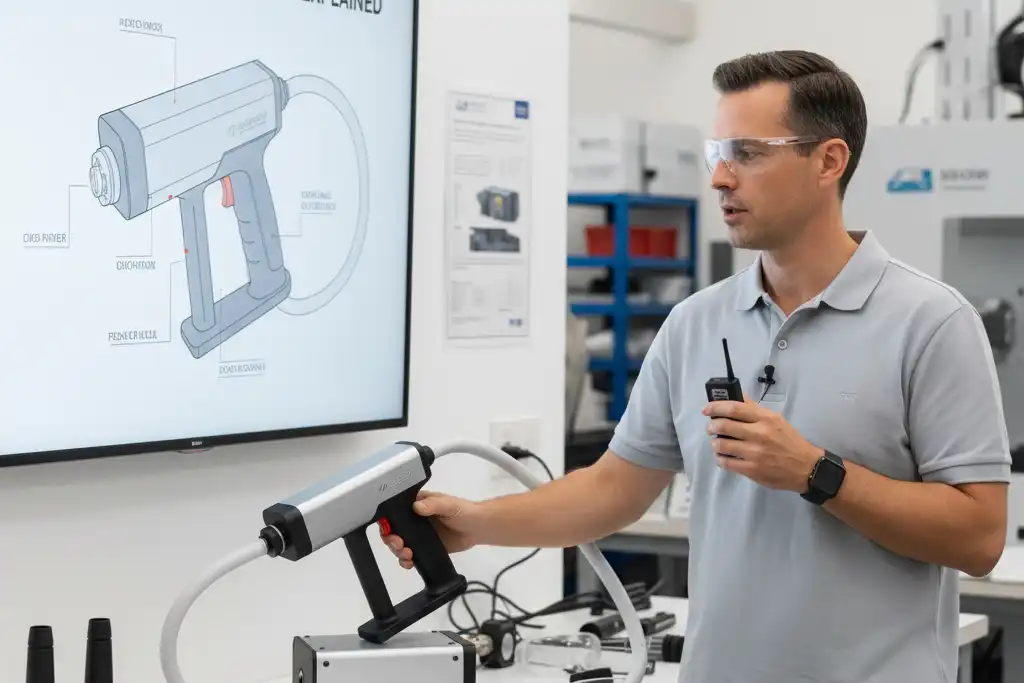
You might see that a Laser Cleaning Machine works well. But it can have problems when you use it. Many people say they have issues like the machine breaking, getting too hot, making loud sounds, showing strange alarms, and not cleaning well.
Staying calm helps you fix these problems. New users and experts can solve these issues with easy steps.
| Problem Type | Description |
|---|---|
| Device Failure | Machine does not work like it should |
| Cleaning Effectiveness | Cleaning does not look good |
| Noise Levels | Machine makes too much noise |
| Overheating | Machine gets very hot, mostly after long use |
| Abnormal Alarms | Weird alarms stop the machine from working |
Key Takeaways
- It is important to take care of the machine often. Check if the beam is lined up right. Clean the filters. Make sure to set up the machine correctly. This helps the machine clean well.
- Change the laser settings for each material. Pick the right power. Pick the right speed. Pick the right focus. This helps you get the best cleaning.
- Safety comes first. Always wear safety gear. Follow all safety rules. This keeps you safe from harm when using the machine.
- Take breaks when you use the machine for a long time. Sit or stand in a good way. This stops you from getting tired or hurt.
- Write down when you take care of the machine. Keeping notes helps you know its condition. This helps you fix problems on time.
Inconsistent Cleaning Performance
Causes of Uneven Results
Sometimes, your Laser Cleaning Machine does not clean evenly. You might see streaks or spots that are missed.
- Uneven energy can make cleaning look patchy.
- The shape of the surface changes how the laser hits it. This can make some spots harder to clean.
- If the machine does not move exactly right, you may see odd patterns. Some places may be cleaned deeper than others.
- How well you set up the machine matters. If you do not calibrate it, cleaning may not work well.
- If the beam is not always strong or the speed changes, cleaning can be uneven.
- If the scanning system is not lined up, some spots get less energy.
- If the distance from the surface or the optics are off, cleaning can be uneven or the surface can get damaged.
The kind of material you clean is important too. Different materials take in laser energy in different ways. If you do not change the settings for each material, you may not clean all the dirt. You could also hurt the surface. Laser settings like power, pulse time, and speed change how well cleaning works.
Calibration and Maintenance Solutions
You can make cleaning better by doing regular checks and care.
- Look at the beam alignment every week.
- Wipe the outside of the machine and check the cooling system.
- Keep the air filter clean so dust does not get inside.
- Once a month, clean the optical parts well. Turn off the machine, use special tools, and look for damage.
- Oil moving parts when needed. Use the right oil and check for wear.
- Calibrate the machine by following the maker’s guide. Use the right tools and see if cleaning is even.
- Check and update the software. Save your settings before you update.
Tip: Use a simple checklist for these jobs. It helps you remember each step and keeps your Laser Cleaning Machine working well.
Cleaning Efficiency Issues in Laser Cleaning Machine
Low Power and High Speed Problems
Sometimes, your Laser Cleaning Machine does not clean everything. The machine may move too fast or use low power. If the speed is high, the laser cannot clean deep. Low power makes it hard to remove thick dirt. You may see stains or patches left behind.
People want fast cleaning, but rushing can miss spots. High speed saves time, but some areas stay dirty. Low power keeps surfaces safe, but cleaning is not always good. You need to balance speed and power for better cleaning.
Tip: Check the surface after you clean. If you see missed spots, slow down or use more power.
Improving Cleaning Power
You can make your Laser Cleaning Machine clean better with a few changes. Experts say laser cleaning machines can remove up to 90% of rust and paint. This is much better than old cleaning ways, which take longer.
Try these steps for better cleaning:
- Change the laser power for the type and thickness of dirt. More power cleans faster, but be careful not to hurt the surface.
- Pick the right laser wavelength. Some wavelengths work better for certain dirt.
- Set the cleaning speed carefully. If you go fast, you may leave dirt. If you go slow, you waste time.
- Keep the focus distance correct. The laser works best when focused on the surface.
Here is a simple table to help you remember:
| Adjustment | What It Does |
|---|---|
| Laser Power | Cleans thick dirt faster |
| Wavelength | Targets certain dirt |
| Cleaning Speed | Balances time and cleaning quality |
| Focus Distance | Makes cleaning work best |
If you follow these steps, cleaning will be better. Your Laser Cleaning Machine will work faster and better than old cleaning ways.
Incomplete Contaminant Removal
Multiple Passes and Focus Adjustment
You may notice that some stains or coatings do not come off after the first cleaning. Thick coatings and stubborn stains can be hard to remove. These types of contaminants often need more time and special settings. If you try to clean them in one pass, you might not get the results you want.
When you use a Laser Cleaning Machine, the laser beam hits the surface. Some of the energy goes into the metal, and some bounces off. The dirt or coating absorbs energy until it gets hot enough to break away. Most common contaminants like rust, paint, oil, grease, dirt, mold, and graffiti come off easily. For very thick or heavy layers, you may need to clean the same spot more than once.
Tip: Adjust the laser’s power and focus for each job. This helps you remove dirt without hurting the surface.
Achieving Thorough Cleaning
You can get better cleaning results by following a few best practices. Try these steps:
- Spot clean the optics often. Clean optics help the laser work better and prevent the beam from spreading.
- Watch for system alerts. These alerts warn you about problems that can affect cleaning.
- Keep a maintenance log. Write down what you do to the machine. This helps you track its condition.
- Replace worn parts as soon as you notice them. New parts keep the machine working well.
- Ask a professional to check and recalibrate your machine once a year.
If you follow these steps, you will see better results. You will remove more dirt and keep your Laser Cleaning Machine in good shape. Remember, some jobs need more than one pass. Take your time and check your work after each cleaning.
Overheating and Thermal Damage
Heat Generation Risks
Laser Cleaning Machines can get hot fast. If you use high laser power, heat builds up. Cleaning for a long time also makes things hot. Some surfaces can melt or bend from too much heat. Materials that break easily can get tiny cracks. These cracks make the material weaker.
If the cooling system does not work well, the machine gets too hot. Sometimes, the machine shuts off by itself. You should check the cooling system often to stop this problem.
Here are some reasons for overheating and damage:
- Using high laser power or cleaning too long
- Tiny cracks in materials that break easily
- Cooling system problems or not enough care
Heat can hurt people too. Hot surfaces can burn your skin. You should wear gloves that resist heat and special clothes. Heat shields and cooling systems help keep you safe.
| Risk Type | Description |
|---|---|
| Burns | Hot surfaces or cleaned items can burn you. |
| Preventive Measures | Wear gloves and special clothes. Use heat shields and cooling systems. |
Cooling and Parameter Adjustments
You can stop overheating by using the right cooling system. You should also change machine settings. Air cooling uses air in the room to cool the machine. It is cheap and good for small jobs. Water cooling uses water and special parts to remove heat. It works better for big jobs.
| Cooling System Type | Description | Advantages |
|---|---|---|
| Air Cooling | Uses air in the room to cool. | Simple and costs less. |
| Water Cooling | Uses water and special parts. | Removes heat better, good for big jobs. |
New machines have sensors and controls to watch the temperature. These systems turn fans or pumps on and off. You should check the cooling system often. Good cooling helps the machine last longer. Keeping the temperature steady gives better cleaning results.
Tip: Always look at the cooling system before you start. Change laser power and cleaning speed for each job. This helps you stop overheating and damage.
Safety Concerns with Laser Cleaning Machine
Common Safety Risks
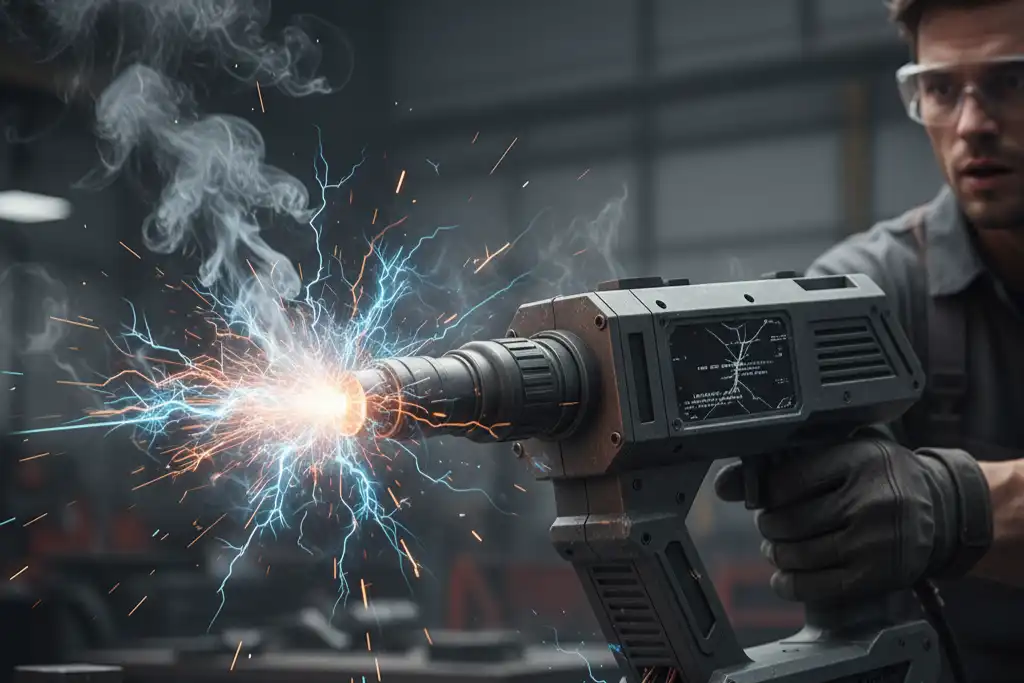
You need to be careful when using a Laser Cleaning Machine. The laser beam can hurt your eyes or skin. If you get too close, you could get burned or lose your eyesight. The Nominal Ocular Hazard Distance (NOHD) means people up to 202 meters away can get hurt fast. If the laser hits paper, wood, or fiber dust, it can start a fire. You might breathe in tiny bits that can get into your lungs and make you sick. The machine can be very loud and hurt your ears over time. If you open the machine without training, you could get shocked by electricity.
Some common safety problems are:
- The CO2 laser arm might not be put back right, which can break it or make it work wrong.
- Fires can start if the laser beam hits paper or fiber dust, even if it bounces off something.
- Small bits in the air from cleaning can make it hard to breathe.
- Loud sounds from the machine can hurt your ears.
- You can get shocked if you do not follow safety steps when fixing the machine.
| Safety Risk | Description |
|---|---|
| Laser Radiation | Can cause eye injuries that never heal and burn your skin. |
| Particulates | Tiny bits can get into your lungs and make you sick. |
| Noise | Loud cleaning sounds can damage your hearing. |
| Electrical Risks | High voltage can shock you if you touch wires or open covers. |
| Flammability | Things like paper can catch fire if the laser hits them for too long. |
Note: If you clean things like lead or chrome-based paints, you must catch the dust in the air to stay safe.
Protective Equipment and Protocols
You can stay safe by wearing the right clothes and following safety rules. Always wear long sleeves and pants to cover your skin. Use aprons for extra safety. Wear a respirator so you do not breathe in bad dust or fumes. Gloves that block lasers and heat keep your hands safe from burns. Face shields protect your eyes and face from the laser and flying bits. Earplugs or earmuffs keep your hearing safe. Helmets help protect your head from getting hurt.
Follow these important safety steps:
| Protocol Type | Description |
|---|---|
| Pre-operation checks | Make sure the machine is off and unplugged before you fix it. |
| Operator training | Learn about lasers, dangers, and how to use the machine safely. |
| Emergency procedures | Know what to do if there is a fire or accident. Keep a fire extinguisher close. |
| Maintenance precautions | Write down all work and check the machine often to stop problems. |
| Fire prevention | Keep the area safe and have fire extinguishers ready. |
| Access control | Only trained people should go in the cleaning area. |
| Post-operation steps | Turn off the machine the right way to stop damage. |
Tip: Always use safety steps and wear the right gear. This helps you avoid accidents and keeps you safe every time you use the Laser Cleaning Machine.
Ergonomic and Operator Issues
Prolonged Use Risks
Using a laser cleaning machine for a long time can hurt your health. Many people say their muscles get tired and sore. This happens most with handheld fiber laser devices. These machines let you move around easily. But they can be hard on your body. You must learn the right way to hold and move the device. If you do not, you might get hurt or feel pain.
Some health problems from using the machine too long are:
- Your arms, shoulders, and back can get sore.
- Your skin and eyes can get hurt by strong light. You might see redness, itching, or blurry vision.
- Breathing in dust or chemicals can make you cough or feel tight in your chest. It can also make your throat hurt or trigger asthma.
- You might get headaches, feel dizzy, or feel sick. Sometimes, people faint.
- Your blood pressure can go up, or your heart can have problems.
- Breathing bad particles can cause lung or nose cancer.
- Some chemicals or dust can cause problems if you want to have children.
Always keep your hands away from the laser’s output and the workpiece. Learning how to use the machine the right way helps you avoid pain and keeps you safe.
Posture and Break Recommendations
Standing the right way helps when you use a laser cleaning machine. Put your feet apart at shoulder width. Keep your back straight and relax your shoulders. Hold the device close to your body to help your muscles. Change how you hold the device often so you do not get tired.
Take breaks often to rest your muscles and eyes. Set a timer to remind you to stop every 30 minutes. Stretch your arms, legs, and neck during each break. Drink water so you do not get dehydrated. If you feel tired or sore, stop and rest before you start again.
Tip: Make a simple plan for checking your posture and taking breaks. This helps you feel better and lowers your chance of getting hurt. 😊
| Ergonomic Practice | Benefit |
|---|---|
| Good posture | Helps your muscles |
| Regular breaks | Stops you from getting tired |
| Stretching | Makes you more flexible |
| Hydration | Keeps you healthy |
Following these tips helps you stay healthy and do better work.
Preventive Maintenance and Best Practices
Routine Maintenance Checklist
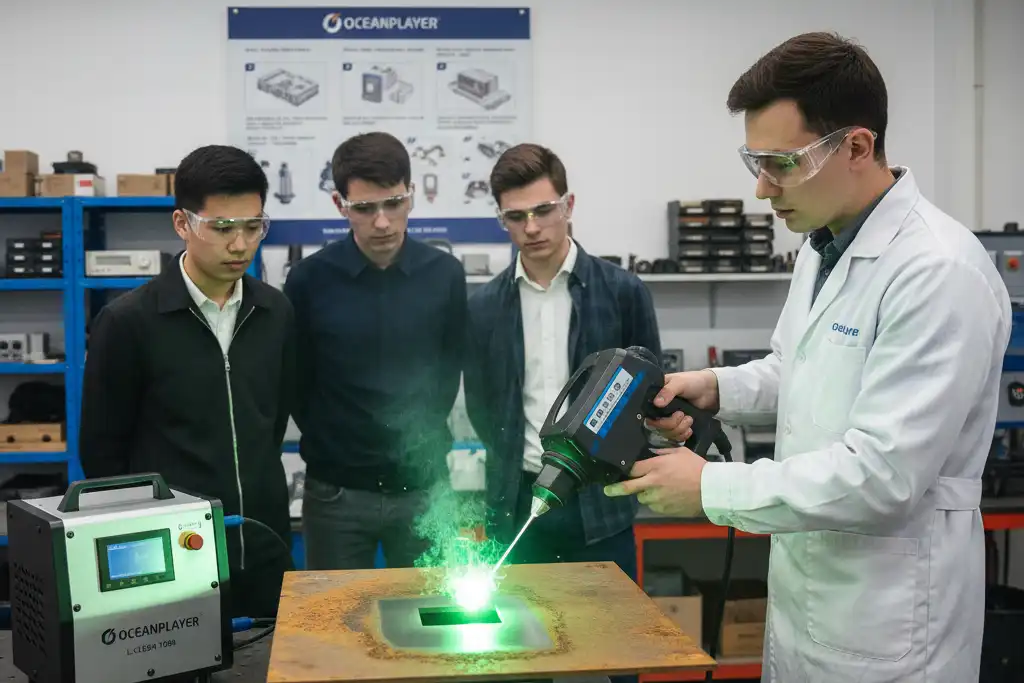
You can keep your laser cleaning machine working well by doing simple checks. Taking care of the machine every day helps stop big problems. It also keeps cleaning strong.
Daily Tasks:
- Look at the lens and mirrors for dust or marks. Wipe them with a soft cloth.
- Check the coolant level so the machine does not get too hot.
- Use a shop vacuum to clean out dust and dirt inside.
- Clean the focal lens and mirrors after a few jobs.
Weekly Tasks:
- Put oil on moving parts so they work smoothly.
- Clean the nozzle so nothing blocks the laser.
- Wipe the beam combiner to help the laser aim right.
- Clean the vents so smoke and fumes can leave.
Monthly Tasks:
- Look at filters and change them if they are old.
- Check drive belts for damage.
- Clean optical parts with special tools.
- Write down what you do in a log.
Tip: Keep your work area neat. A clean space helps your machine last longer and makes work easier.
| Task | Frequency | Purpose |
|---|---|---|
| Clean lens/mirrors | Daily | Keeps cleaning strong |
| Lubricate parts | Weekly | Reduces friction |
| Check coolant | Daily | Prevents overheating |
| Replace consumables | Monthly | Maintains performance |
Extending Machine Lifespan
You can help your laser cleaning machine last longer by using smart habits. Regular care stops small problems from getting worse.
- Take care of the cooling system so the machine does not get too hot.
- Use a surge protector to keep the machine safe from power spikes.
- Update software often to make the machine work better.
- Pick good consumables and change them when needed.
- Keep the room at the same temperature and humidity.
- Teach everyone to follow safety rules when using the machine.
- Check the machine for damage and fix problems early.
Note: Good habits and regular care help you save money. They also keep your machine working for many years. 😊
You face many challenges when using a laser cleaning machine, but you can solve them with regular care and safe habits.
- Clean and check your machine often to keep it working well.
- Wear proper safety gear and work in a safe area.
- Take breaks and use good posture to protect your health.
- Ask professionals for help if you find tough problems.
| Benefit | Description |
|---|---|
| Lower costs | The machine pays for itself in less than a year. |
| Safer work | Non-contact cleaning keeps you safe. |
| Better results | You get clean surfaces every time. |
Proactive care helps your machine last longer and makes your work easier. 😊
FAQ
What materials can you clean with a laser cleaning machine?
You can clean metals, stone, glass, and some plastics. Laser cleaning works best on rust, paint, oil, and dirt. Always check the material before you start. Some plastics or soft materials may melt or burn.
How often should you maintain your laser cleaning machine?
You should check and clean your machine every day. Follow a weekly and monthly checklist for deeper care. Regular maintenance helps your machine last longer and work better.
Is laser cleaning safe for the environment?
Laser cleaning does not use chemicals or water. You create less waste and avoid toxic runoff. Always collect dust and debris to keep the air clean.
Can you use a laser cleaning machine on painted surfaces?
You can use a laser cleaning machine to remove paint from metal or stone. Test a small area first. Some paints may release harmful fumes. Wear a respirator and use good ventilation.
See also
The advantages of laser rust removal technology in ship maintenance
The advantages of laser cleaning in the automotive industry
What Factors Affect the Lifespan of Fiber Laser Cleaning Machines
How to Match Laser Cleaning Power Levels to Your Needs
How to Protect Yourself When Operating a Laser Cleaning Machine



