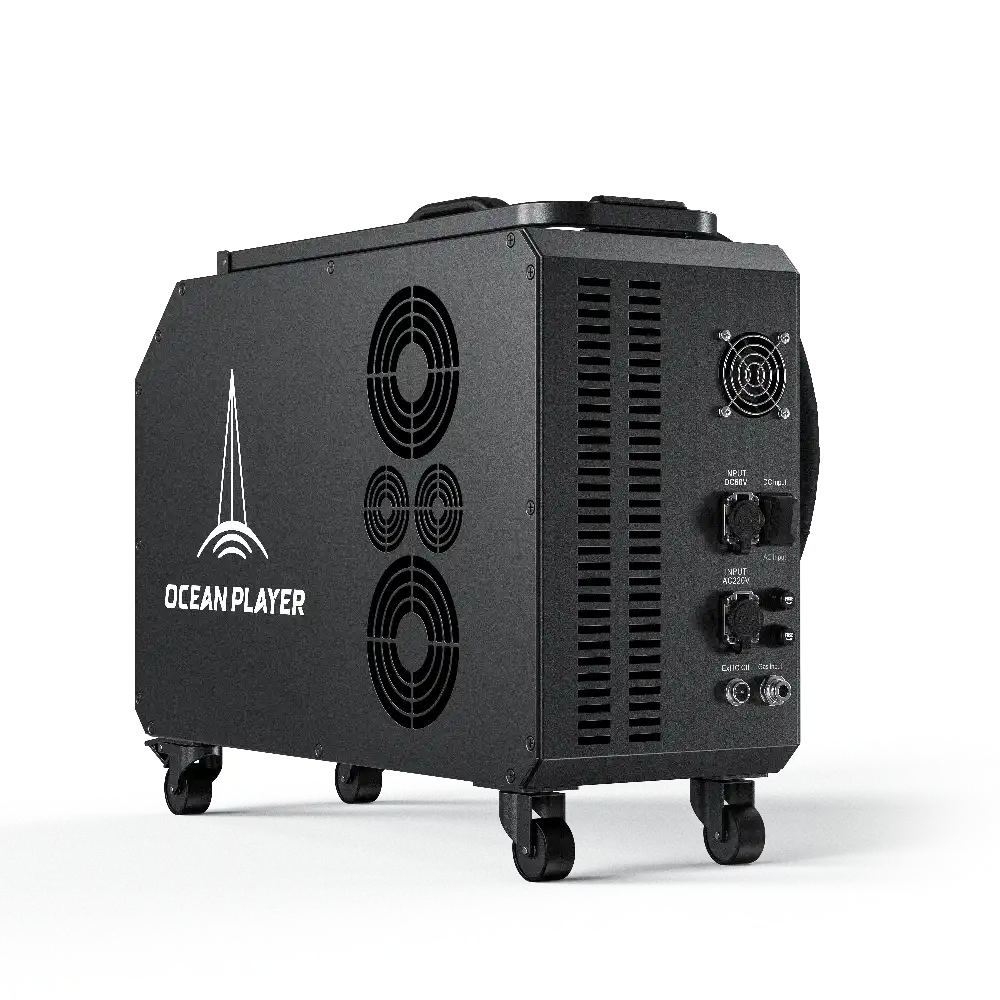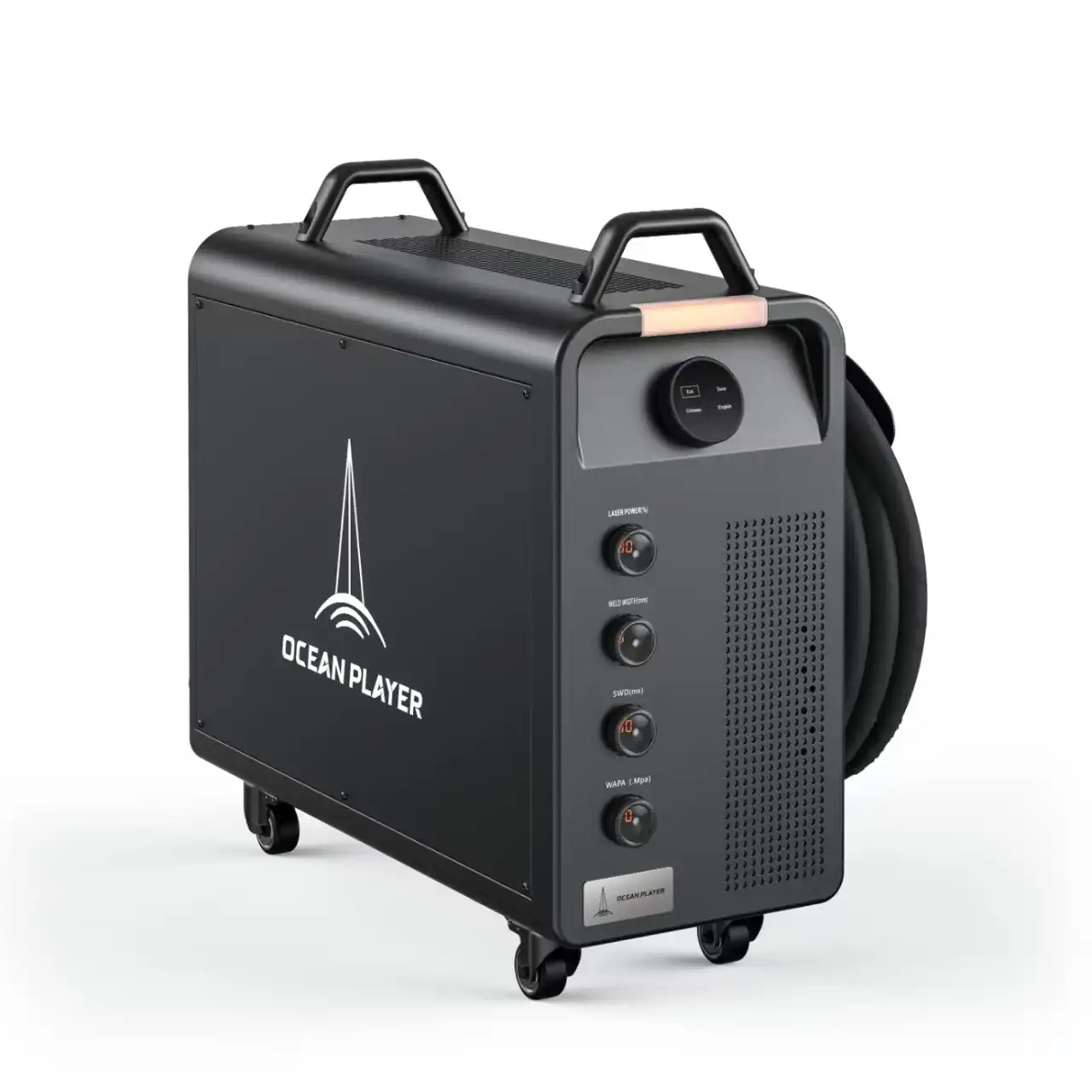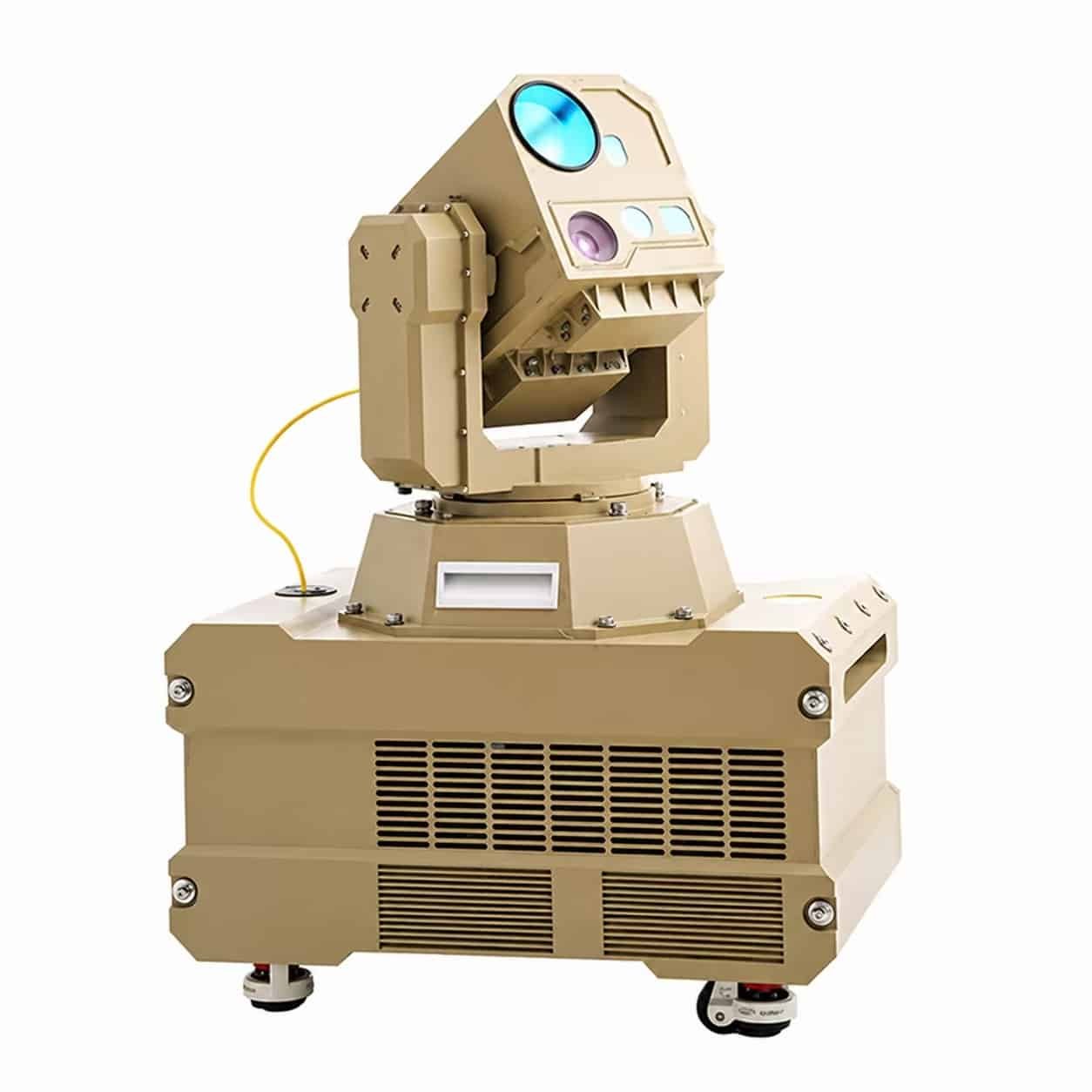
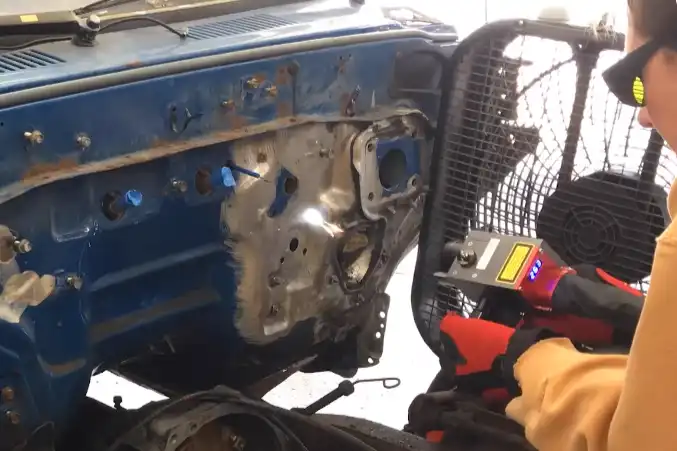
You keep yourself safe when using a Laser Cleaning Machine by following safety rules. Always wear the correct personal protective equipment. Learn how to use the machine before starting. Safety training helps you stay away from accidents. Make safety the most important thing every time you use the machine.
Tip: Check your gear and workspace two times before you start.
Key Takeaways
- Always wear the right personal protective equipment (PPE) like laser safety glasses and gloves. This helps protect you from laser dangers.
- Check the Laser Cleaning Machine before you use it. Look for any problems before you start. This helps keep the work area safe.
- Keep your workspace clean and neat. This lowers the chance of accidents. It also helps the machine work better.
- Follow the manufacturer’s rules for safe use. Make sure you get the right training. Know what to do in an emergency.
- Take part in safety training often. Review what you learn to stay up to date on safety and how to use equipment.
Laser Cleaning Machine Hazards
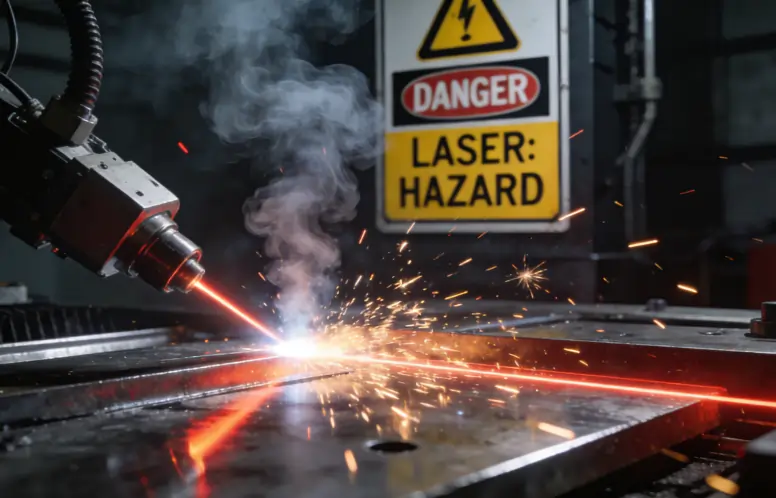
Illustration of laser cleaning hazards such as bright reflections, toxic fumes, and flying sparks
Laser Types and Risks
When you use a Laser Cleaning Machine, you work with strong lasers. Most machines have two main types. Continuous lasers make a steady light beam. These are good for cleaning big areas. Pulse lasers send out quick bursts of energy. They work well for gentle cleaning. Both types can hurt you if you ignore safety rules.
- Laser beams can hurt your eyes and skin.
- Cleaning makes fumes and tiny bits. Breathing these can harm your lungs.
Tip: Always look at the laser type before you begin. Pick the right safety gear for each job.
Injury and Exposure Dangers
You can face many health risks when using a Laser Cleaning Machine. If you get hit by laser radiation, you can get hurt. You might get burns on your skin or damage your eyes. Breathing in fumes or dust can make you cough or feel tight in your chest. Some chemicals and dust can hurt your heart or brain. If you breathe them for a long time, you could get cancer or have trouble having children.
- Skin rashes, sores, or red spots
- Blurry vision or sore eyes
- Headaches, feeling dizzy, or feeling sick
- Heart or lung problems
- Asthma or a sore throat
- Trouble with having babies or problems for unborn babies
Hazard Levels by Power
Laser Cleaning Machines have different power levels. High-power lasers clean faster but are more dangerous. Low-power machines may seem safer, but they can still hurt you. You need to know your machine’s power level. More power means you need to be extra careful. Always do what the manufacturer says for each power level.
| Power Level | Typical Use | Hazard Risk |
|---|---|---|
| Low (≤50W) | Small parts, light rust | Eye/skin damage |
| Medium (50-500W) | General cleaning | Fumes, burns |
| High (>500W) | Heavy-duty cleaning | Severe injury, fire |
Note: Do not forget the dangers, even with low-power machines.
Personal Protective Equipment (PPE)
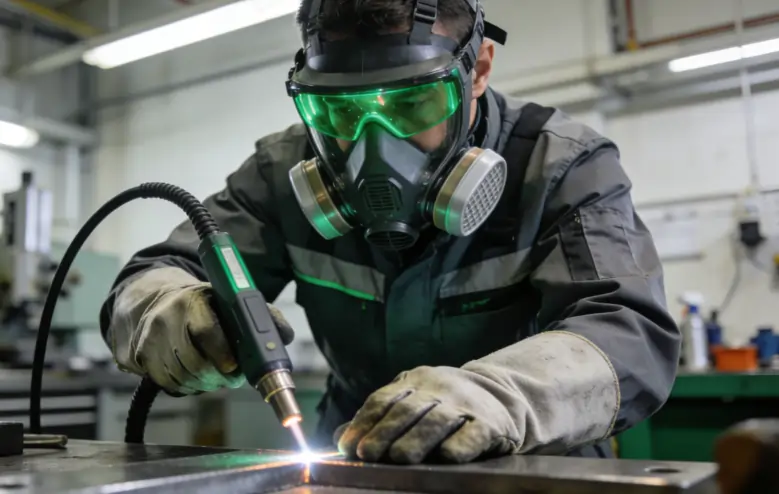
An industrial worker wearing full PPE including certified laser safety goggles, a respirator, and heat-resistant gloves
Laser Safety Glasses
You always need to wear laser safety glasses when using a Laser Cleaning Machine. These glasses keep your eyes safe from dangerous laser beams. Make sure your glasses have FDA certification. This shows they follow safety rules in the United States. Glasses with ANSI Z136 standards also protect you well. Before you start, check the label for the right wavelength and power rating.
- FDA Certification
- ANSI Z136 Standards
- Wavelength and power rating printed on eyewear
Tip: Do not use normal sunglasses. Only wear glasses made for laser safety.
Protective Clothing & Gloves
You should cover your skin when working with lasers. Wear long-sleeve shirts and pants made from thick material. Use aprons that are laser-resistant for extra safety. Put on gloves that stop laser energy and heat. Pick gloves with laser and flame-retardant certification. You can also wear caps and jackets for more protection.
- Long-sleeve shirts and pants
- Laser-resistant aprons
- Laser-resistant gloves
- Heat-resistant gloves
- Certified caps and jackets
Note: Loose clothes can catch fire. Make sure your clothes fit well.
Respiratory Protection
Laser cleaning makes fumes and dust. You must keep your lungs safe from these dangers. Use a fully hooded air-fed respirator for metal oxides. Laser-rated goggles and visors help block harmful chemicals. Wear heat-resistant gloves and coveralls when cleaning plastics.
| Respiratory Hazards | Effective PPE |
|---|---|
| Metal oxides from rust removal and coatings | Fully hooded air fed respirators |
| Volatile organic compounds (VOCs) | Laser-rated goggles and visors |
| Toxic by-products from plastics (dioxins, etc.) | Heat-resistant gloves and coveralls |
Alert: Always check your respirator before you use it.
PPE for Different Lasers
You need to match your PPE to the laser you use. Look at the wavelength and power of your Laser Cleaning Machine. Stronger lasers need better protection. The label on your eyewear tells you how much it protects.
| Criteria | Description |
|---|---|
| Laser Wavelength | Pick PPE for the specific wavelength. |
| Laser Power | Use stronger PPE for higher power lasers. |
| Protective Properties | Check the label for safety details. |
Tip: Ask your supervisor if you do not know which PPE to use.
Safe Operation Procedures
Pre-Use Safety Checks
You need to look at your Laser Cleaning Machine before you use it. These checks help you spot problems early and keep you safe. Do these steps every time:
- Pick a Laser Safety Officer to watch safety rules.
- Make a special area to keep laser beams inside. This stops people from walking in.
- Make sure everyone learns from the Laser Safety Officer.
- Give the right safety gear to all workers.
- Ask the Laser Safety Officer to check safety often.
- Plan doctor visits for workers, including eye checks.
- Never use Class IV lasers at public places.
- Keep skin away from reflected laser beams.
Tip: Always look at your safety glasses and gloves for damage before you use them.
Controlled Work Areas
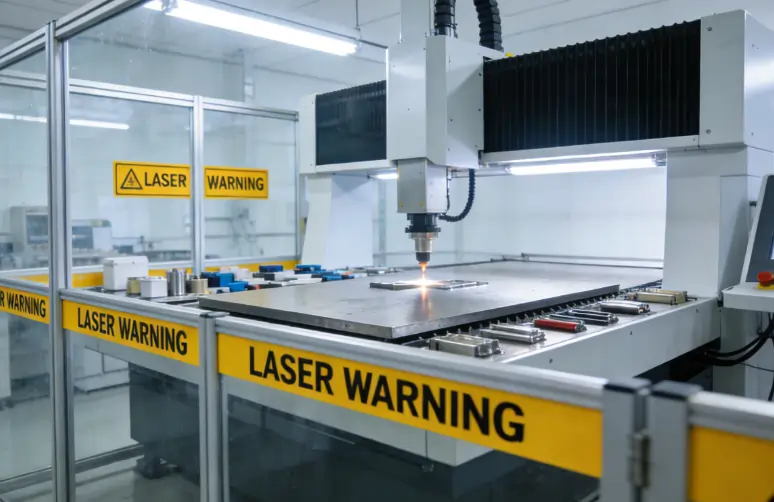
A safe and controlled laser cleaning workspace with protective enclosures and clear warning signs
You need a safe place to use your Laser Cleaning Machine. A controlled work area keeps you and others safe from laser beams and fumes. Follow these good ideas:
- Make the work area flat so the laser beam stays focused. Turn the worktable nuts if you need to.
- Put a focus bar under the laser head nozzle to set the right space. Check every corner of the table.
- Clean mirrors and lenses often with pure acetone and lint-free swabs.
| Step | Why It Matters |
|---|---|
| Level work area | Keeps laser beam focused |
| Use focus bar | Sets correct focal distance |
| Clean optics | Prevents poor cleaning performance |
Note: Keep the area neat and block entry to people who should not be there.
Using Interlocks & Remote Controls
Interlocks and remote controls help you stay safe. Interlocks turn off the laser if you open a panel. This stops the laser from firing when you work on the machine. Remote controls let you use the machine from far away. These tools lower mistakes and keep you safe.
Alert: Never skip interlocks. Always use remote controls if you can.
Ventilation & Fume Extraction
Laser cleaning makes fumes and dust that can hurt your lungs. Good ventilation and fume extraction systems keep you safe. Use these smart tips:
- Put fume extraction nozzles close to where fumes come out.
- Use multi-stage filters with HEPA filters to catch tiny bits and gases.
- Make sure airflow is strong enough to keep air clean.
- Follow OSHA and local safety rules for air quality.
| System Feature | Benefit |
|---|---|
| Source capture | Removes fumes at the source |
| HEPA filtration | Traps harmful particles |
| Airflow management | Keeps air fresh and safe |
Good fume extraction takes away dangerous stuff and keeps you healthy. This matters because laser cleaning can make heavy metals and chemical vapors.
Tip: Check your ventilation system before each job.
Step-by-Step Operation
You need to follow easy steps to use your Laser Cleaning Machine safely. Here is a simple guide:
- Put water in the chiller.
- Connect the protective gas.
- Set up the power supply.
- Turn on the machine.
- Get the area ready for cleaning.
- Start cleaning.
- Follow all safety rules while you work.
Common mistakes can cause accidents. You can stop them by:
- Grounding the machine and using a voltage stabilizer.
- Keeping the lid closed while you use it.
- Checking mirror alignment if cleaning does not work well.
- Using a compressor to cool the lens and blow away dirt.
- Setting the right current for the laser tube.
- Moving the nozzle height for good focus.
- Making sure belts are tight but not too tight.
- Locking the lens before you start.
- Making cutting files at a 1:1 scale.
- Making the cutting order better.
- Changing power levels to match speed.
- Running a test cut on sample material.
- Cleaning the machine often.
- Removing old designs from the docking point.
- Checking power, lid, and USB connection if the machine will not start.
Tip: Always run a test before you clean a new material.
Training & Competency
Operator Training
You must get good training before using a laser cleaning machine. Training helps you know how lasers work and how to stay safe. You learn about laser physics, machine parts, and how to use the controls. You also practice easy and hard cleaning skills. Training shows you how to follow safety rules and handle waste. Rules from the government say you must do these things:
- Learn how lasers work with different materials.
- Study each part of the machine and what it does.
- Practice both simple and advanced cleaning steps.
- Always follow safety and environmental rules.
Tip: Ask questions when you train. This helps you feel sure and make fewer mistakes.
Certification & Documentation
You need a certificate before you use a laser cleaning machine at work. A certificate proves you know how to use the machine safely. You keep your training papers and certificates in a safe place. Your boss checks your papers before you start each job. You update your records when you finish new training or pass safety tests.
| Document Type | Purpose |
|---|---|
| Training Certificate | Shows you finished your training |
| Safety Test Record | Proves you passed safety tests |
| Refresher Log | Tracks your new learning |
Note: Keep your certificates safe. You might need to show them during checks.
Safety Refreshers & Audits
You need to take safety refreshers often to keep your skills strong. Safety rules can change, so you must learn the new ones. Your boss checks if you follow safety steps by doing audits. Audits help you find problems early and fix them. You join refresher classes every year or when you get a new machine.
- Go to safety classes every year.
- Learn new safety rules with your team.
- Join safety checks and inspections.
Alert: Do not skip safety refreshers. Staying updated keeps you and your team safe.
Emergency Protocols
Laser Exposure Response
If someone gets hit by a laser beam, act fast. Laser injuries can hurt eyes or skin. Here are steps to help everyone stay safe: 1. Turn off the laser system right away. Use the main power switch. 2. Help the person who got hurt. Give first aid if they need it. Move them to a safe place. 3. Call for medical help. Do not wait if the injury is bad. 4. Tell your supervisor about what happened. 5. Contact your Laser Safety Officer as soon as you can.
🚨 Tip: Never ignore a laser injury, even if it looks small. Acting fast can stop serious harm.
Fire & Electrical Safety
Laser cleaning machines use a lot of energy. This can cause fires or electric shocks. You need to know how to stay safe: – High-energy lasers can start fires with paper, cloth, or dust. Keep things that burn away from your work area. – Always have fire extinguishers close by. Learn how to use them. – Machines use high voltage. Check wires and plugs often for damage. – Make sure your machine is grounded. Use insulation to stop shocks. – Use emergency stop buttons if something goes wrong. – Put up warning signs and barriers to protect people. – Practice emergency escape plans with your team.
| Hazard Type | Safety Measure |
|---|---|
| Fire | Fire extinguisher, clear area |
| Electrical Shock | Grounding, insulation |
⚡ Alert: Never touch wires or plugs with wet hands. Always tell someone if equipment is broken.
Incident Reporting
You must report every accident or close call. Reporting helps your team fix problems and stop injuries. Here is what to do: – Write down what happened. Include the time, place, and people. – Tell your supervisor right away. – Give details to your Laser Safety Officer. – Keep records of all accidents. Look at them during safety meetings.
📝 Note: Honest reporting keeps everyone safe. Never hide mistakes or accidents.
Maintenance & Inspection
Routine Equipment Checks
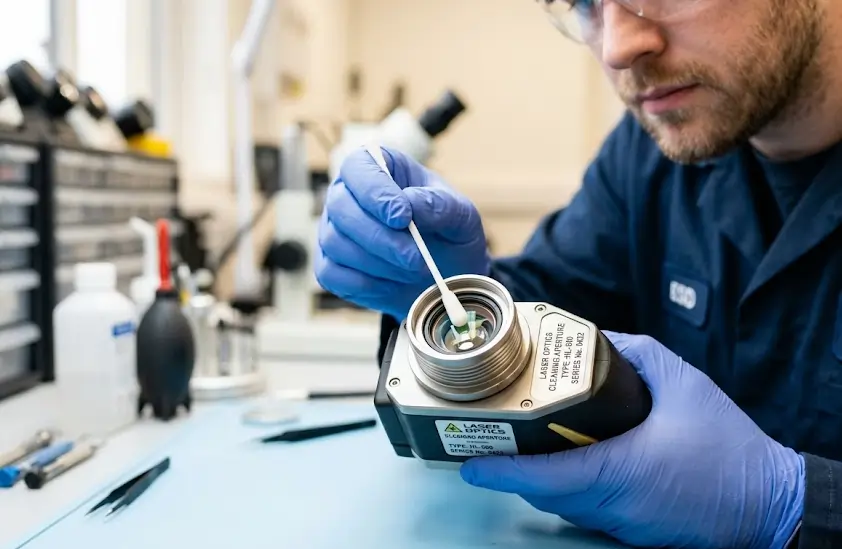
A technician carefully performing routine maintenance and inspecting the optics of a laser cleaning machine
You need to check your laser cleaning machine often to keep it safe. Look at the machine every day to spot dust, loose wires, or broken parts. Test the safety interlocks and emergency stop buttons to see if they work. Wipe the outside and clean the control panels. Take dust off the vents and fans. Make sure the coolant is full and change the air filters when needed. Look at the power cables for damage and tighten any loose plugs. Try a test mark or cut to see if the machine lines up right. Put oil on moving parts so they work well.
| Task | Steps | Purpose |
|---|---|---|
| Clean exterior | Wipe down case, control panels, vents, fans | Prevent dust buildup |
| Test safety interlocks | Check doors, emergency stop | Ensure safety systems work |
| Inspect cables | Look for damage, tighten connectors | Avoid electrical shorts |
| Calibrate alignment | Run test mark/cut, adjust as needed | Maintain precision |
| Replace cooling consumables | Drain/refill coolant, change air filter | Prevent overheating |
| Clean optics | Soak lenses/mirrors, rinse, dry | Maintain clarity |
| Inspect laser source aging | Check gas pressure, use diagnostics | Ensure performance |
| Lubricate components | Apply lubricant to moving parts | Smooth operation |
| Calibrate power meter | Send for calibration | Accurate readings |
| Inspect heat exchanger | Clean to prevent overheating | Cooling efficiency |
| Test beam quality | Measure shape and uniformity | Quality output |
Tip: For best results, check your machine every day, week, month, quarter, and year.
Safe Servicing Practices
Stay safe when you fix your laser cleaning machine. Always turn off the power before opening any covers. Wear gloves and use tools that do not let electricity pass through. Keep the area clean and do not let anything that can burn stay close. Only people who are trained should fix the machine. Never touch wires or parts if your hands are wet. If you take off covers, be careful of wires and laser parts. Follow the steps in the manual. Do not let people who are not allowed come near while you work.
- Turn off power before you start.
- Wear insulated gloves and use safe tools.
- Keep your work area neat and clear.
- Follow the manual for each step.
- Only trained people should fix the machine.
⚠️ Alert: If you take off covers, you might see wires or lasers. Be extra careful to stay safe.
Cleaning & Storage
Clean and store your machine the right way to keep it working well. Clean the lens, control panels, and laser source often. Make sure the room has fresh air. Take away dust and dirt from around the machine. Put the machine in a dry and cool place when you are done. Check all cables and plugs before you store it. Keep things that can catch fire far away from where you store the machine. Make sure everyone knows what to do if there is an emergency.
- Check and clean all parts often.
- Use the manual for each cleaning step.
- Keep people who are not allowed out of the area.
- Let fresh air in during and after cleaning.
- Store the machine in a dry, cool, and clean place.
- Check cables and plugs before putting it away.
- Keep flammable things away from the machine.
- Go over the emergency plan with your team.
Note: Cleaning and storing your machine the right way helps stop accidents and makes your machine last longer.
Laser Cleaning Machine Safety Tips
Follow Manufacturer Guidelines
You need to follow the manufacturer’s instructions every time you use a Laser Cleaning Machine. These guidelines help you stay safe and avoid mistakes. Manufacturers give you clear steps for safe operation. You should always check the manual before you start. Here are the most important rules to remember:
- Get proper operator training. Learn how to use the machine and what to do in emergencies.
- Wear laser safety glasses. Protect your eyes from harmful laser light.
- Set up a safe work area. Use barriers and warning signs to keep others out.
- Make sure you have good ventilation and exhaust. Remove fumes and dust from the air.
- Know where the emergency stop button is. Use it if something goes wrong.
Tip: Review these steps with your team before each job. This helps everyone remember what to do.
Keep Area Clear of Debris
You must keep your workspace clean and free of clutter. A tidy area helps you avoid accidents and keeps the machine working well. Remove hoses, gas lines, and electrical cables from the floor. You lower the risk of tripping or damaging equipment when you do this. You also make it easier to move around and focus on your work.
- Pick up tools and put them away after use.
- Sweep the floor to remove dust and scraps.
- Check for loose wires or hoses before you start.
- Keep walkways open so you can move quickly in an emergency.
🚧 Note: A clean workspace protects you and your team. Make cleaning part of your daily routine.
You stay safe by following safety steps each time you use a laser cleaning machine. Always put on protective eyewear. Use shielded lasers to help stop injuries. Keep your work area clean and use fume extraction to keep the air safe. Take part in safety checks and training often so you know the newest rules. Look at the table below for the most important safety steps:
| Safety Practice | Why It Matters |
|---|---|
| Shielded Lasers | Stops accidents and keeps equipment safe |
| Fume Extraction | Keeps air clean and helps the laser work well |
| Safety Training | Teaches you how to use the machine safely |
🔒 Stay safe by learning new safety rules and skills every year.
FAQ
What should you do if your laser safety glasses get scratched?
You need to get new laser safety glasses if they are scratched. Scratches can let harmful laser light get to your eyes. Always look at your glasses before you use them. Keep an extra pair close in case you need them.
Can you use a laser cleaning machine without training?
You must not use a laser cleaning machine if you have no training. Training helps you learn how to be safe and use the machine right. If you do not train, you could get badly hurt.
How often should you inspect your laser cleaning machine?
Check your laser cleaning machine every day before you use it. Look for dust, wires that are loose, or broken pieces. Checking often helps you find problems early and keeps the machine safe.
What should you do if you see smoke or sparks during cleaning?
🚨 Turn off the machine right away. Step back from the area. Tell your boss and follow emergency steps. Smoke or sparks can mean fire or electric danger.
See also
• 3 simple steps to protect metal with a Laser Cleaning Machine
• What Are the Main Laser Technologies for Laser Cleaning
• Handheld laser cleaning machine and its laser wavelength
• A Deep Dive into CO₂ and Fiber Laser Cleaning Machines Features and Performance
• How Laser Cleaning Outperforms Traditional Cleaning Methods