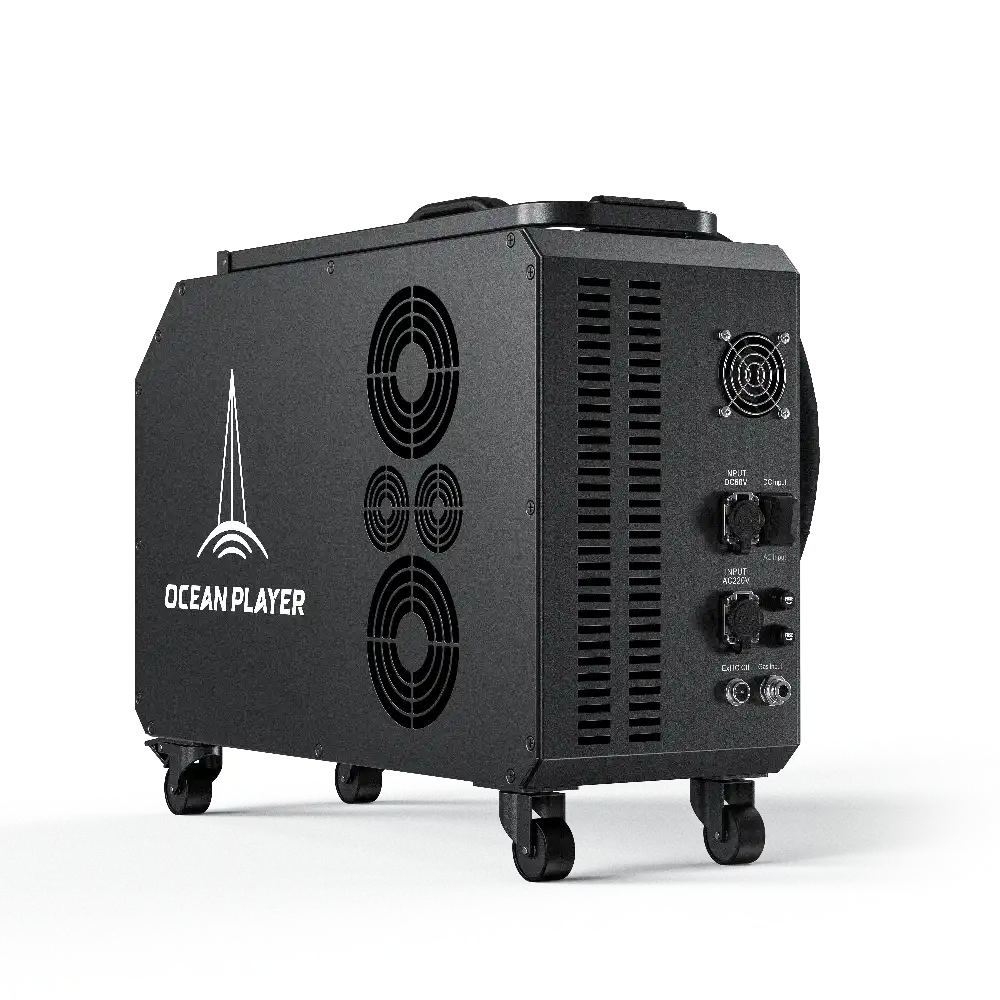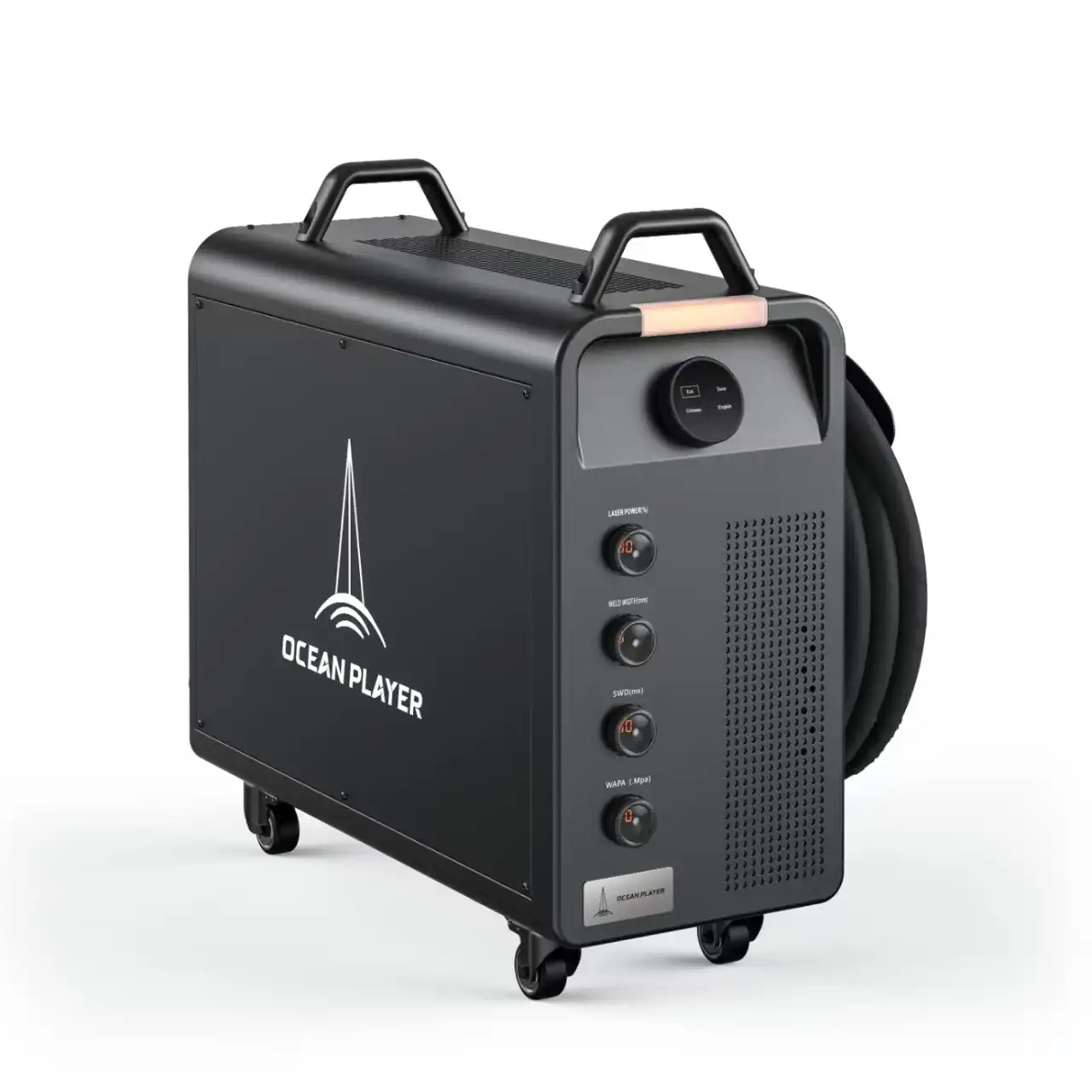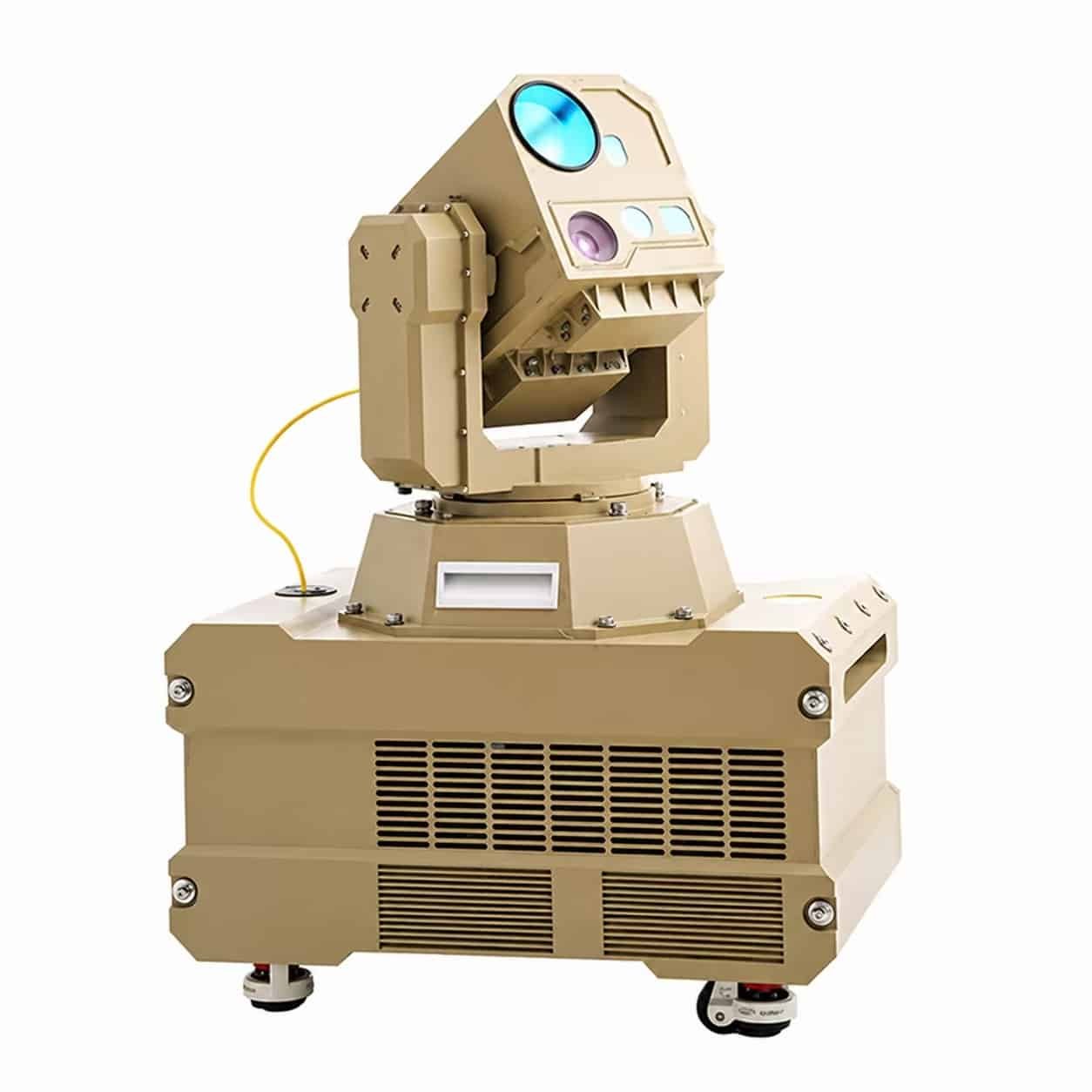
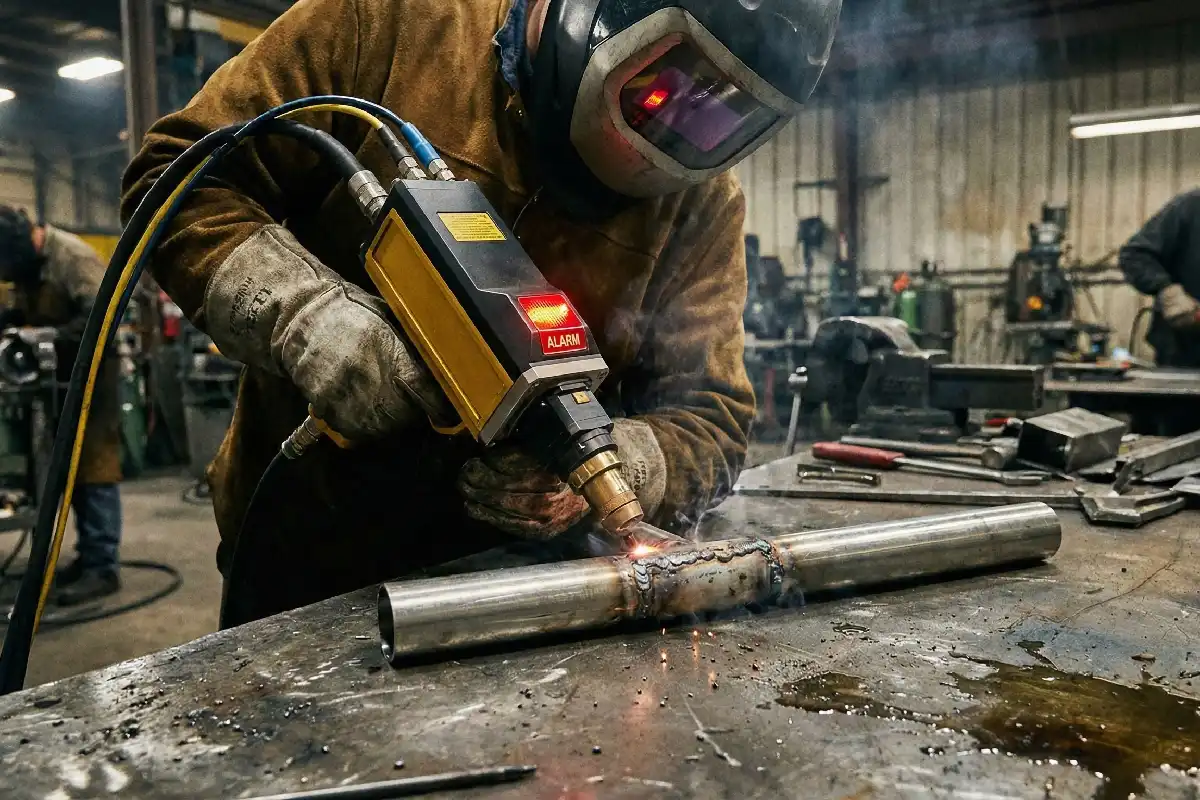
A Laser QBH alarm tells you there is a problem at the fiber connector. You should not ignore this warning. Acting fast can stop damage to important parts and keep you safe. If you do not listen to the alarm, you could get hurt or break the system. Always look at your equipment and follow safety rules when you see this warning.
⚠️ Safety Tip: Do not use your laser system if you see a Laser QBH alarm. Stop and check the connection right away.
Key Takeaways
- A Laser QBH alarm means there is a problem with the fiber connector. You should always stop the laser system right away and check the connection.
- The alarm can happen because of loose connections, dirty contact points, or strange coolant temperatures. Checking your system often can help stop these problems.
- If you ignore the alarm, your laser system can get badly damaged. It can also be dangerous and cause burns or electric shock.
- Clean your equipment and do regular maintenance to lower the chance of alarms. This helps your system work well.
- If the alarm does not go away after you try to fix it, ask a technician for help. Write down what you see to help with repairs.
Laser QBH Alarm Meaning
Definition
A Laser QBH alarm is a warning that tells you something is wrong with the fiber connector in your laser system. You see this alarm when the system detects a problem that could affect how the laser works. The alarm helps you know when to stop and check your equipment. You use this feature to protect both yourself and your machine.
Alarm Trigger Causes
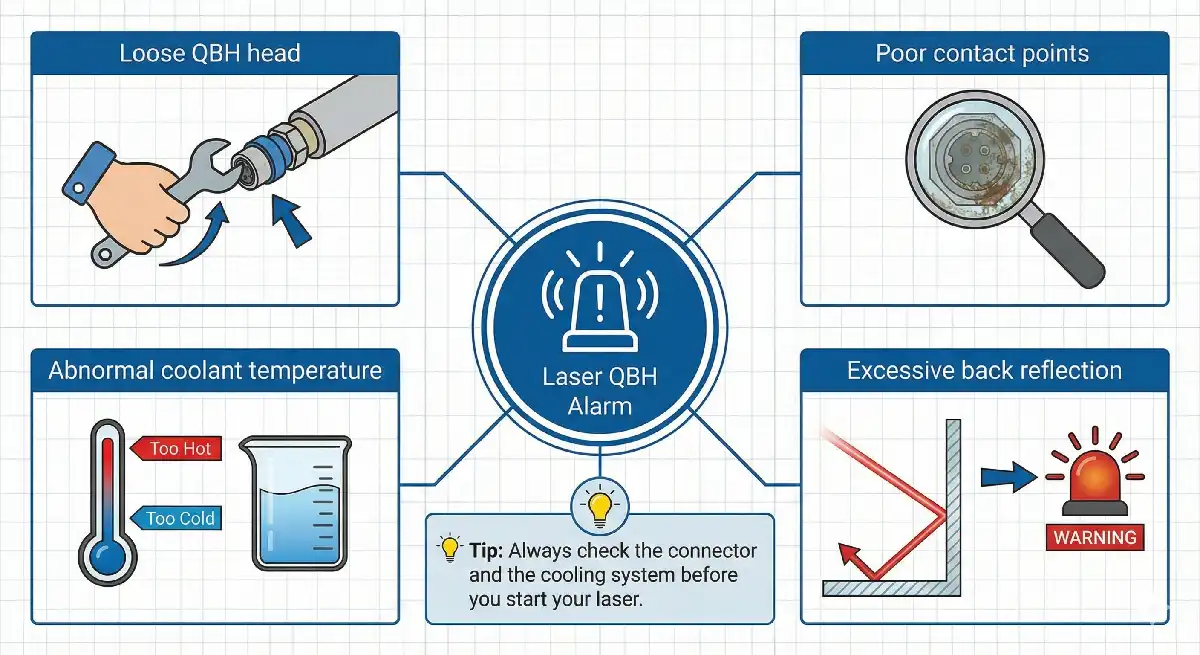
You may wonder what causes a Laser QBH alarm. Several things can trigger this warning:
- Loose QBH head: If the connector is not tight, the alarm will go off.
- Poor contact points: Dirt or damage at the connection can cause problems.
- Abnormal coolant temperature: If the coolant gets too hot or too cold, the system will alert you.
- Excessive back reflection: When too much light bounces back into the fiber, the alarm will sound.
💡 Tip: Always check the connector and the cooling system before you start your laser. This simple step can help you avoid many common triggers.
System Impact
When you get a Laser QBH alarm, your laser system may stop working or slow down. The alarm protects the system from damage. If you ignore the warning, you risk breaking important parts. You could also face safety hazards. The alarm helps you keep your workflow safe and smooth. You should always pay attention to this warning and act quickly.
| Alarm Trigger | Possible Impact |
|---|---|
| Loose QBH head | Poor connection, damage |
| Poor contact points | Signal loss, overheating |
| Coolant issues | Overheating, shutdown |
| Back reflection | Fiber damage, errors |
Causes of Laser QBH Alarm
Loose QBH Head
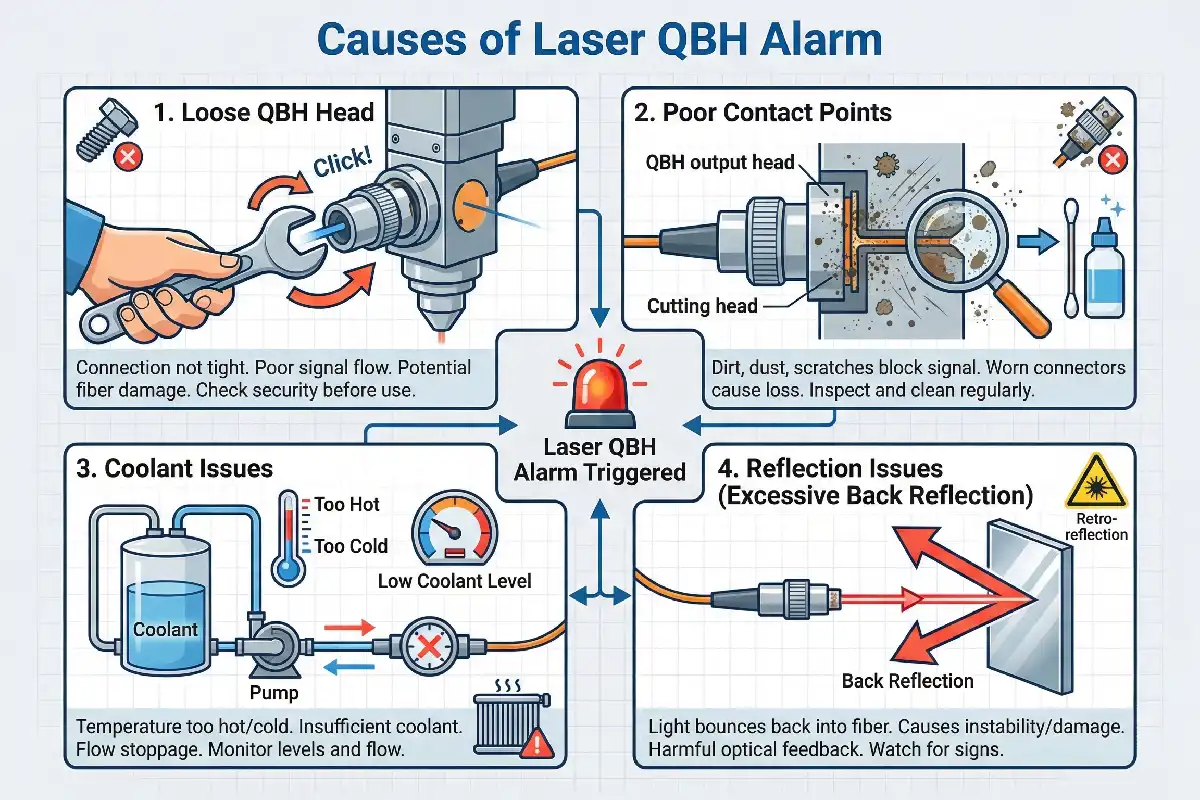
A loose QBH head is one of the main reasons you see a Laser QBH alarm. The QBH head connects the fiber to the laser cutting head. If this part is not tight, the system cannot work well. You may notice the alarm right after you start the machine or during operation. A loose connection can cause poor signal flow and even damage the fiber. You should always check that the QBH head is secure before you use your laser system.
Poor Contact Points
Poor contact points often lead to alarms in high-power laser systems. When the connection between the QBH output head and the cutting head is not clean or has dirt, the system cannot send signals correctly. This problem can happen if you do not clean the connectors or if the parts wear out over time.
- Poor contact points between the QBH output head and the cutting head can lead to alarms in high-power laser systems.
- Dirt, dust, or scratches on the connector can block the signal.
- Worn-out connectors may not fit tightly, causing signal loss.
You should inspect the contact points often. Clean them with the right tools to keep your system running smoothly.
Coolant and Reflection Issues
Coolant and reflection problems also cause the Laser QBH alarm. The laser system uses coolant to keep the fiber and connectors at the right temperature. If the coolant gets too hot or too cold, the system will warn you. You may also see the alarm if there is not enough coolant or if the flow stops.
Excessive back reflection can cause instability or damage in fiber lasers, particularly affecting the output and gain fibers. This sensitivity to optical feedback from reflected beams can trigger QBH alarms.
Back reflection happens when light bounces back into the fiber. Too much reflection can harm the laser and make the system unsafe. You should always check the coolant level and watch for signs of back reflection to prevent alarms.
Laser QBH Alarm Actions
Safety Steps
When you see a Laser QBH alarm, you need to act fast to stay safe. First, stop the laser system right away. Do not try to keep working. Turn off the power to the machine. Let the system cool down before you touch any parts. Always wear safety glasses and gloves when you check the fiber connector. Make sure no one else is near the machine while you inspect it. These steps protect you from burns, electric shock, and eye injury.
🛑 Alert: Never ignore a warning from your laser system. Safety comes first.
Troubleshooting
You can follow these steps to find and fix the problem:
- Restart the machine. Sometimes, a simple restart clears the alarm.
- Check if the wiring is correct. Look for loose or disconnected cables.
- Make sure the laser is unlocked. Some systems will not work if locked.
- Inspect the QBH connection. Tighten the connector if it feels loose. Clean the contact points if you see dirt or dust.
- Replace the QBH head if the alarm happens again and again.
You should check each step one by one. This helps you find the cause of the Laser QBH alarm. If you fix the problem, the system will work again.
When to Seek Help
Sometimes, you cannot fix the alarm by yourself. If the alarm does not go away after you try all the steps, you need to call a technician. You should also ask for help if you see damage to the fiber connector or if you feel unsure about what to do next. Do not try to repair broken parts on your own. A trained expert can keep you and your machine safe.
💡 Tip: Write down what you see and what you did. This information helps the technician solve the problem faster.
Risks of Ignoring Laser QBH Alarm
Component Damage
If you ignore the warning, you risk damaging important parts of your laser system. The fiber connector can overheat or burn. The cutting head may stop working. You might see melted cables or broken connectors. These problems cost a lot to fix. You may need to replace expensive parts. Some damage can even make your whole system stop working.
⚠️ Note: Damaged components often lead to longer repair times and higher costs.
You protect your equipment when you respond to alarms right away.
Safety Hazards
Ignoring the alarm can put you and others in danger. Hot connectors can cause burns. Exposed wires may give you an electric shock. If the fiber breaks, laser light can escape. This light can hurt your eyes or skin. You must always follow safety rules. Never try to use the machine when you see a warning.
- Burns from hot parts
- Electric shock from damaged wires
- Eye or skin injury from stray laser light
🛑 Alert: Always wear safety gear and keep others away from the machine during checks.
Workflow Disruption
When you ignore the alarm, your work stops. You lose time while you wait for repairs. Your team cannot finish jobs on time. Customers may get upset if you miss deadlines. You might have to reschedule other work. This can slow down your whole business.
| Problem | Result |
|---|---|
| Damaged parts | Long repair times |
| Safety incidents | Work stoppage |
| Missed deadlines | Unhappy customers |
You keep your workflow smooth when you act quickly. Responding to alarms helps you avoid costly delays and keeps your projects on track.
Preventing Laser QBH Alarm
Regular Maintenance
Doing regular maintenance keeps your laser system working well. Many companies have fewer alarms and less downtime when they clean and check their machines often. For example, an automotive company had 40% less downtime after they started regular cleaning and controlled the work area. A medical clinic got better results and avoided fines by keeping good records and taking care of their equipment. A research lab spent a lot of money because they did not do maintenance, showing why it is important.
You can stop most alarms by cleaning the protective lens every week and changing it every year or sooner if needed. Check the laser power and focus often. Daily checks and cleaning help you find problems early. Having extra cables and parts ready also helps you fix things faster.
🛠️ Tip: Cleaning and checking your machine often helps you avoid surprise alarms and expensive repairs.
Proper Connection
You get fewer alarms when you connect the QBH head the right way. It is best to work in a clean room. Look at the quartz block end-face with a microscope. Check for burn marks or dirt. If you see damage, do not use the laser until a technician looks at it. Changing the flame sensor’s sensitivity can also help stop false alarms.
| Step | Action | Criteria |
|---|---|---|
| 1 | Take off the fiber in a clean room. | N/A |
| 2 | Look at the quartz block end-face. | N/A |
| 3 | Check for burn marks or dirt. | If you see any, get service. |
Monitoring System Health
Watching your system’s health helps you find problems early. Some systems give you alerts before alarms happen. Some laser cutting heads use 5G modules to show live updates. You can check gas pressure and window condition from far away. Contamination sensors stop the cutting if there is a problem to protect the optics. Photodiode tracking helps you work better and spot issues fast. These tools help you fix urgent problems and stop false alarms.
📊 Note: Watching your system in real time helps you work better and keeps your laser safe.
You keep your equipment safe when you act fast after alarms. Quick action helps stop long breaks and keeps you alert. If you ignore alarms, you might miss important warnings. Doing regular checks and making sure connections are good helps your system work well. This can save you money on repairs.
- Checking often keeps power steady and safe.
- Surge protectors and grounding stop damage.
- Taking care of your machine makes it last longer.
| Safety Protocol | Benefit |
|---|---|
| Beam shielding | Stops harmful radiation from reaching you |
| Interlocks | Shuts down system if safety is in danger |
| Fume extraction | Cleans the air for people working |
| Operator training | Helps everyone use the machine safely |
Follow safety rules every time. Ask an expert if you are not sure. Stopping problems before they happen saves time and money.
FAQ
What should you do first when you see a Laser QBH alarm?
Stop the laser system. Check the fiber connector for loose parts or dirt. Wear safety gear before you touch anything.
🛑 Always put safety first.
What causes a Laser QBH alarm most often?
Loose QBH heads and dirty contact points trigger alarms most often.
- Loose connectors
- Dirt or dust
- High coolant temperature
- Too much back reflection
What happens if you ignore the Laser QBH alarm?
You risk damaging the fiber connector and other parts. You may face safety hazards like burns or electric shock.
Ignoring alarms can lead to costly repairs.
What can you do to prevent Laser QBH alarms?
Clean and check your laser system often. Make sure all connections are tight.
- Weekly cleaning
- Daily checks
- Use a clean room for fiber work
What signs show your QBH head needs service?
Look for burn marks, dirt, or scratches on the quartz block end-face.
| Sign | Action |
|---|---|
| Burn marks | Call service |
| Dirt | Clean gently |
| Scratches | Replace part |
Why drink milk after welding galvanized layers
How to weld aluminum without a TIG welder
How to prevent the welding rod from sticking to the workpiece