

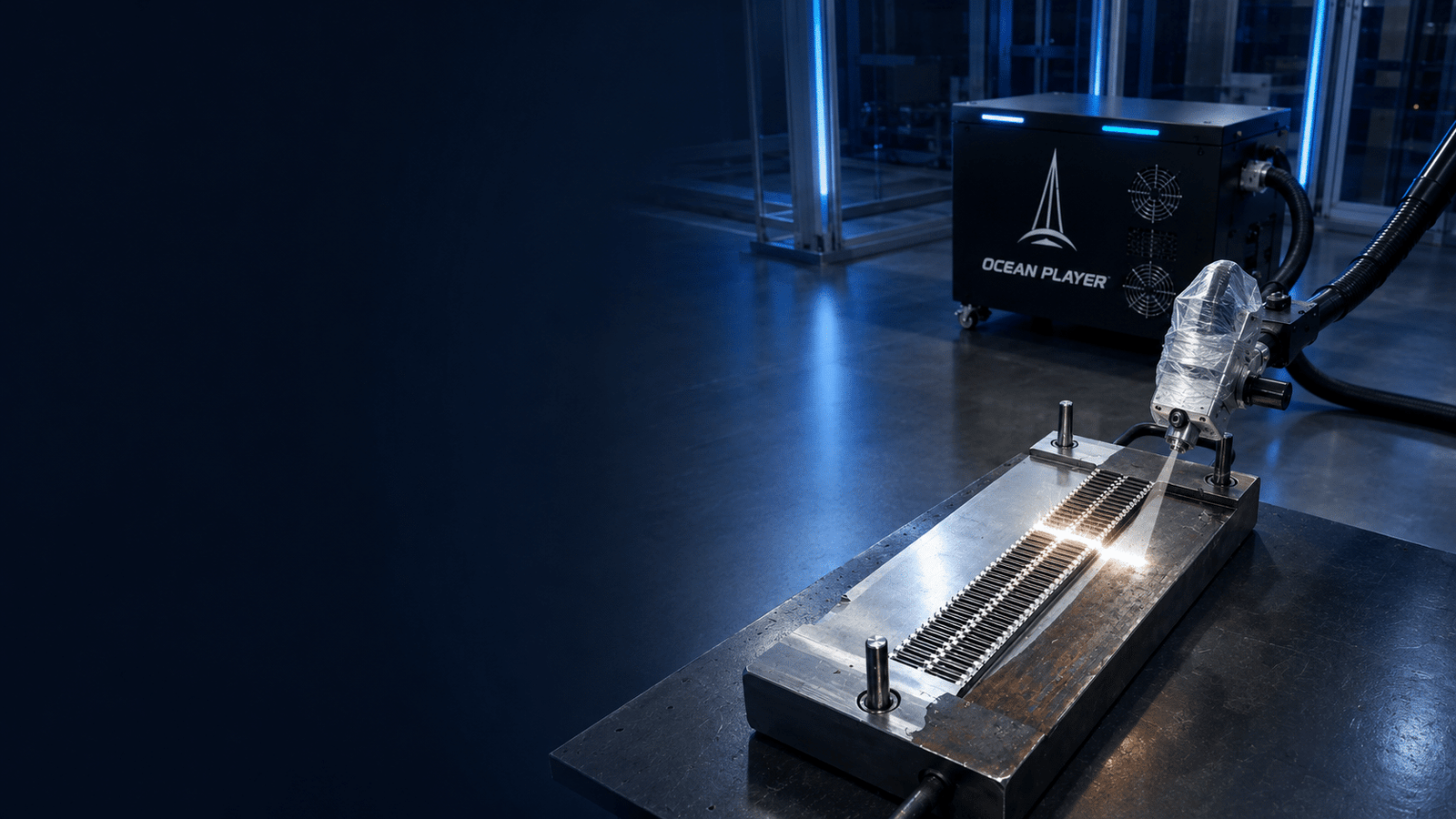
Laser energy fluence calculator
Calculate pulse energy, average and peak fluence, peak power, power density and pulse overlap from your laser power, repetition rate, pulse width, spot size and travel speed.
- J/cm² and mJ pulse energy
- Flat-top and Gaussian profiles
- Pulse spacing and overlap
- No registration required
Convert laser settings into surface energy values
Use values measured at the workpiece whenever possible. Beam losses, focus position and profile shape can make the delivered result different from the source specification.
Understand the four values behind laser fluence
The calculator uses area-average values. Gaussian peak values assume the entered X and Y dimensions are full 1/e² diameters at the workpiece.
E = Pavg / frequencyAverage power divided by pulses per second gives energy in each pulse.
A = π × Dx × Dy / 4Uses a circular or elliptical beam area from the two entered diameters.
Favg = E / ASingle-pulse energy divided by spot area gives J/cm².
Ppeak ≈ E / pulse widthA rectangular-pulse estimate; the true peak depends on temporal pulse shape.
Read fluence together with time, space and motion
The same J/cm² value can behave differently when wavelength, pulse duration, repetition rate, material or pulse overlap changes.
Single-pulse fluence
Use average and peak fluence to compare how much energy one pulse delivers across the spot.
- Check how spot size was defined
- Keep units consistent
- Compare only similar beam profiles
Peak power and duty cycle
Shorter pulses can raise estimated peak power while average power remains unchanged.
- Confirm pulse width definition
- Review pulse shape
- Watch average thermal loading
Spacing and overlap
Travel speed and repetition rate determine how many pulses interact with each path location.
- Avoid untreated gaps
- Control pulse accumulation
- Include cross-track overlap
See what changes when you adjust pulsed laser settings
Change one variable at a time and confirm both cleaning result and base-material condition.
| Parameter Change | Direct Calculation Effect | Possible Process Effect | What To Verify |
|---|---|---|---|
| Increase average power | Raises pulse energy and fluence if frequency and spot remain fixed | May increase removal or thermal load | Finish, heat tint, distortion and extraction |
| Increase repetition rate | Lowers energy per pulse at fixed average power | Creates closer pulse spacing at fixed travel speed | Removal response and cumulative heating |
| Reduce spot size | Raises fluence and irradiance | Can intensify local interaction but reduce treated width | Focus tolerance and surface damage risk |
| Increase travel speed | Does not change single-pulse fluence | Increases spacing and reduces longitudinal overlap | Untreated gaps and final cleanliness |
| Reduce pulse width | Raises simple peak-power estimate | Can change material interaction even at similar pulse energy | Actual pulse shape and tested process window |
Build a tested process window for your cleaning target
There is no single correct fluence for every job. Start conservatively, inspect the result and record the range that reaches the required finish.
Molds and selective cleaning
Prioritize base-material protection, edge control and repeatability before increasing energy density.
Rust, oxide and paint
Compare fluence with pass count, scan width and output so faster removal does not hide finish problems.
Pre-weld and post-weld cleaning
Verify residue removal, oxide condition and downstream weld performance rather than appearance alone.
Turn a calculated fluence into a tested cleaning window.
Send your material and target finish. Oceanplayer can compare settings, inspect the surface and help identify a practical range for quality and production.
Define the target
Material, contamination, thickness and required finish.
Compare settings
Power, frequency, pulse width, focus, speed and overlap.
Approve the window
Confirm quality, repeatability, output and safety controls.
Continue your laser cleaning calculation
Combine energy density with machine selection, power planning and realistic production output.
Laser fluence calculator questions
Check the input definitions before using a calculated value for process comparison.