oceanplayer

Oceanplayer Laser Equipment | Cleaning, Welding, Marking, Automation Sample Testing | Global Shipping | OEM/ODM Support
Metal Laser Marking

Metal Laser Marking for Permanent Codes, Logos, Serial Numbers and Traceability.

Oceanplayer metal laser marking solutions create durable, high-contrast marks on stainless steel, aluminum, carbon steel, brass, copper, titanium, coated metal and tools. Mark QR codes, barcodes, serial numbers, logos, rating plates, part IDs and anti-counterfeit information without ink, labels or chemical etching.
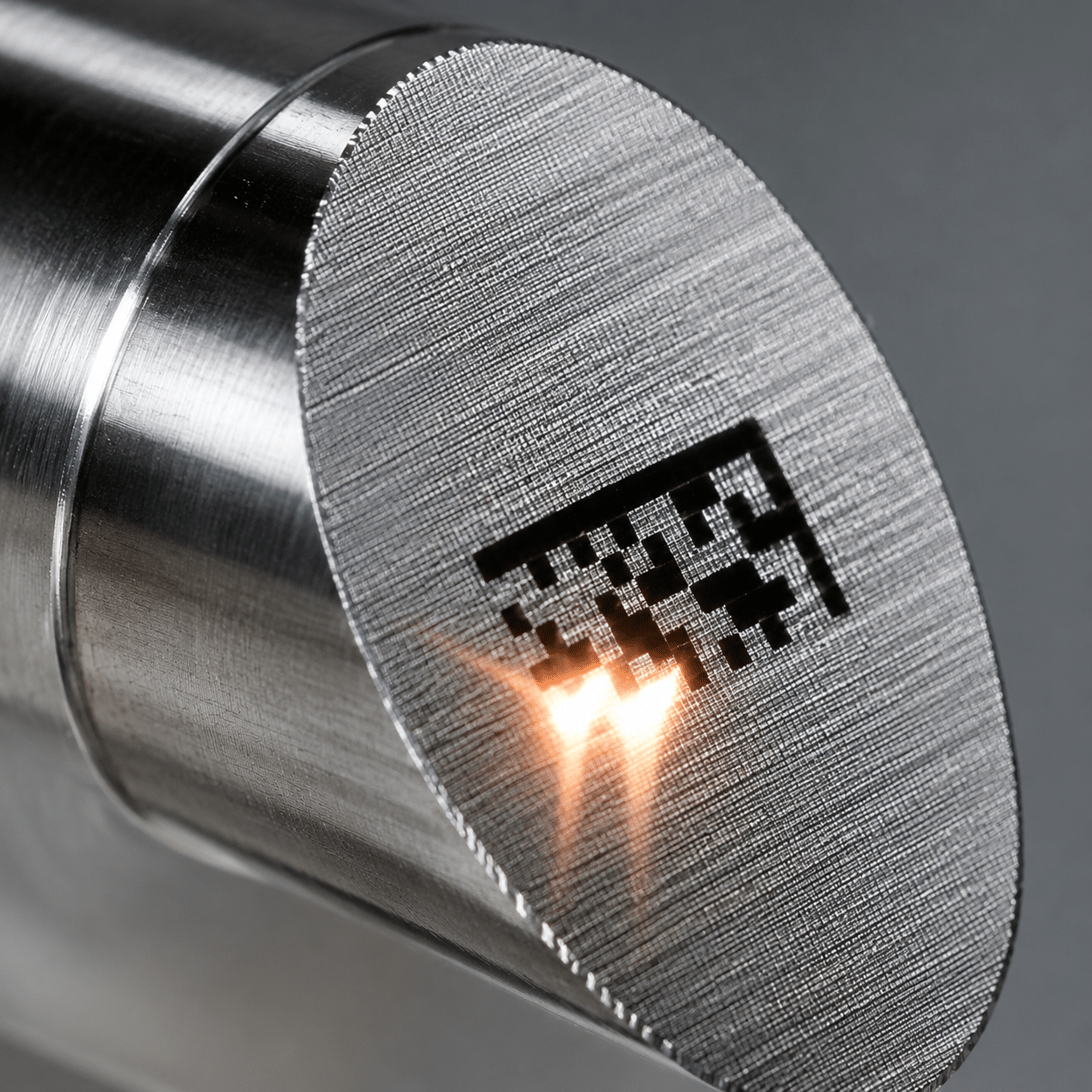
  • Permanent marks on metal parts
  • QR code, serial number and logo marking
  • Sample marking test available
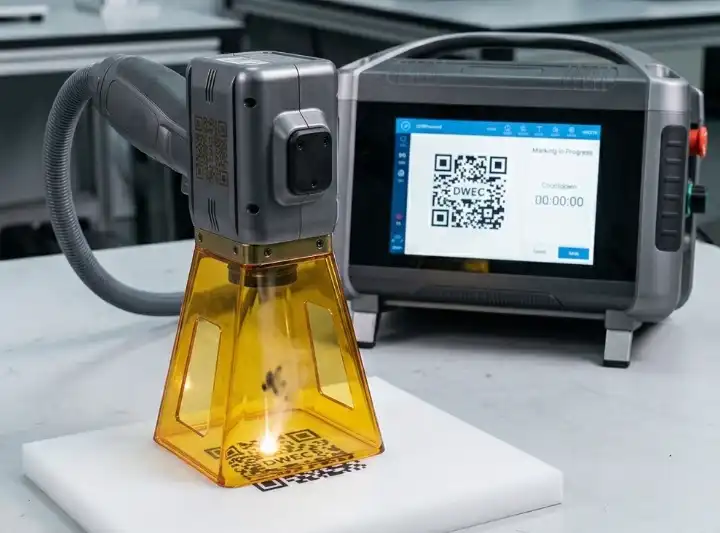
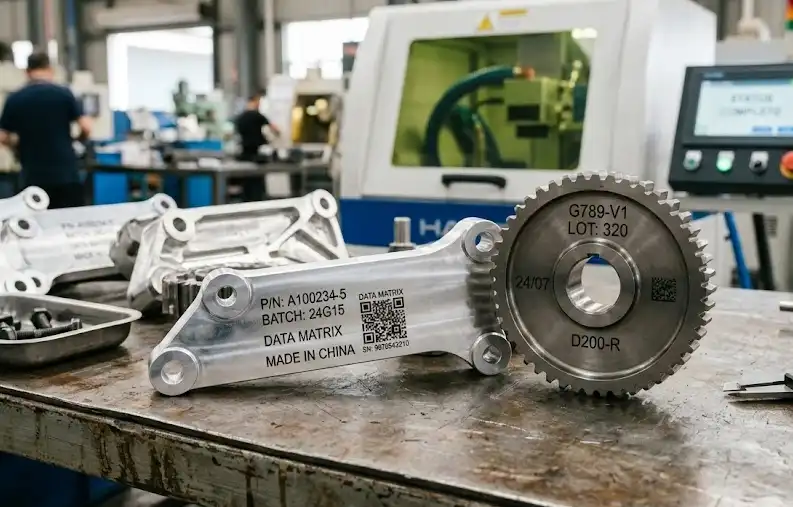
Metal laser marking machine marking QR code serial number and logo on metal parts
Permanent metal marksClear product IDs, traceability codes and brand marks
QRTraceability
LogoBrand marks
IDSerial numbers
Permanent IdentificationMarks resist handling, cleaning and normal wear
High-Contrast CodesReadable QR codes, barcodes and small text
No ConsumablesNo ink, labels, screens or chemical etching
Production ReadyManual, desktop, enclosed and automated marking options
Customer Concerns

Metal marking problems that laser marking can help solve

Metal parts often need product identification that stays readable after handling, assembly, cleaning, transport and long-term use.

Marks fade, peel or rub off

Laser marking creates a permanent mark directly on the metal surface, reducing problems caused by labels or ink.

Codes must stay readable

High-contrast QR codes, barcodes and serial numbers help support product tracking, warranty service and quality control.

Brand and anti-counterfeit needs

Logos, batch codes and unique IDs can support brand recognition and make parts harder to copy or replace unnoticed.

Application Range

Where metal laser marking is a strong fit

Laser marking works well for manufacturers that need clean, precise and durable marks on finished parts, tools or production components.

  • Stainless steel nameplates, tools, bearings, valves, fittings and machinery parts.
  • Aluminum housings, electronic parts, anodized panels, profiles and nameplates.
  • Carbon steel tools, molds, auto parts, hardware, blades and industrial components.
  • Brass, copper, titanium and selected coated metals after sample testing.
  • Medical tools, aerospace parts, electronics, packaging machines and production lines.
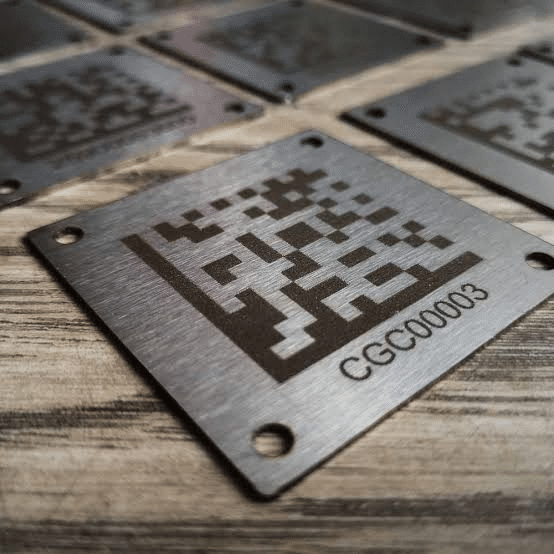
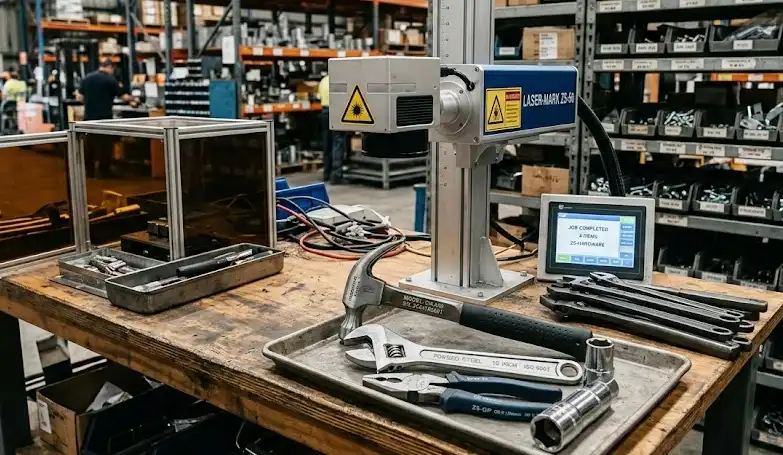
Metal laser marking applications for tools parts nameplates QR codes and logos
Marking Effects

Choose the right metal marking effect for your product and material

Different metal surfaces need different marking settings. The right effect depends on material, contrast target, depth, surface finish and whether the product is visible to customers.

Depth

Engraving and deep marking

Suitable for tools, molds, steel parts and marks that need more wear resistance or tactile depth.

  • Requires more power or repeated passes
  • Good for harsh-use metal parts
  • Can be slower than surface marking
Finish

Logo and decorative marking

Used for brand logos, product panels, gifts, nameplates and visible metal surfaces where appearance matters.

  • Clean edges and fine details
  • No label thickness
  • Works well on many finished parts
Material Guide

Select marking process by metal type and mark requirement

The best laser source and power depend on metal type, surface coating, required contrast, depth, marking speed and production workflow.

Metal MaterialCommon Laser ChoiceBest UseWhat To Check
Stainless SteelFiber or MOPA laser markerBlack marks, logos, QR codes, medical tools, nameplatesContrast, corrosion requirement and surface finish
Aluminum / Anodized AluminumFiber or MOPA laser markerPanels, housings, tags, serial numbers and logosOxide layer, color contrast and mark durability
Carbon Steel / Tool SteelFiber laser markerTools, molds, hardware, blades and industrial partsDepth, rust protection and post-marking process
Brass / CopperMOPA or suitable fiber laser testConnectors, plates, decorative parts and electrical componentsReflectivity, contrast and heat effect
Titanium / Coated MetalMOPA laser marker after sample testMedical parts, aerospace parts and special finished surfacesColor, surface change and customer specification
Marking Results Gallery

Review metal laser marking results across common materials and products

Compare marking results for stainless steel, aluminum, tools, nameplates, QR codes and deep engraving.
Video Demonstration

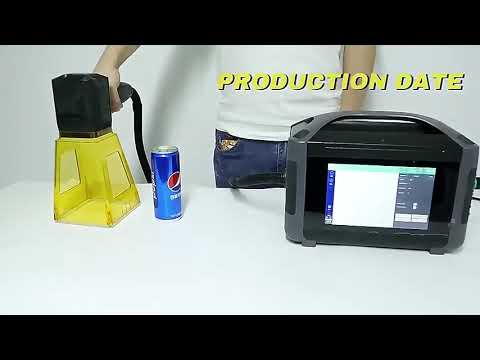
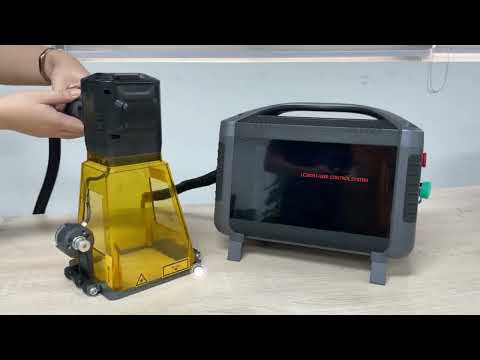
Watch metal laser marking on real parts and nameplates

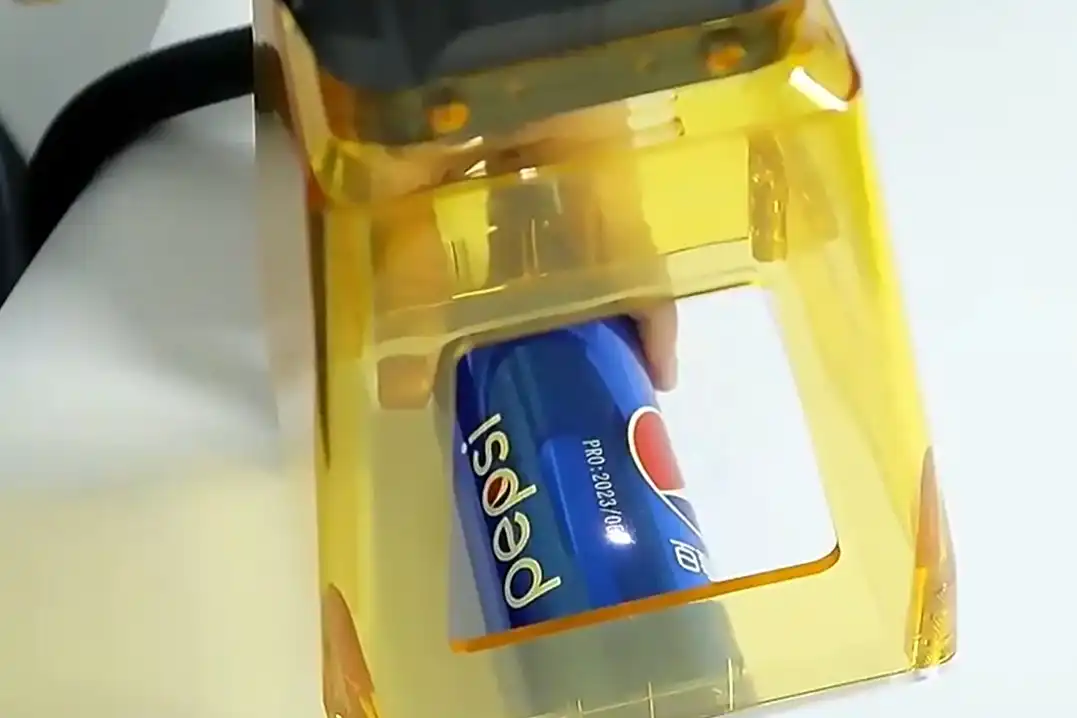
See marking speed, code clarity, logo detail and finished mark contrast before choosing your laser marking configuration.
Machine Configuration

Match the laser marker to your metal marking workflow

Metal marking can be manual, desktop, enclosed, rotary or fully automated depending on part size, safety requirements and production volume.

Fiber Laser Marker

Common choice for permanent metal marking, logos, codes, serial numbers and many industrial parts.

MOPA Laser Marker

Better for black marking on stainless steel, color control on selected metals and sensitive surface results.

Rotary Marking

Useful for rings, tubes, round tools, cups, cylinders and curved metal parts.

Enclosed Marking Station

Improves operator safety and dust control for factories, labs and customer-facing production areas.

Automated Marking System

Supports conveyor, fixture, barcode input, serial number rules and production traceability.

Vision and Data Integration

Helps position marks, read codes and connect marking data with production or quality systems.

Laser vs Other Marking

Why manufacturers choose laser marking over ink, labels and engraving

Laser marking is often selected when products need durable identification without consumables or contact marking tools.

MethodBest ForMain ConcernWhen Laser Helps
Laser MarkingPermanent metal IDs, QR codes, logos and traceabilityNeeds correct laser source and safety setupNo ink, high precision and durable marks
Inkjet PrintingFast temporary coding on packages or simple partsInk can fade, smear or need maintenanceLaser creates cleaner permanent metal marks
LabelsFlexible product information and packagingLabels can peel, wear or be replacedLaser marks directly on the metal part
Mechanical EngravingDeep tactile marks and small batchesTool wear, slower speed and contact forceLaser offers fine detail without tool contact
Before You Choose

Confirm these details before selecting a metal laser marking machine

Clear marking information helps recommend laser type, power, lens size, fixture, rotary attachment and automation level.

Metal type and surface finish

Share stainless steel, aluminum, carbon steel, brass, copper, titanium or coated metal details.

Marking content

Confirm logo, text, serial number, QR code, barcode, rating plate or deep engraving requirement.

Contrast or depth target

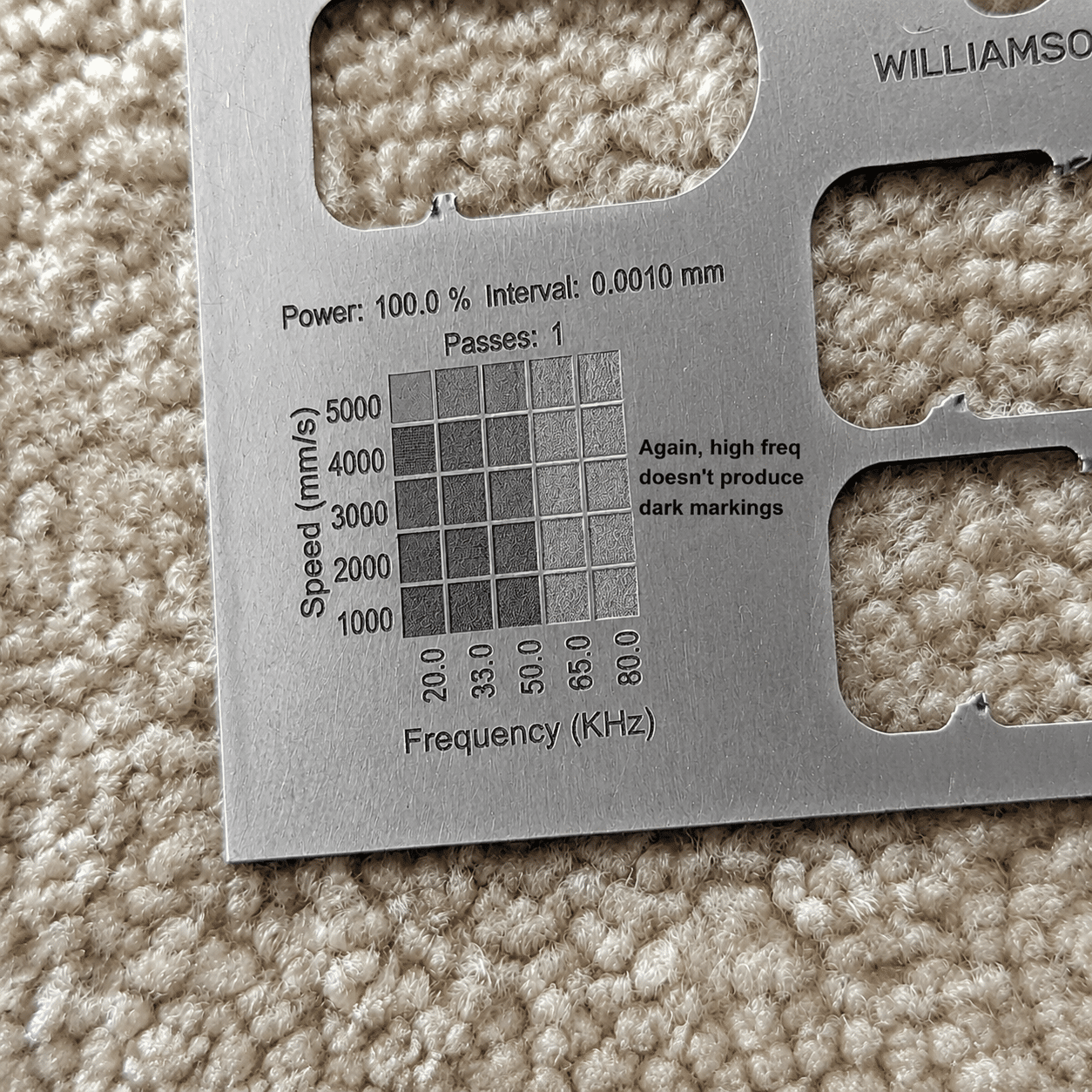
High-contrast surface marks and deep engraving need different power, speed and pass settings.

Part size and marking area

Part dimensions and mark size help choose lens, working table and machine structure.

Production volume

Daily marking quantity helps decide manual, enclosed, rotary, conveyor or automated marking system.

Data and traceability rules

Serial number logic, database connection and code grading may affect software and automation choices.

Sample Marking Test

Send your metal sample and get a practical marking recommendation.

Share material, surface finish, marking content, target contrast or depth, marking size and production volume. Oceanplayer can recommend fiber, MOPA, rotary, enclosed or automated laser marking options.

01

Share Part Details

Send material, surface finish, mark size and sample photos.

02

Test Marking Effect

Check contrast, depth, speed, code readability and surface impact.

03

Choose Configuration

Select fiber, MOPA, rotary, enclosed or automated marking setup.

FAQ

Metal Laser Marking FAQ

What metals can be laser marked?
Fiber and MOPA laser markers can mark many metals, including stainless steel, aluminum, carbon steel, tool steel, titanium, brass, copper and selected coated metals. Sample testing is recommended for the exact surface.
Is metal laser marking permanent?
Yes. Laser marking changes or engraves the metal surface directly, so it is usually much more durable than ink or labels under normal handling and cleaning conditions.
Can laser marking create QR codes and serial numbers on metal?
Yes. Laser marking is commonly used for QR codes, barcodes, serial numbers, batch codes and part IDs for traceability and product identification.
Should I choose fiber or MOPA for metal marking?
Fiber laser marking is a strong general choice for most metals. MOPA offers more pulse control and is often preferred for black marking on stainless steel, sensitive surfaces and selected contrast effects.
Can metal laser marking be automated?
Yes. Metal laser marking can be integrated with fixtures, rotary attachments, conveyors, barcode input, serial number rules, vision positioning and production data systems.