oceanplayer

Oceanplayer Laser Equipment | Cleaning, Welding, Marking, Automation Sample Testing | Global Shipping | OEM/ODM Support
Automated Laser Marking System

Automated Laser Marking System for Inline Product Coding and Traceability.

Oceanplayer automated laser marking systems help factories mark QR codes, barcodes, serial numbers, logos, batch codes and product data directly on parts or packaging. Build an inline, rotary, vision-positioned or data-connected marking cell around your production workflow.
  • Inline laser marking
  • QR code and serial number traceability
  • Conveyor, vision and PLC options
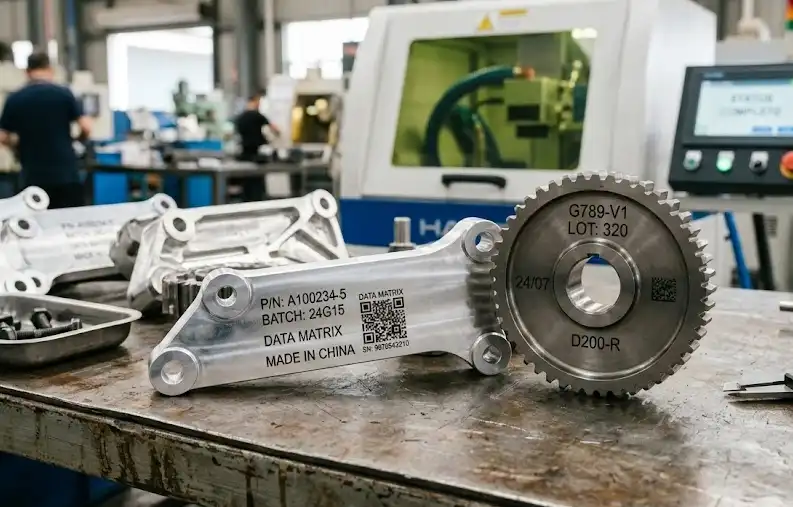
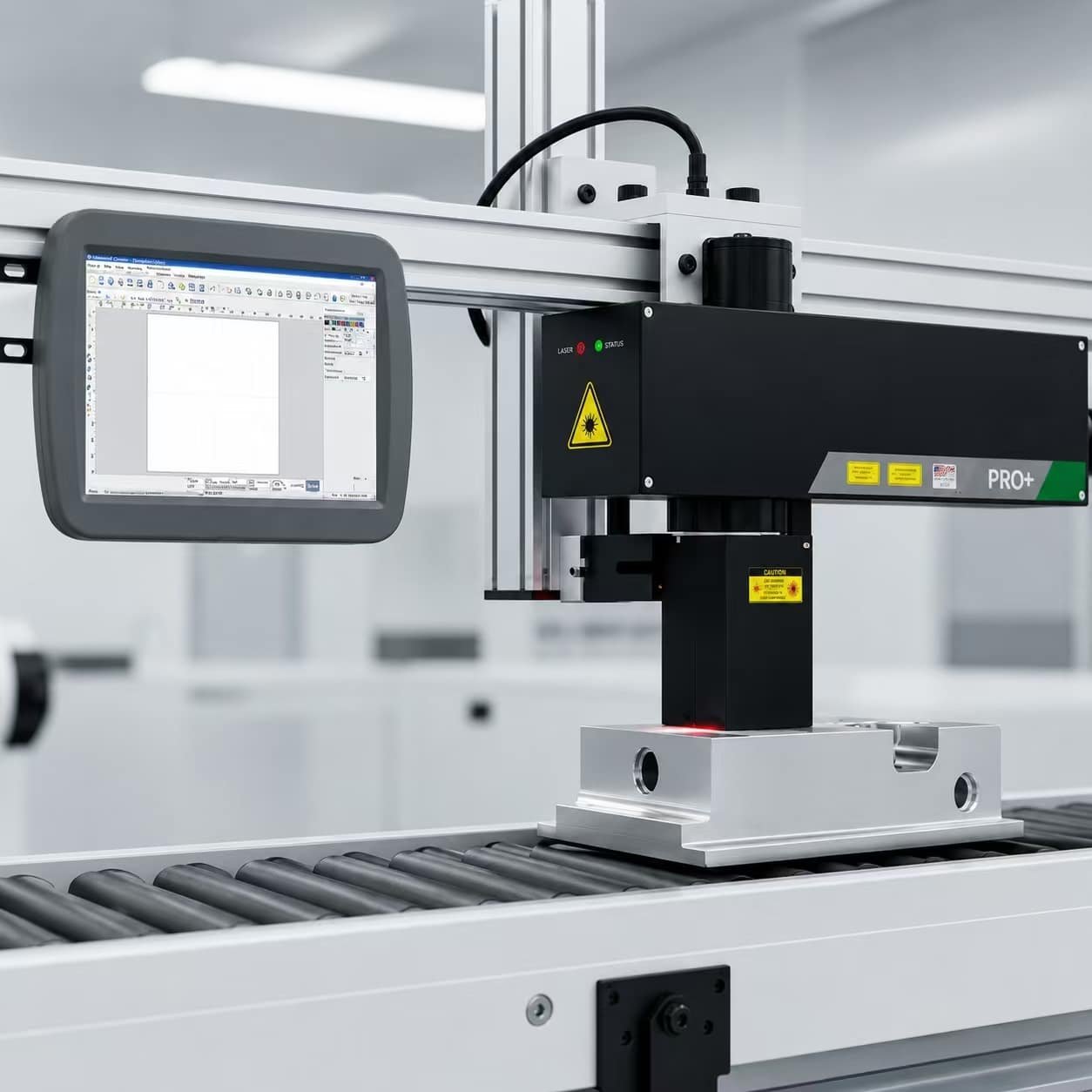
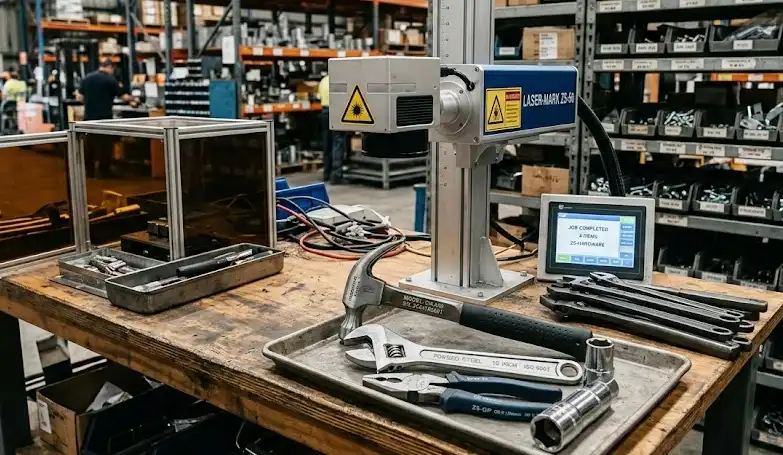
Oceanplayer automated laser marking system for inline QR code serial number and product traceability marking
Traceability readyMark live codes, batch data and product IDs
FiberMetal marking
UVFine plastic codes
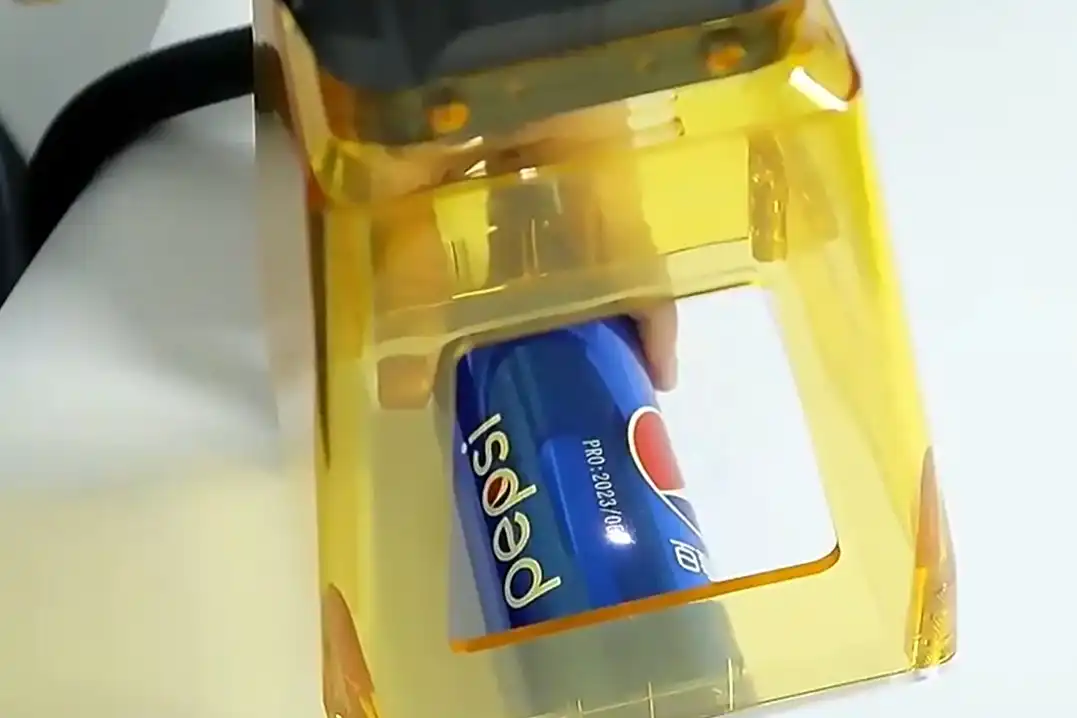
CO2Packaging materials
Production TraceabilityMark product IDs, batches and variable data directly on parts
Stable Code PositionUse fixtures, sensors or vision to improve repeatability
Line IntegrationMatch conveyors, rotary tables, PLC signals and loading systems
Sample VerificationCheck contrast, speed, depth and scanner readability before ordering
Why Automated Marking

Reduce manual handling and keep every product clearly identified

Automated laser marking is useful when product data changes often, marking position must stay consistent, or production requires durable identification without labels, ink or frequent consumable maintenance.

Readable QR and Barcodes

Mark small codes, product IDs and traceability data with clear edges for scanning, warranty tracking and quality records.

Consistent Positioning

Fixtures, sensors, cameras and motion modules help keep marks aligned across repeated parts and mixed product models.

No Ink or Labels

Laser marking creates permanent information directly on the product surface, reducing consumables, smearing and label loss.

Application Range

Built for parts that need permanent codes and reliable tracking

The system can be configured for metal, plastic, coated parts, electronic components, tools, packaging and industrial nameplates depending on the required laser type and automation method.

  • Metal parts, tools, bearings, hardware and machinery components.
  • Electronic housings, connectors, switches and precision plastic parts.
  • Automotive, medical, aerospace and industrial parts requiring traceability.
  • Packaging lines that need date codes, batch codes or anti-counterfeit marks.
  • Rotary marking for cylindrical parts, rings, tubes and round components.
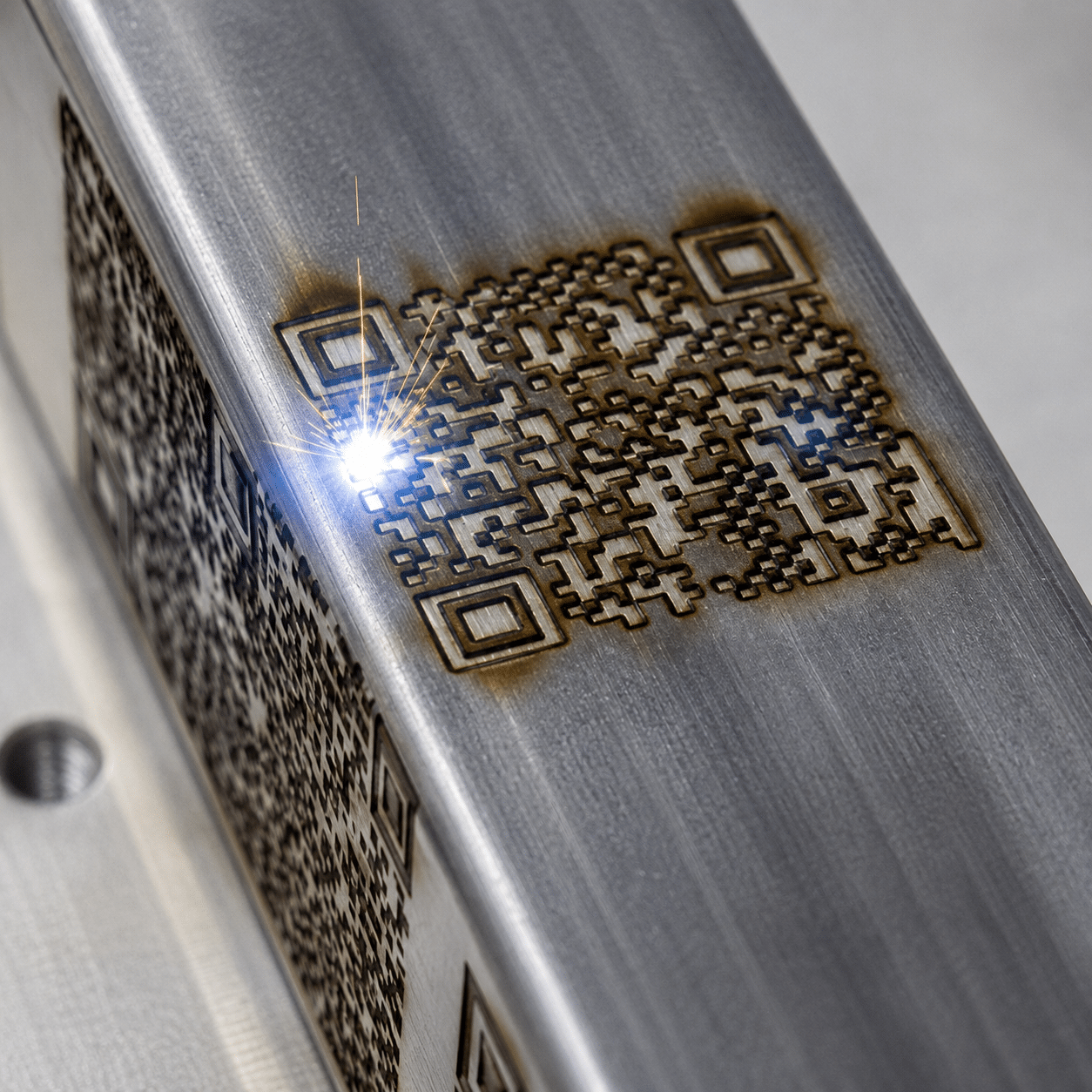
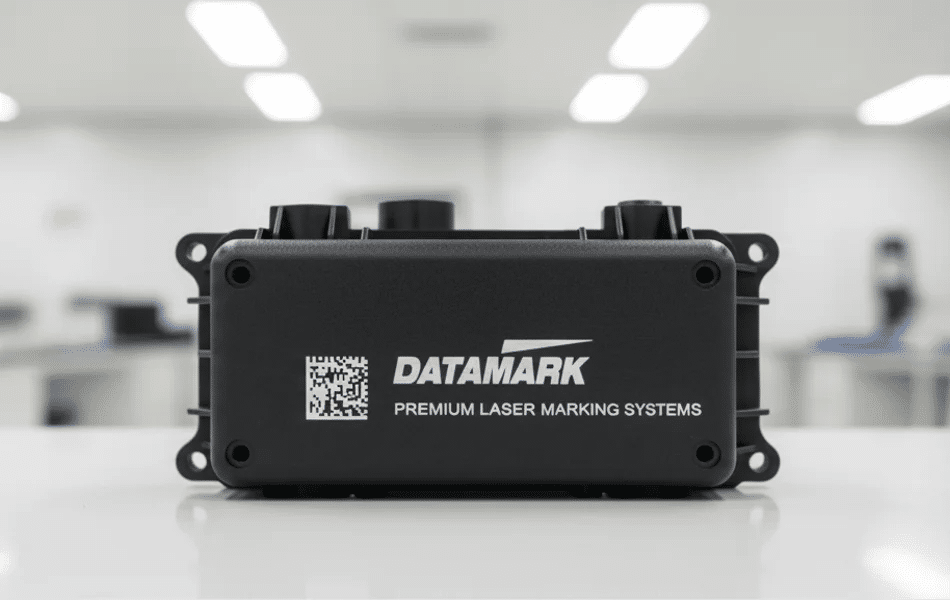
Oceanplayer automated laser marking system quality inspection and factory support
Customer Concerns

Questions that decide whether your marking system will work smoothly in production

A good marking cell must match your material, code content, scanner requirement, loading method, cycle time and safety environment.

Will the code scan reliably?

Sample marking can confirm contrast, size, edge clarity and scanner readability on your real surface.

Can it connect to production data?

The system can be planned for variable data, barcode readers, PLC signals and database communication when required.

How fast can it mark?

Cycle time depends on code size, mark depth, material response, laser power, loading method and inspection steps.

Does it need vision positioning?

Vision is useful when part position varies, mixed models run on one line or marks must align with a specific feature.

Which laser type is best?

Fiber fits many metals, MOPA adds parameter control, UV supports fine low-heat marking, and CO2 fits many organic materials.

What safety is required?

Automated marking systems normally need enclosure, interlock, exhaust, protective viewing window and safe operation procedures.

System Options

Configure the marking cell around your production flow

Different production lines require different loading, positioning, inspection and data communication methods.

System TypeBest ForKey ModulesCustomer Benefit
Conveyor Laser MarkingInline marking on moving or indexed productsConveyor, sensor trigger, marking head and enclosureHigher throughput and less manual handling
Vision Laser MarkingParts with position variation or mixed modelsCamera, lighting, software alignment and fixtureMore accurate code placement and fewer marking errors
Rotary Laser MarkingTubes, rings, shafts and cylindrical partsRotary axis, chuck or roller fixture and marking controlClean codes around curved surfaces
Data-Connected MarkingTraceability, serial numbers and production recordsSoftware, PLC communication, barcode reader and database interfaceBetter product tracking and fewer manual data mistakes
Marking Result Gallery

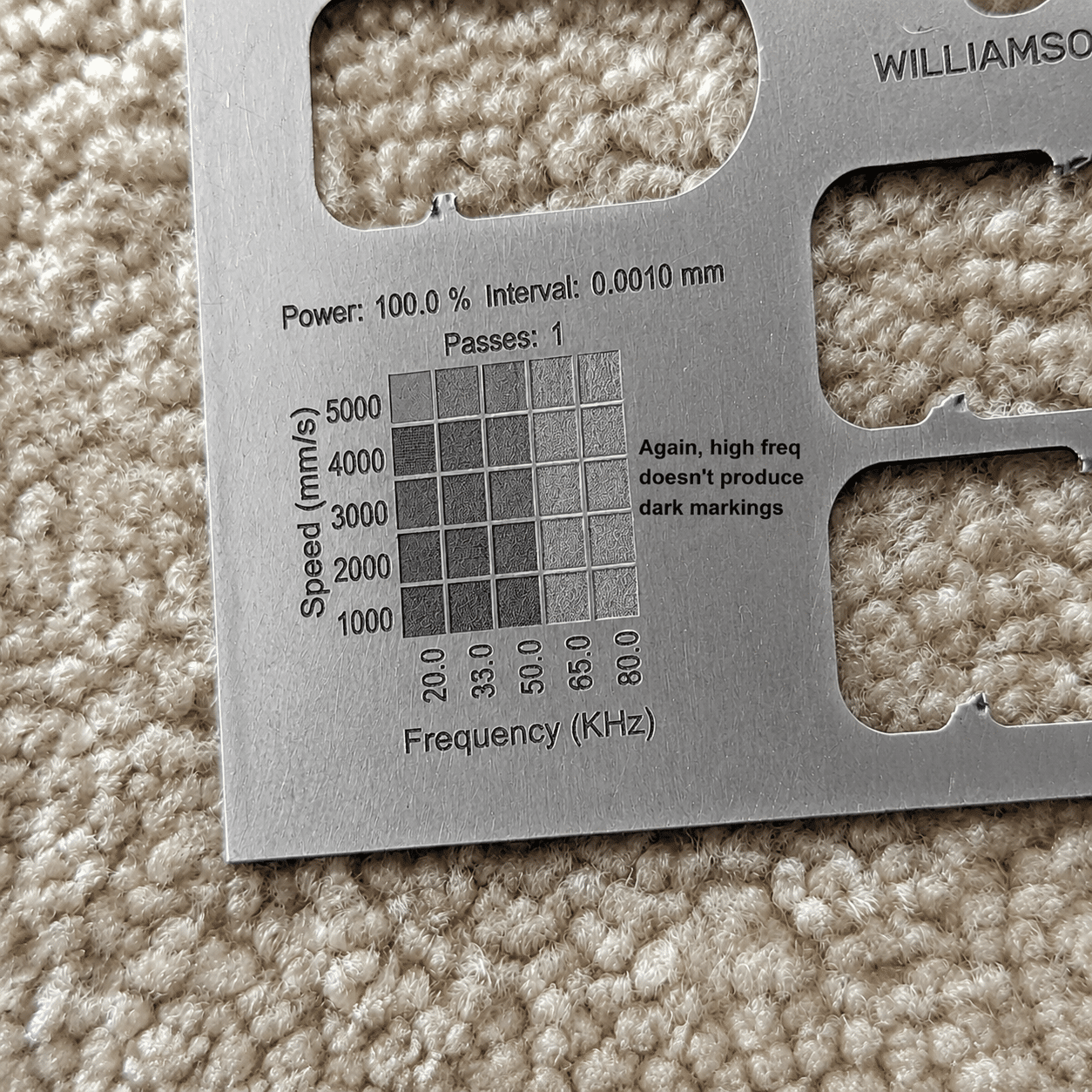
Check mark clarity, contrast and readability before production setup

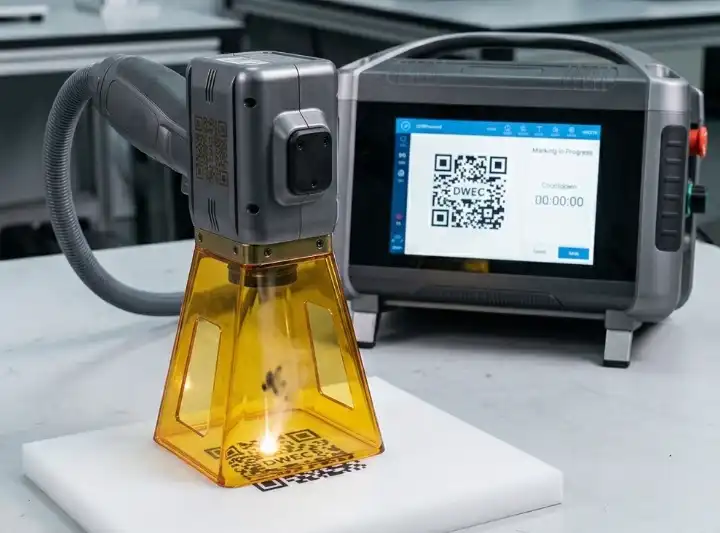
Clear sample results help confirm whether the selected laser type and automation method meet your marking quality requirements.
Selection Guide

Choose the right setup based on material, data and line speed

The best automated marking system is not only about laser power. It must also fit your code content, loading method, safety level and production data flow.

Stable Batch

Fixture Marking Cell

Best when parts are manually loaded or batch loaded, and accurate positioning is more important than full inline speed.

  • Small to medium batches
  • Stable part location
  • Easy sample and model change
High Accuracy

Vision Marking System

Recommended when part position changes, multiple models share a line, or code placement must follow a visual feature.

  • Camera alignment
  • Reduced position errors
  • Useful for mixed models
Project Evaluation

Confirm code quality and production feasibility before ordering.

Send part photos, material details, code content, target marking speed and production line layout. Oceanplayer can help choose laser type, automation modules, fixture method and sample testing direction.

01

Share Parts

Send material, size, surface finish and code content.

02

Test Marking

Check contrast, depth, speed and scanner readability.

03

Plan Integration

Confirm fixture, conveyor, vision, data and safety requirements.

Oceanplayer automated laser marking system factory support and export quality control
Factory Support

Factory direct support for marking automation projects

Oceanplayer supports your marking project from sample testing and laser source selection to fixture planning, software communication, export packing, installation guidance and remote training.

QRCode readability testing
PLCSignal and data planning
VisionCamera positioning options
GlobalExport and remote training support
FAQ

Automated Laser Marking System FAQ

What is an automated laser marking system?
It is a laser marking workstation integrated with automation modules such as conveyors, sensors, fixtures, rotary axes, cameras, loading systems or production data communication.
Can it mark QR codes and serial numbers automatically?
Yes. The system can mark variable data such as QR codes, barcodes, serial numbers, dates, batch codes and product IDs when the software and data source are configured correctly.
Which laser source should I choose?
Fiber is often used for metals, MOPA for controlled plastic and stainless steel marking, UV for fine low-heat marking, and CO2 for many organic and packaging materials.
Can the system connect with a conveyor or PLC?
Yes. Automated marking systems can be planned with conveyor triggering, PLC signals, sensors, barcode readers and production data communication depending on the line requirements.
Should I test samples before ordering?
Sample testing is recommended because it confirms mark contrast, speed, depth, readability and material response before the final automation design is selected.