oceanplayer

Oceanplayer Industrial Laser Equipment | Cleaning, Welding, Marking, Automation Sample Testing | Global Shipping | OEM/ODM Support
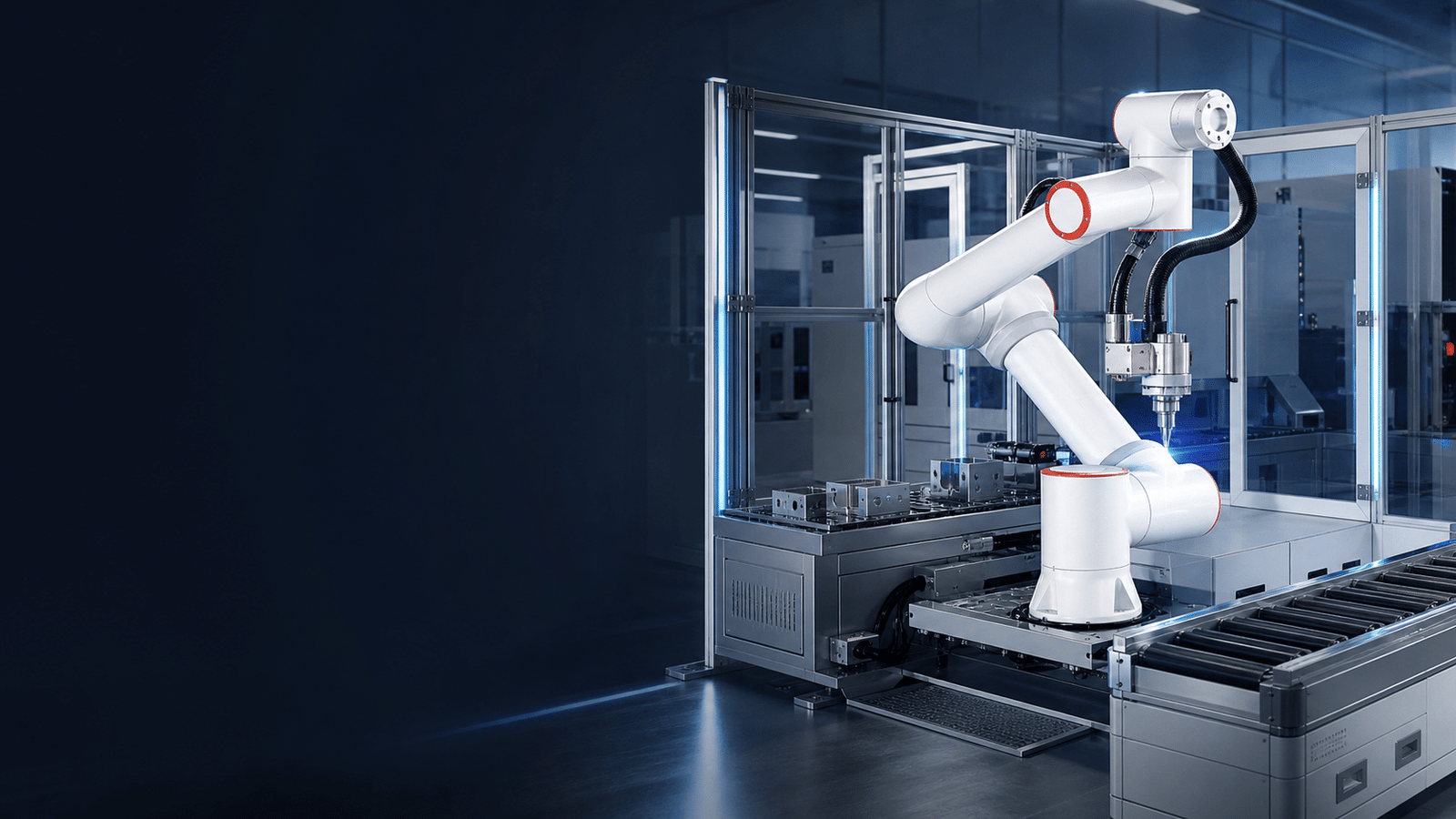
integrated laser automation system for industrial production
Laser Automation System

Laser Automation Systems Built Around Your Parts, Process and Production Target

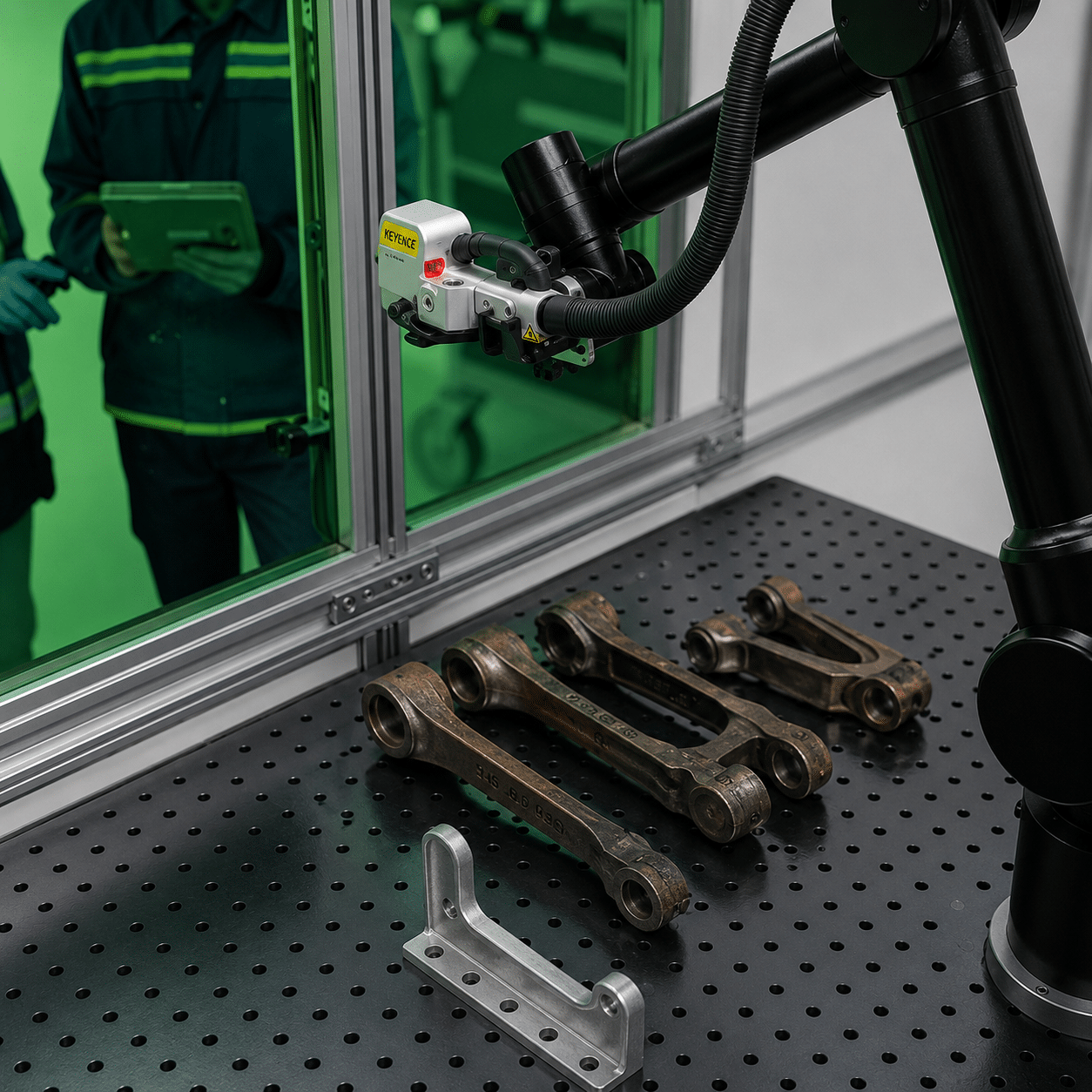
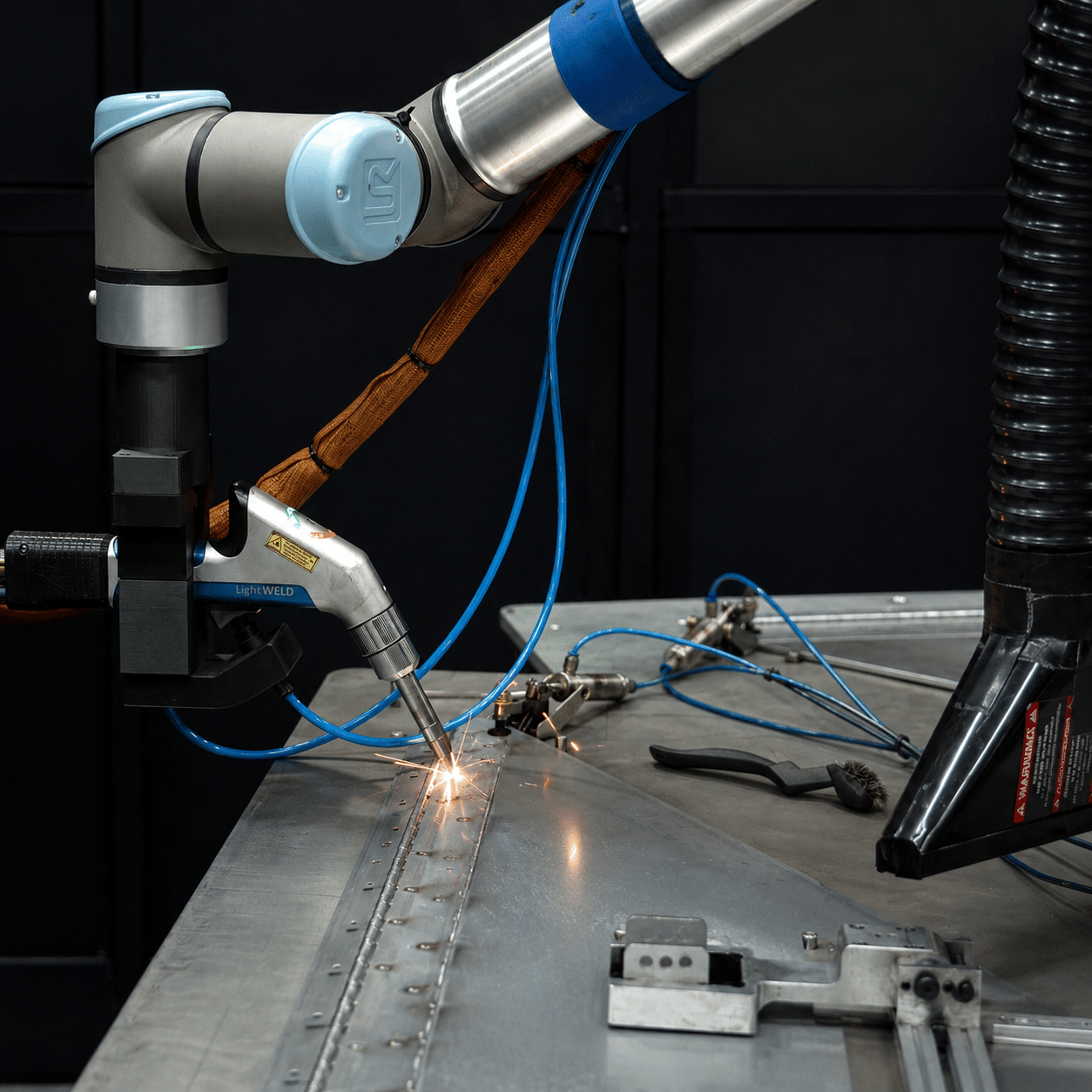
Integrate laser cleaning, welding or marking with robots, collaborative robots, conveyors, fixtures, vision, data handling and safety controls. Oceanplayer helps you move from sample testing to a practical production cell.

  • Cleaning, welding and marking automation
  • Robot, cobot and conveyor integration
  • Fixture, vision and safety planning
3 ProcessesClean, weld and mark
Flexible MotionRobot, cobot or linear axes
Line ReadyPLC, vision and data options
Project SupportTesting through commissioning
Automation Fit

Automate the laser process that is limiting output or consistency

A useful automation project starts with the production problem. Identify where manual handling, repeated paths, variable quality or traceability requirements are creating cost and delay.

C

Repeated Cleaning Paths

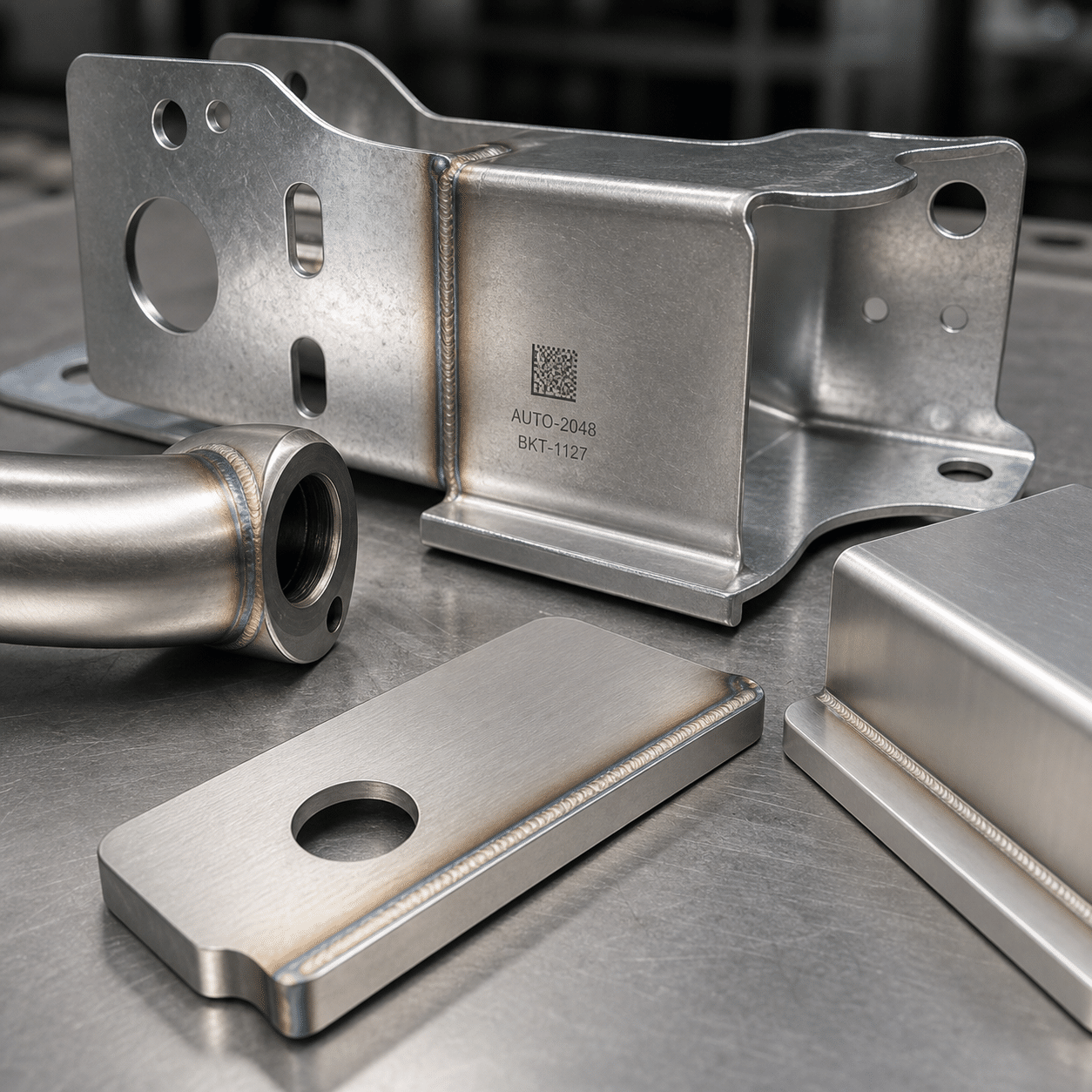
Automate rust, paint, oxide, oil or pre-weld cleaning when parts repeat and consistent surface coverage matters.

W

Consistent Weld Seams

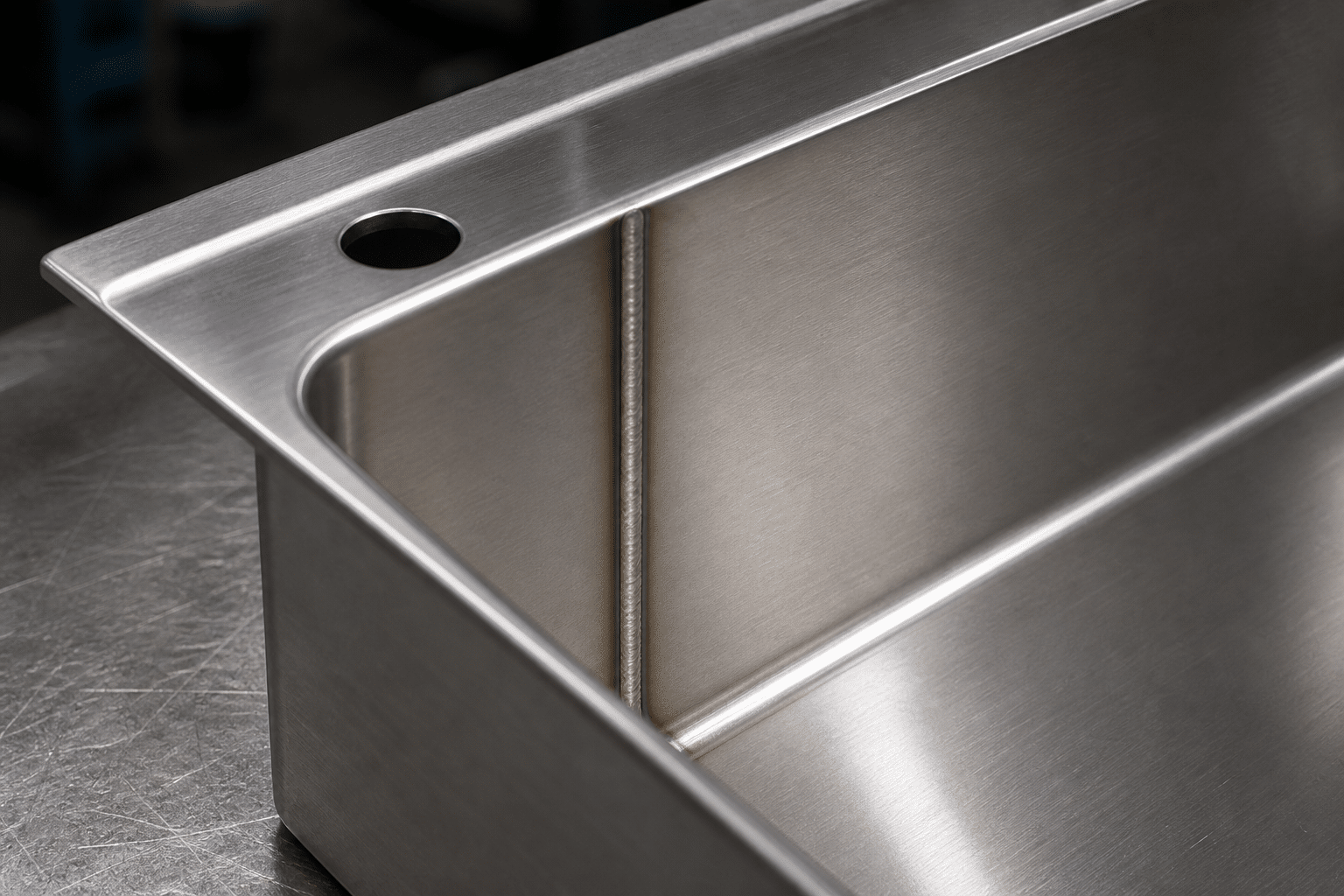
Control travel speed, torch angle and laser path for repeated seams, enclosures, tubes, frames and assemblies.

M

High-Volume Identification

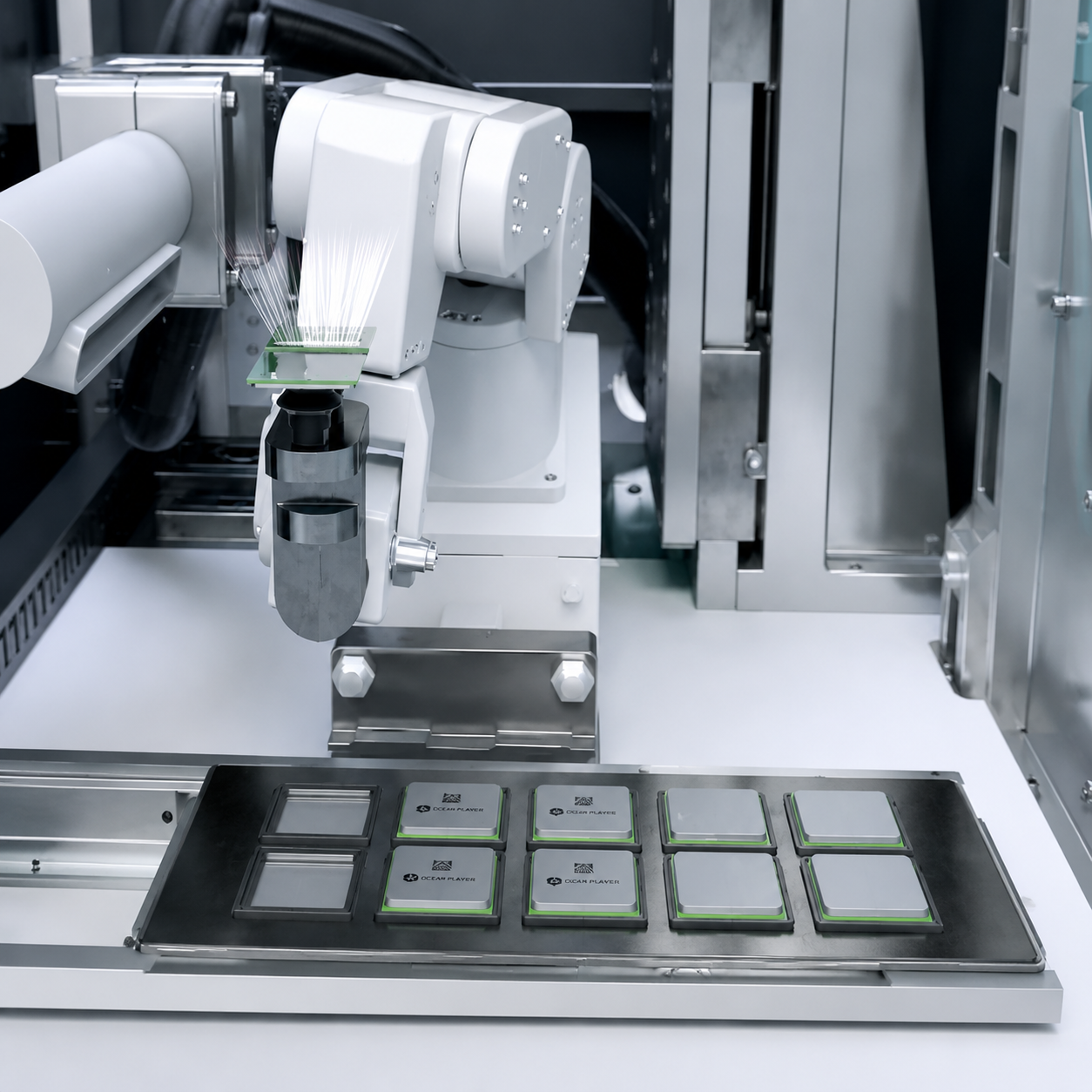
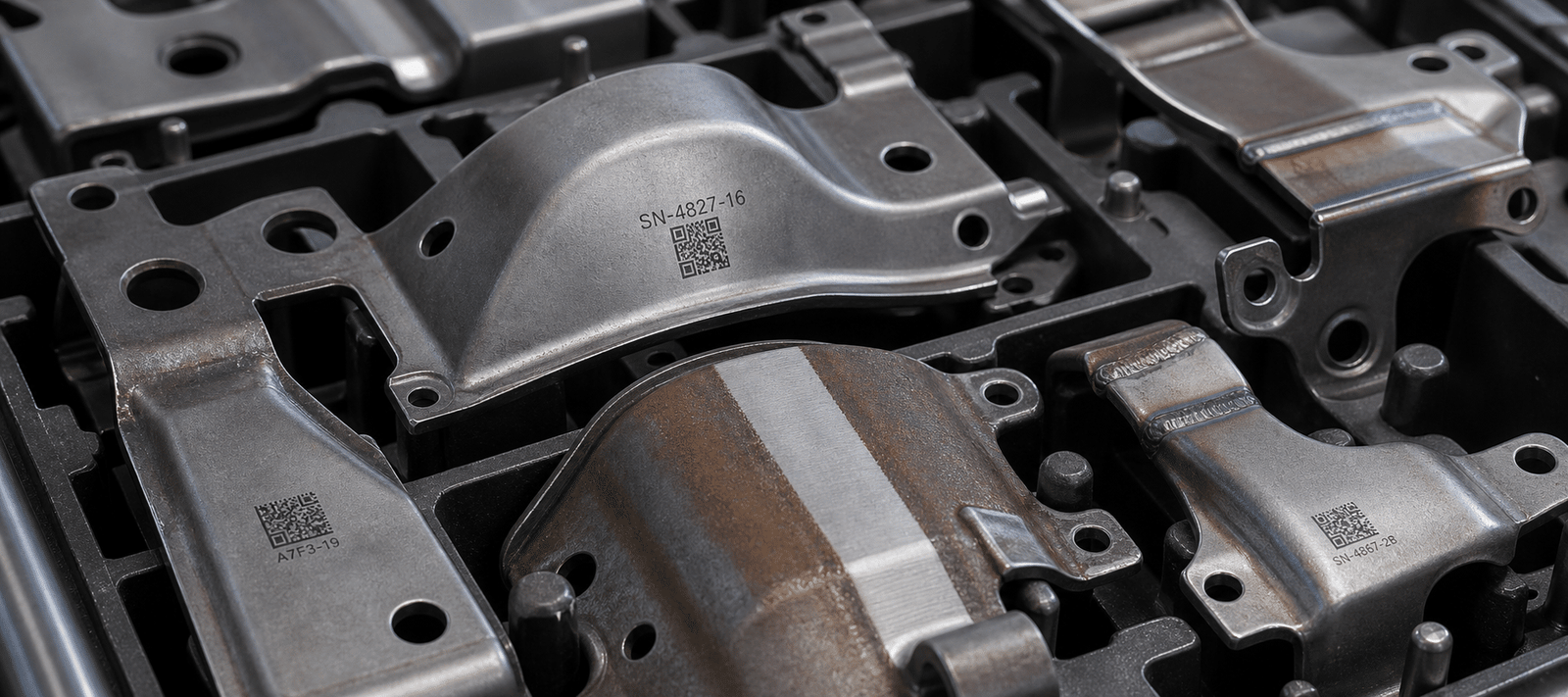
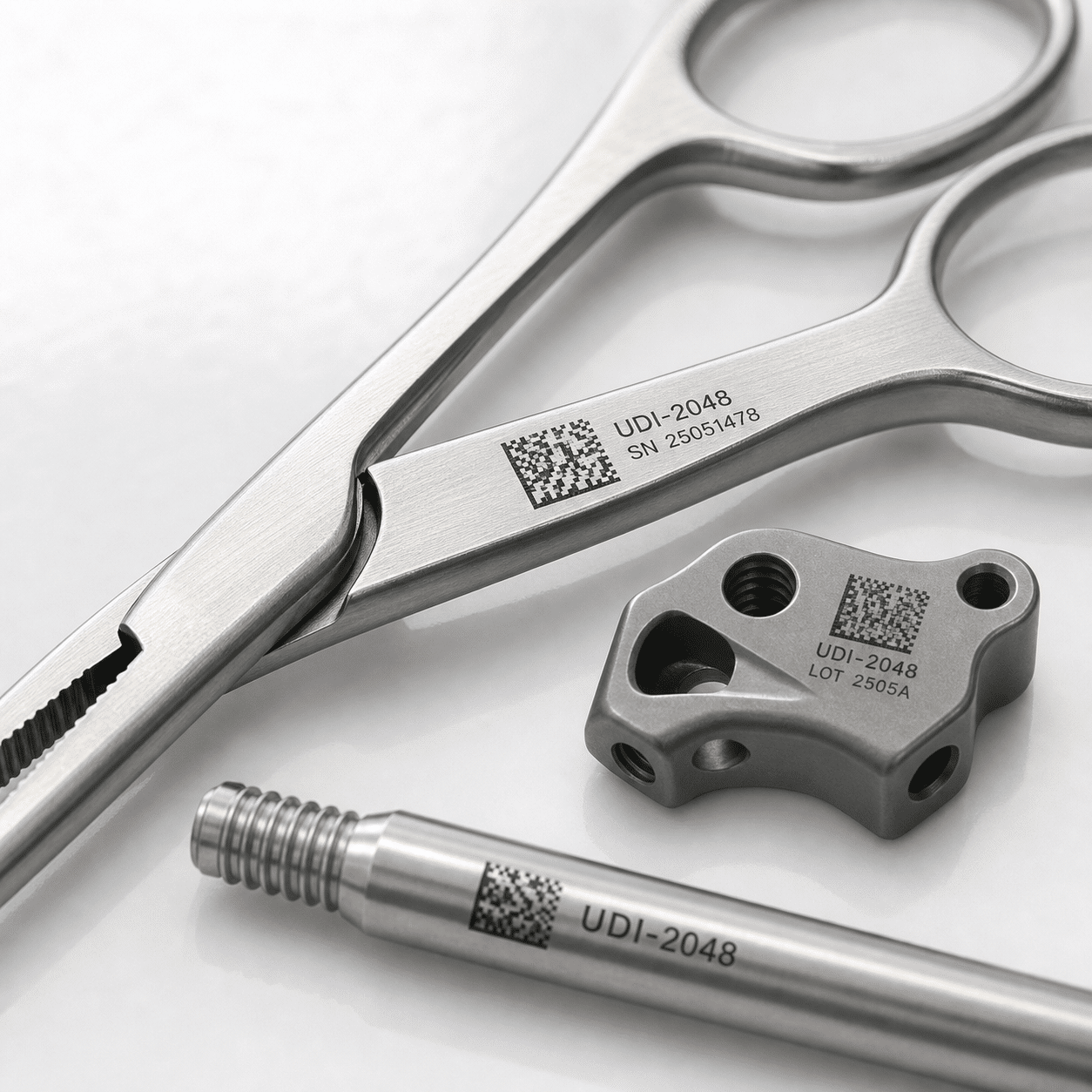
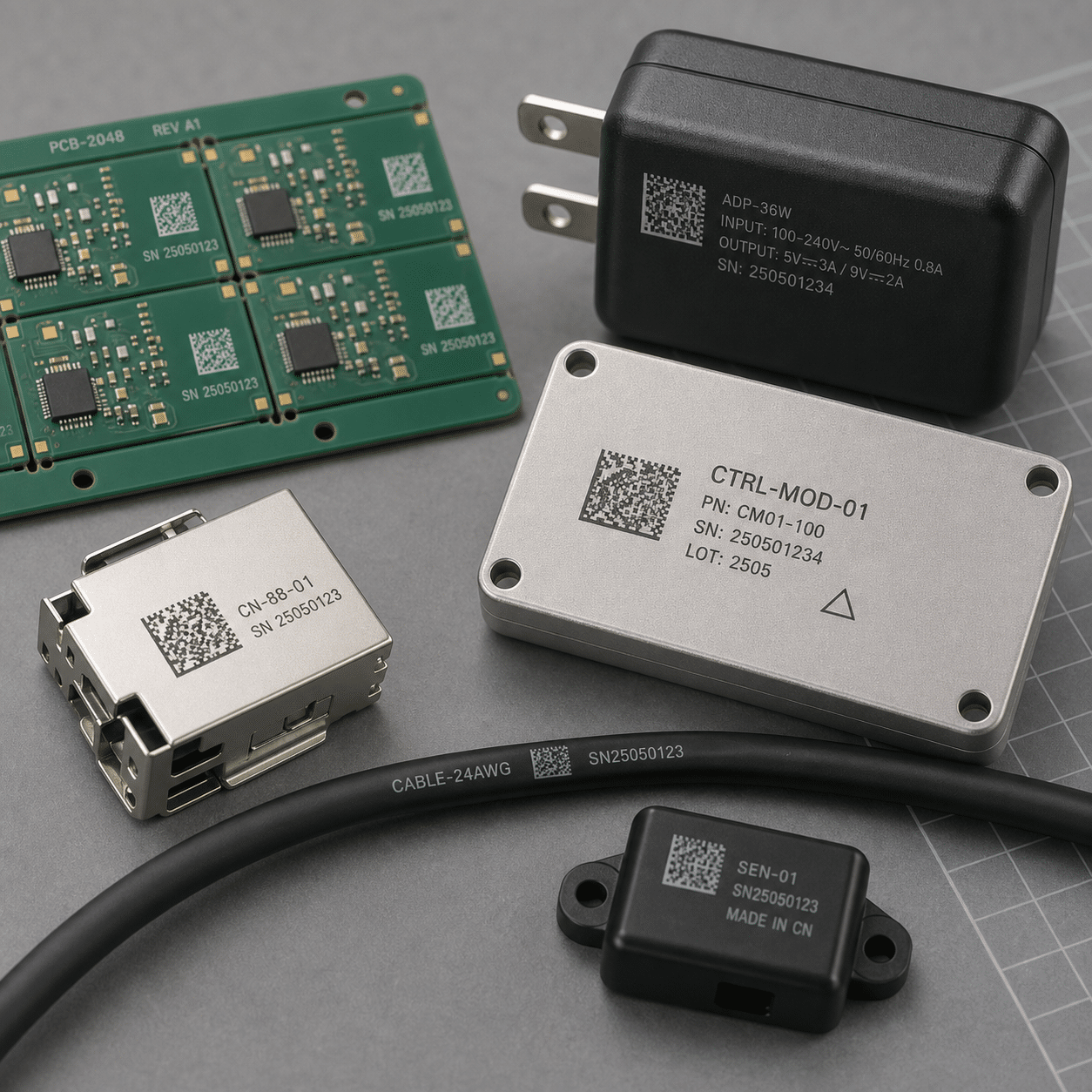
Mark serial numbers, QR codes, logos and production data without slowing the line or relying on manual entry.

I

Connected Production

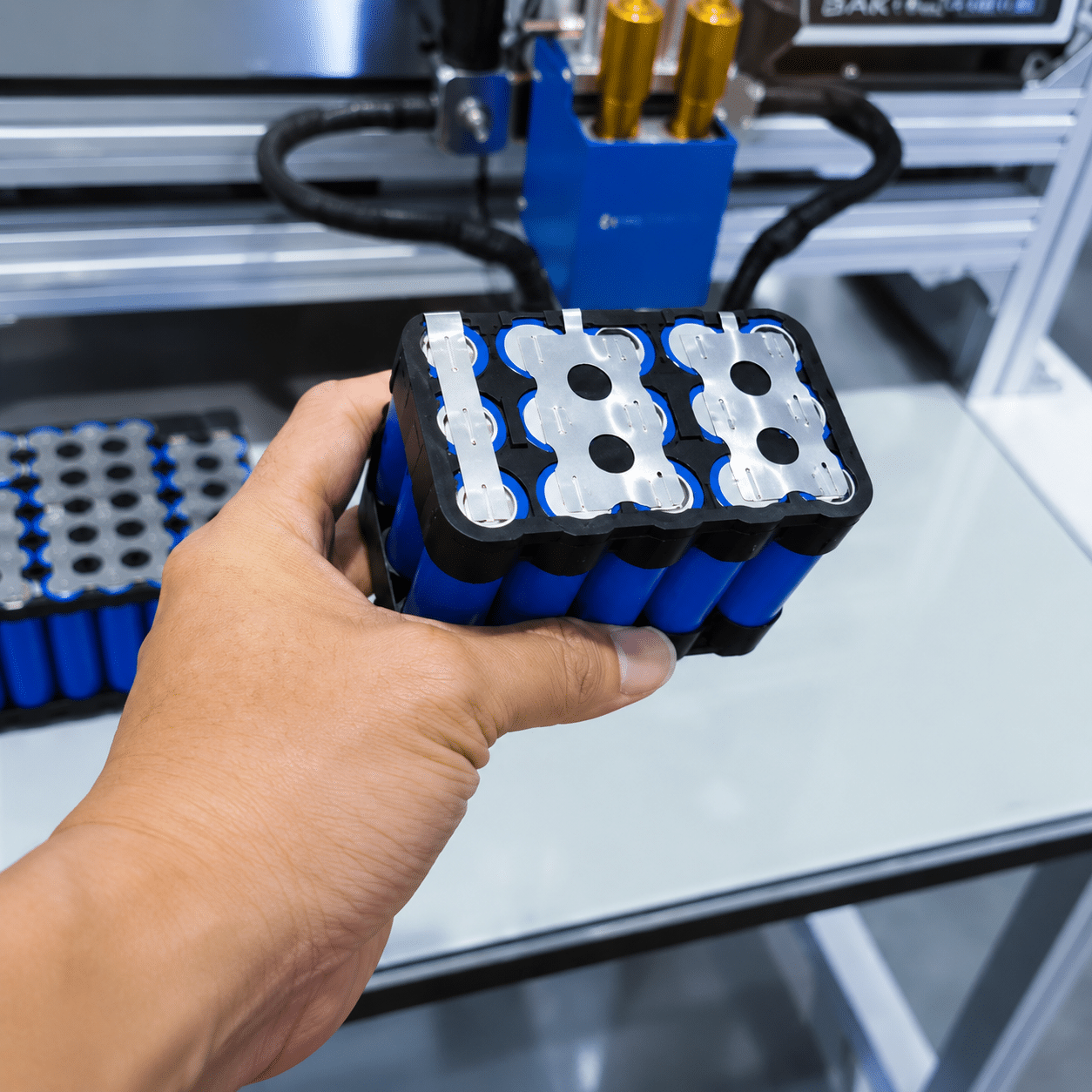
Link laser processing with sensors, PLC signals, vision inspection, recipe selection and manufacturing records.

Selection Matrix

Match motion, handling and controls to the way your parts actually move

The right system is determined by part size, path complexity, cycle time, product variation, loading method and the production data you need to exchange.

Production RequirementRecommended PlatformTypical ConfigurationConfirm Before Design
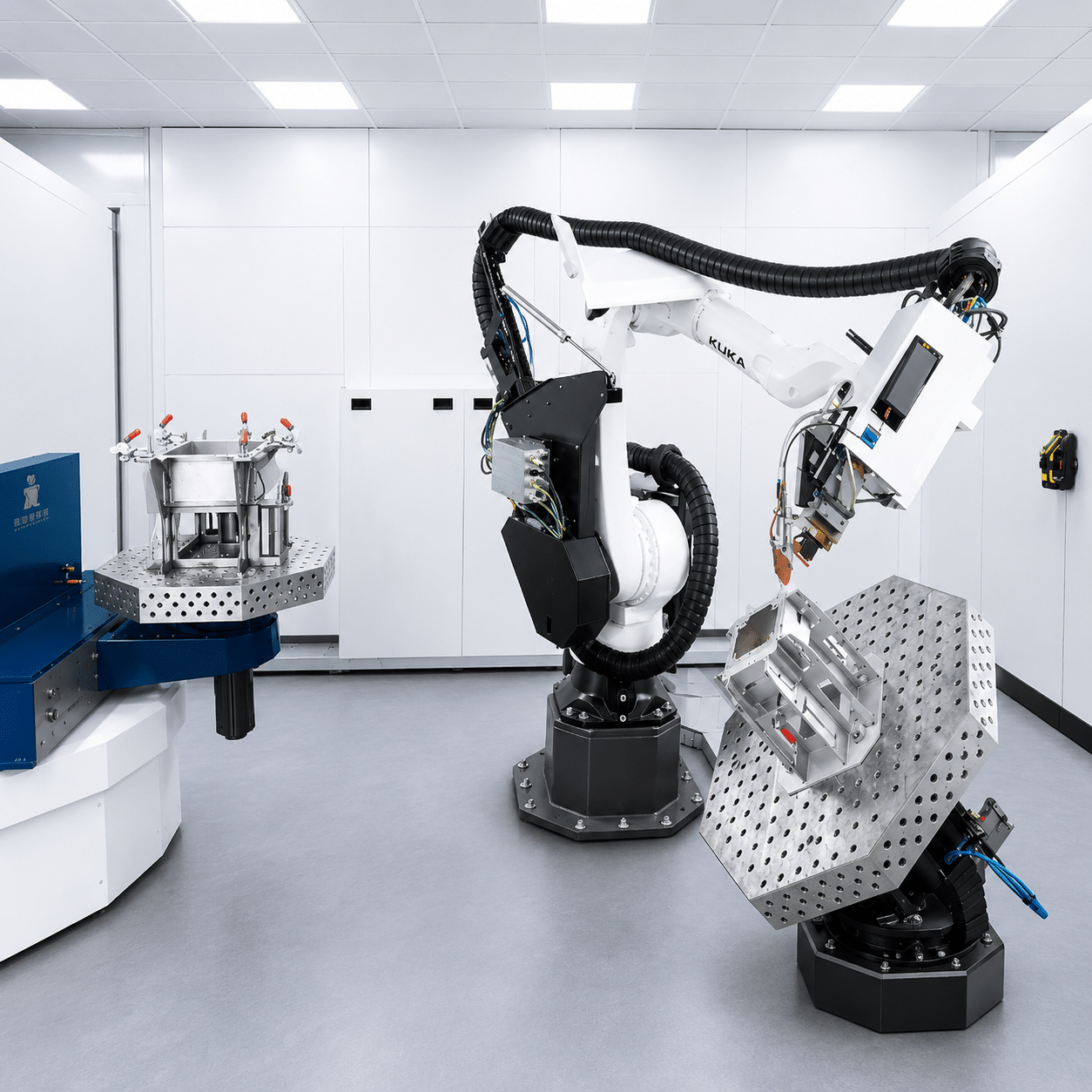
Large or complex 3D pathIndustrial robot cell6-axis robot, laser head, extraction, guarded enclosureReach, payload, path access and robot position
Frequent product changeoverCollaborative robot cellCobot, quick-change fixture, saved recipes, safety devicesPart family, changeover target and operator interaction
Flat or regular linear pathXY or XYZ motion systemLinear axes, fixed laser head, worktable or enclosureTravel range, accuracy, speed and part loading
Continuous parts on a lineConveyor automationSensor trigger, encoder, laser station, reject or verificationLine speed, spacing, orientation and stop-or-fly process
Variable code or recipePLC and database integrationScanner, MES data, automatic recipe and result reportingData format, handshake, permissions and record retention
laser automation workcell with robot fixture controls and safety enclosure
Workcell Architecture

A complete system needs more than a laser and a robot

Reliable production comes from matching every element around the laser process. Oceanplayer can configure the workcell around your part flow, operator tasks and factory interface.

  • Laser source and process head: selected for material, removal rate, weld requirement or mark quality.
  • Motion and fixture: robot, cobot, linear stage, rotary axis or conveyor with repeatable part location.
  • Process support: wire feeding, shielding gas, fume extraction, dust collection or cooling where required.
  • Controls and inspection: PLC, HMI, sensors, vision, code verification and production data exchange.
  • Safety system: enclosure, interlocks, laser-rated viewing, emergency stops and operating procedure.
Production Workflow

Build a controlled path from part arrival to verified result

A clear sequence helps prevent missed parts, incorrect recipes, loading errors and unverified output.

Step 01

Identify Part

Scan, sense or select the product and required process recipe.

Step 02

Load & Locate

Fixture the part or confirm position with sensors and vision.

Step 03

Safety Check

Verify enclosure, interlocks, extraction and ready signals.

Step 04

Laser Process

Run the programmed cleaning, welding or marking path.

Step 05

Verify Result

Check process completion, code quality or inspection criteria.

Step 06

Record & Release

Store result data and signal the next production operation.

Project Value

Measure automation by the improvements that matter to your operation

System value depends on current labor, cycle time, rework, consumables, downtime and production volume. Use your own baseline to build a realistic project case.

Cycle Time

Compare total load, process, inspection and unload time against the current method.

Quality Stability

Track rework, rejected parts and process variation before and after automation.

Labor Allocation

Measure how much repetitive handling and skilled manual work the cell can reduce.

Operating Cost

Include consumables, maintenance, extraction, energy, tooling and expected utilization.

Safety & Quality

Protect operators while keeping every production cycle controlled

Laser safety, process monitoring and error handling should be designed into the cell from the beginning.

Laser Safety

Enclosure & Interlocks

Match guarding, laser-rated viewing, access control and emergency stops to the selected laser class and workflow.

Process Safety

Fume, Dust & Gas Control

Plan extraction, filtration, shielding gas, cooling and fire-risk controls for the actual material and process.

Part Control

Presence & Position Checks

Use fixtures, sensors or vision to prevent processing the wrong part or starting from an incorrect location.

Recipe Control

Program Permissions

Protect validated parameters and select recipes through controlled operator, scanner or PLC inputs.

Result Control

Inspection & Verification

Confirm mark readability, process completion, seam condition or cleaning coverage according to project requirements.

Fault Control

Alarm & Recovery Logic

Define how the cell responds to missing parts, blocked extraction, communication faults and interrupted cycles.

Project Planning

Share the information needed for a useful automation proposal

Clear samples, drawings and production targets reduce design uncertainty and help determine whether a robot, cobot, stage or conveyor is the best fit.
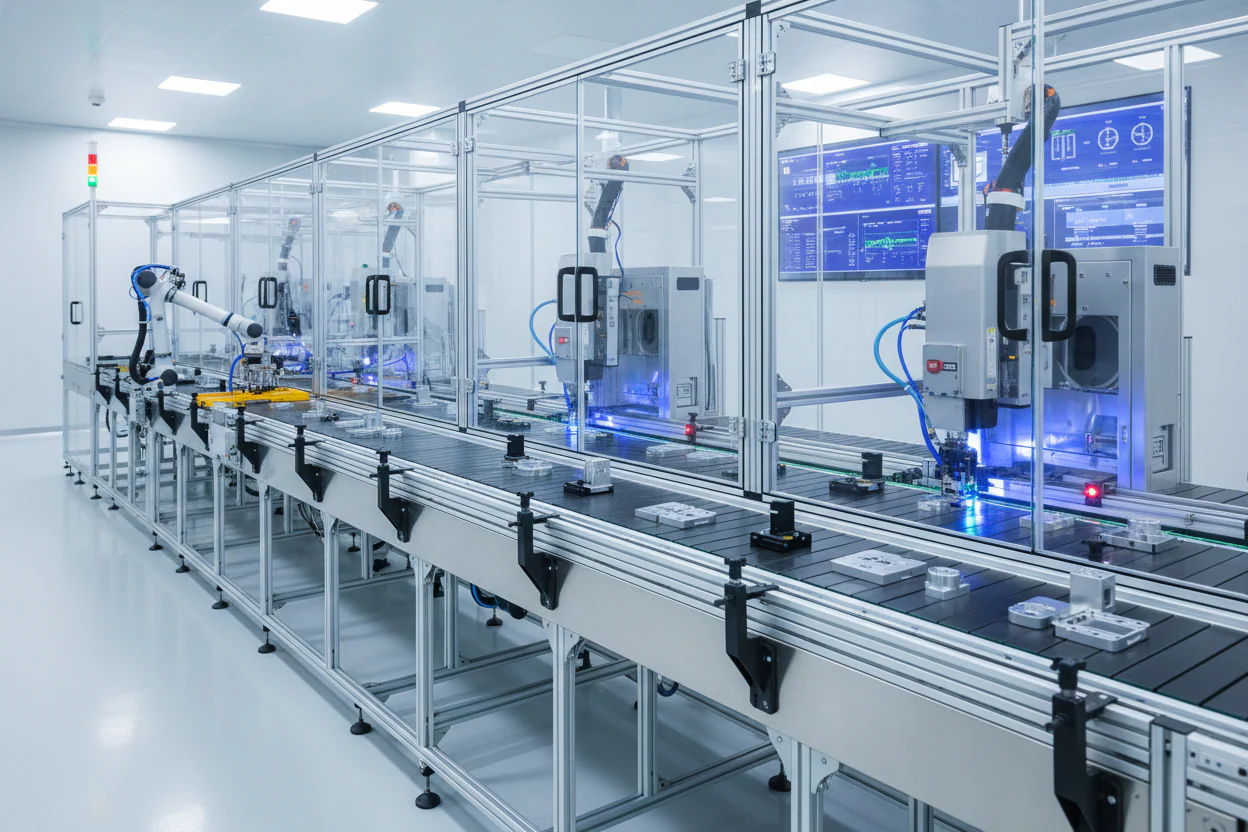
laser automation project planning with part drawing and production layout
Part

Samples & Drawings

Material, dimensions, weight, tolerances, surface condition and CAD files.

Process

Required Result

Cleaning standard, weld criteria, mark type, depth, contrast or code grade.

Production

Volume & Cycle Time

Parts per shift, current time, target time, product mix and changeover frequency.

Handling

Loading Method

Manual, conveyor, pallet, turntable, fixture, upstream robot or downstream transfer.

Factory

Space & Utilities

Available footprint, access, power, gas, extraction, network and environment.

Interface

Controls & Data

PLC brand, signals, scanner, MES, database, recipe and production records.
Process Validation

Test the laser process before finalizing the automation cell

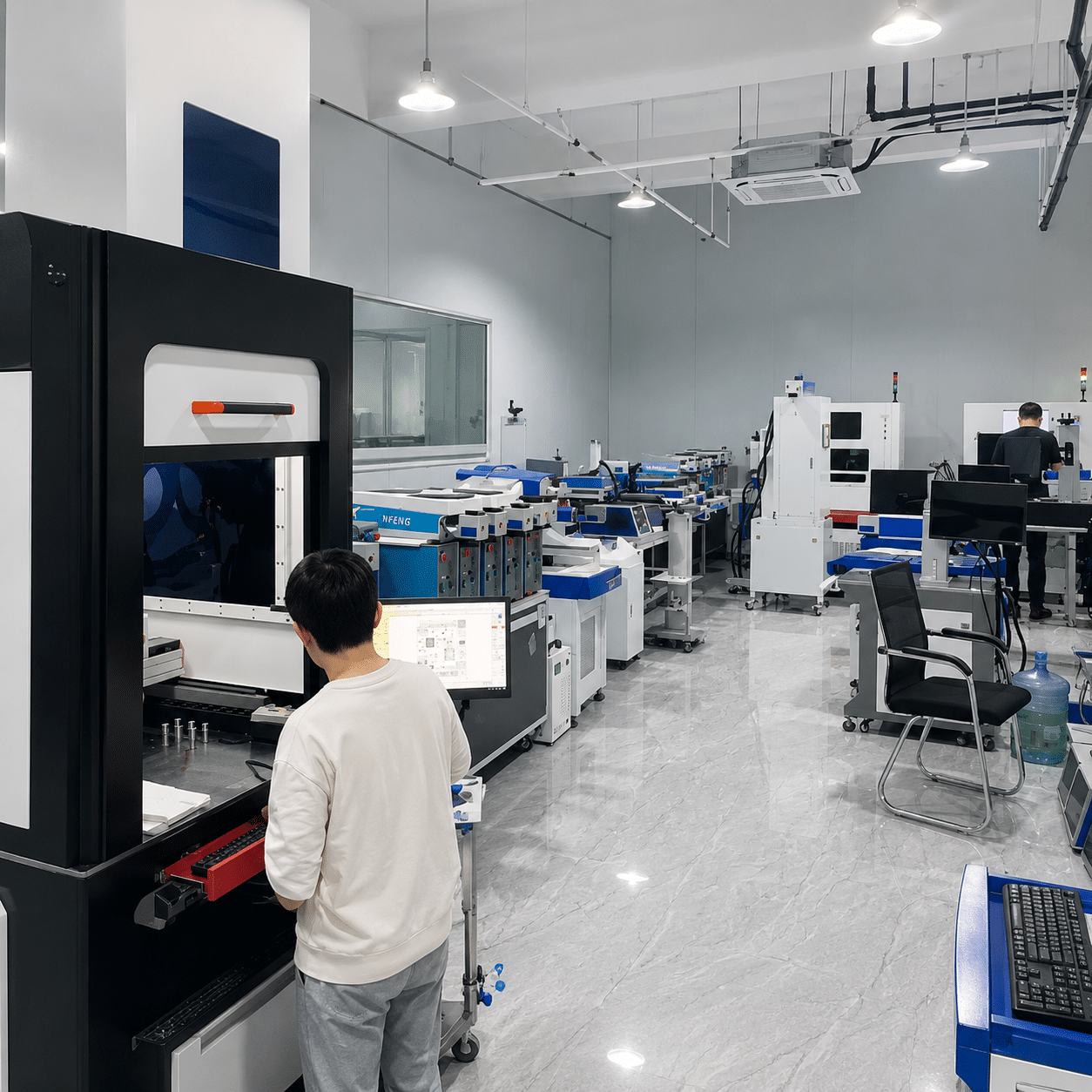
Send representative parts and acceptance requirements. Sample testing helps confirm parameters, processing time, fixture needs and inspection criteria before mechanical design begins.

01 / Input

Share Parts & Goals

Provide samples, drawings, current process and target result.

02 / Test

Validate Parameters

Evaluate laser settings, path, processing time and part positioning.

03 / Plan

Define the Cell

Match motion, fixture, controls, safety and line interface to the result.

Oceanplayer laser automation assembly and testing
laser automation process testinglaser automation system commissioning
Project Support

Move from process testing to cell delivery and production handover

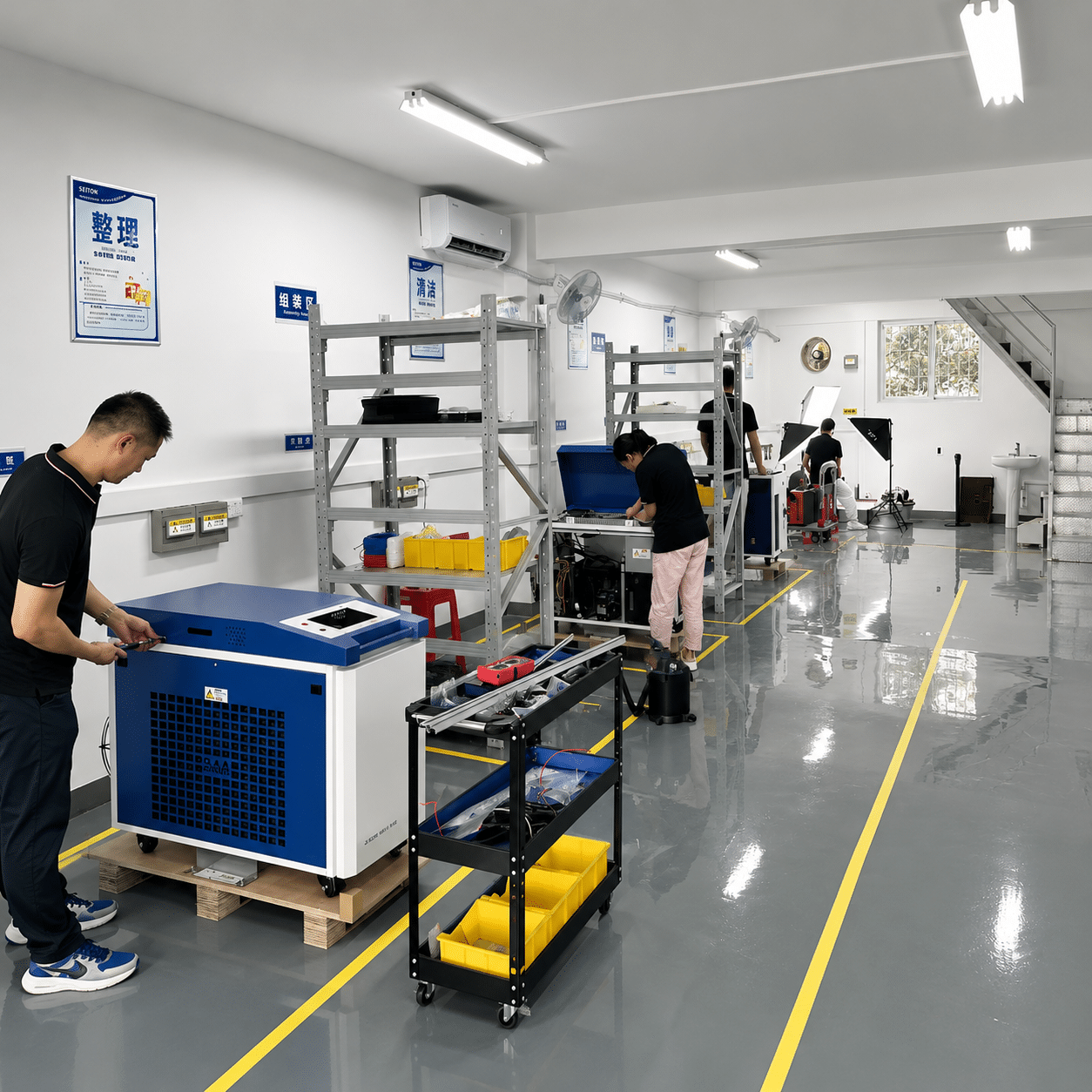
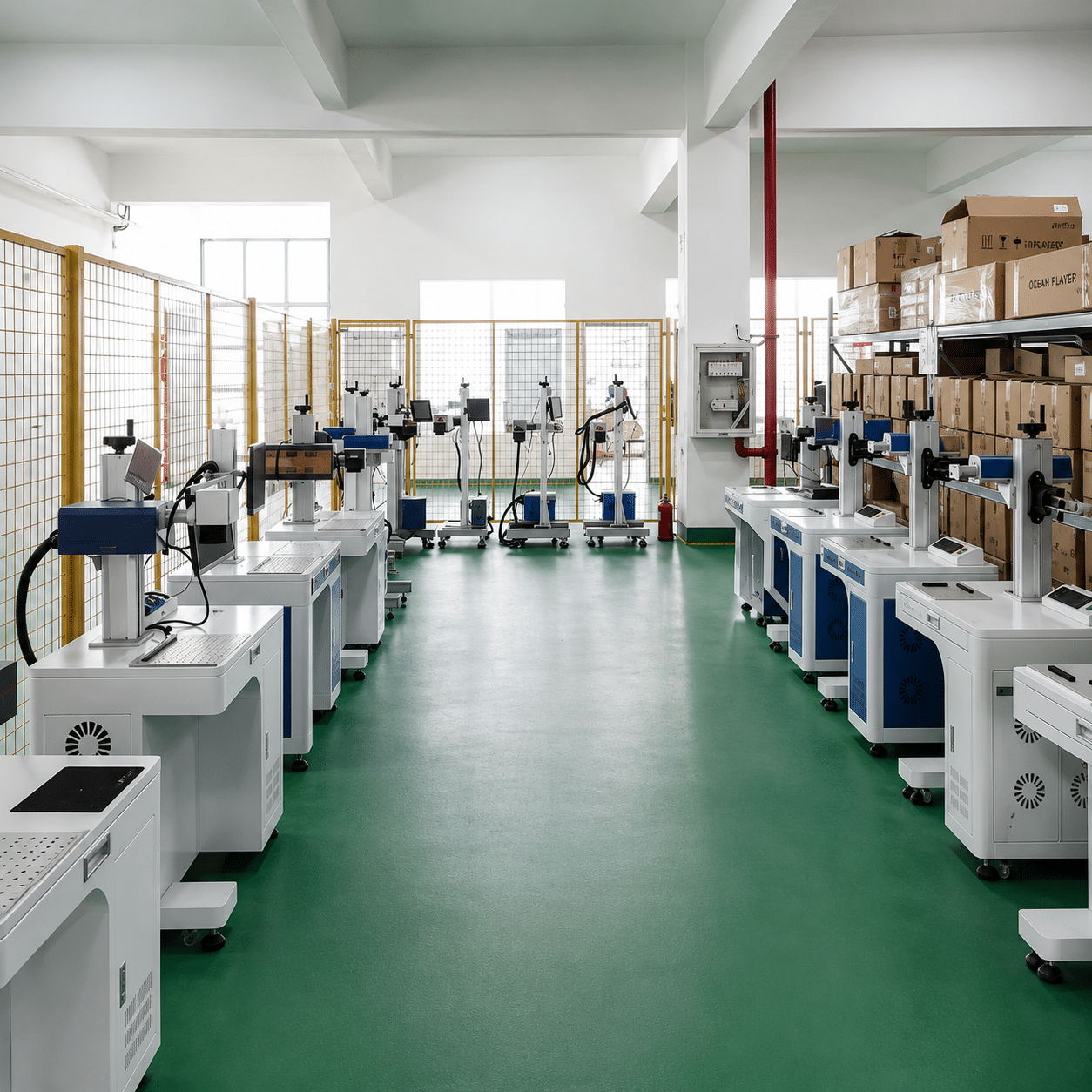
Oceanplayer supports laser selection, sample trials, layout review, configuration, system testing, operation guidance and after-sales communication for industrial automation projects.

  • Process test and parameter recommendation
  • Workcell layout and fixture discussion
  • Robot, motion, PLC and safety configuration
  • Factory acceptance test planning
  • Remote guidance and after-sales support
Process TestingConfiguration SupportGlobal ShippingAfter-Sales Service
Related Systems

Explore the laser process pages behind your automation project

Compare the core laser equipment and specialized automation platforms before selecting a final configuration.

Laser Automation FAQ

Answers for planning a laser automation system

Use these points to prepare your internal requirements before requesting a system proposal.

What is a laser automation system?
A laser automation system combines a laser cleaning, welding or marking process with controlled motion, part handling, fixtures, safety equipment and production controls. It may use an industrial robot, collaborative robot, linear stage, rotary axis, turntable or conveyor.
Can one automated system perform cleaning, welding and marking?
A combined workcell is possible, but feasibility depends on cycle time, part flow, safety, contamination control and how often the process changes. Separate stations may provide better output when all three operations are required at high volume.
Should I choose an industrial robot or a collaborative robot?
Industrial robots are commonly selected for speed, reach, payload and fully guarded production. Collaborative robots can be useful for flexible, lower-volume work and easier program changeover. The final choice depends on the risk assessment, path, cycle time and operator interaction.
What information is needed to quote a laser automation project?
Provide representative parts or drawings, material, dimensions, process target, current and required cycle time, production volume, loading method, available space, utilities, control interface and acceptance criteria.
Can the system connect to our PLC or MES?
PLC, scanner, database and MES integration can be planned when the communication protocol, data fields, recipe logic, result reporting and responsibility boundaries are defined during the project.
How do you verify cycle time before building the cell?
Laser sample tests establish process time, while robot or motion simulations and handling estimates help calculate loading, positioning and inspection time. A final cycle target should include the complete operating sequence.
What safety equipment is required?
Requirements depend on laser class, wavelength, process, material, layout and local regulations. A typical cell may include an enclosure, interlocked access, laser-rated viewing, emergency stops, extraction, warning indicators and controlled operating procedures.
Can Oceanplayer test our parts before we order?
Yes. Representative sample testing can help confirm process feasibility, parameters, result quality, estimated processing time and fixture considerations before the full automation configuration is finalized.