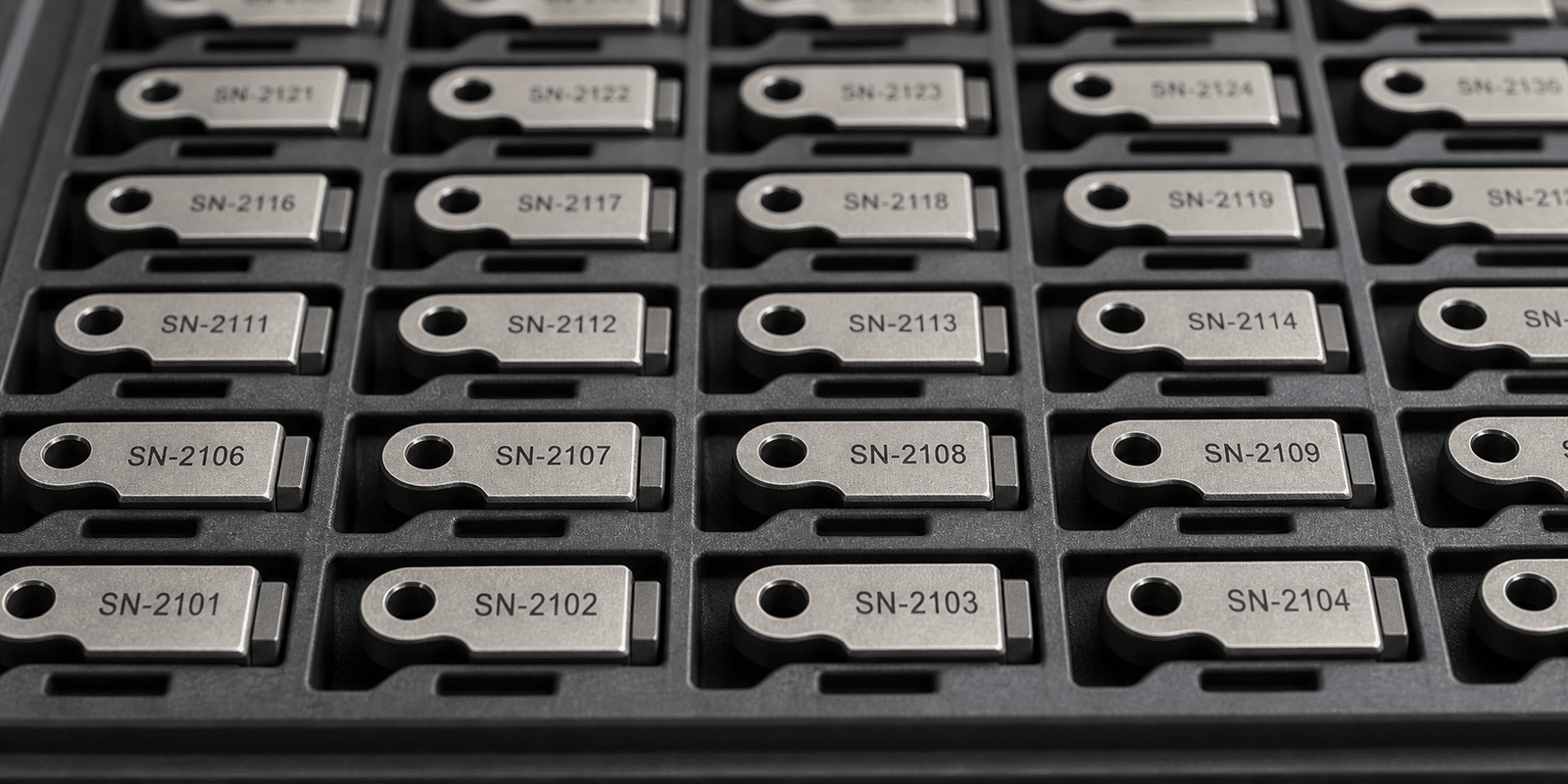
Serial Number Laser Marking for Permanent Part ID, Batch Control and Product Traceability.
Oceanplayer serial number laser marking solutions help create permanent, readable and variable serial numbers on metal, plastic, tools, nameplates, electronic parts, medical devices, automotive components and industrial products. Build a marking setup around serial rules, material contrast, mark size, production speed and data integration.
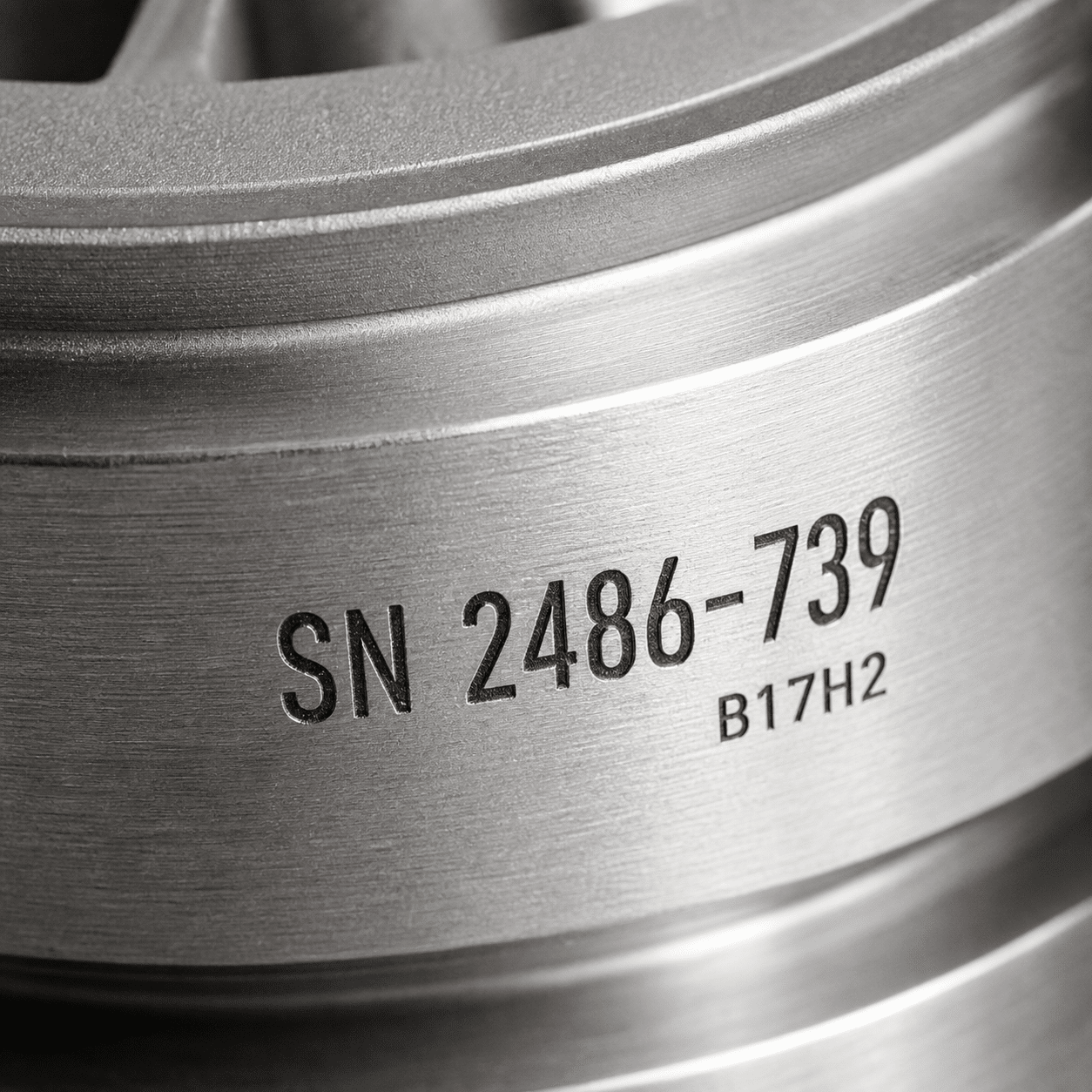
- Sequential serial number marking
- Metal, plastic and coated part marking
Serial numbers must be readable, unique and hard to lose
For traceability, the number should stay on the part through handling, cleaning, service, warranty checks and production records.
Numbers must remain readable
Laser marking can create sharp serial numbers, model codes and batch IDs that remain visible through normal product use.
Every part may need unique data
Laser software can support changing serial numbers, date codes, batch codes and QR or barcode combinations.
Labels and ink can fail
Direct part laser marking reduces dependence on stickers, ink printing and labels that can peel, smear or be removed.
Where serial number laser marking supports traceability
Serial number marking is useful when each product or part needs a permanent identity for warranty, service, inventory, batch control or compliance records.
- Automotive parts, aerospace components, metal parts and machined components.
- Medical tools, laboratory parts, device housings and regulated product labels.
- Electronics, plastic housings, connectors, chargers, sensors and circuit-related parts.
- Tools, molds, nameplates, hardware, fittings, panels and industrial tags.
- Serial numbers, batch codes, model codes, date codes, QR codes and barcodes.
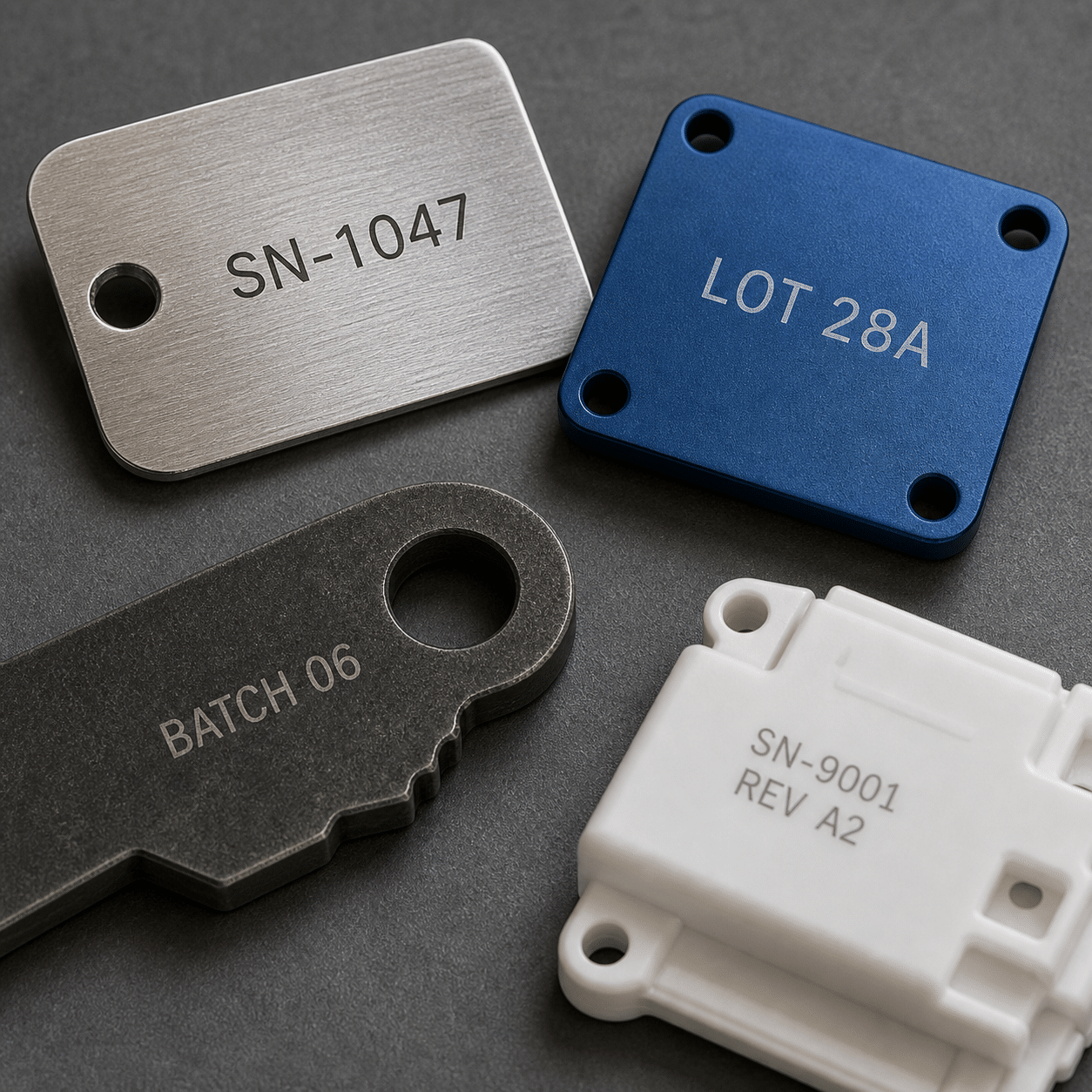
Choose a serial number workflow that fits your production process
Serial number marking can be simple manual input, automatic counting, imported data files or connected production-line data.
Automatic serial number increase
Useful when every product needs a unique number in a clear sequence for inventory and warranty tracking.
- Set prefix, suffix and number length
- Reduce manual typing mistakes
- Good for repeated production batches
Mark from prepared data lists
Useful when serial numbers come from orders, ERP exports, Excel files or customer-assigned product IDs.
- Supports pre-planned code lists
- Helps match production orders
- Can combine text and code fields
Connect marking with production data
Used for automated lines that need serial numbers, QR codes, scanner checks and production records.
- Supports MES or database workflows
- Works with scanner verification
- Useful for higher-volume traceability
Select the laser marker by material, contrast and data workflow
The best setup depends on part material, serial number size, readability requirement, surface finish, daily output and whether the data changes automatically.
| Serial Marking Need | Common Laser Choice | Best Use | What To Check |
|---|---|---|---|
| Metal serial number marking | Fiber laser marker | Tools, tags, nameplates, machined parts and hardware | Text height, contrast, depth and surface finish |
| Black serial numbers on stainless steel | MOPA laser marker | Medical tools, panels, visible products and high-contrast marks | Pulse settings, corrosion needs and readability |
| Plastic serial number marking | UV, CO2, fiber or MOPA laser marker | Plastic housings, caps, connectors and electronics | Plastic type, color, additives and heat sensitivity |
| Serial number plus QR or barcode | Fiber, MOPA, UV or automated system | Traceability, warranty, inventory and production control | Code size, scan distance and data rules |
| High-volume variable data | Automated laser marking system | Production lines, fixtures, database input and scanner checks | Data source, cycle time, loading method and verification |
Review serial number laser marking results across common products
Use these positions for serial number samples on metal tags, stainless steel tools, aluminum plates, plastic housings, nameplates and automated production parts.
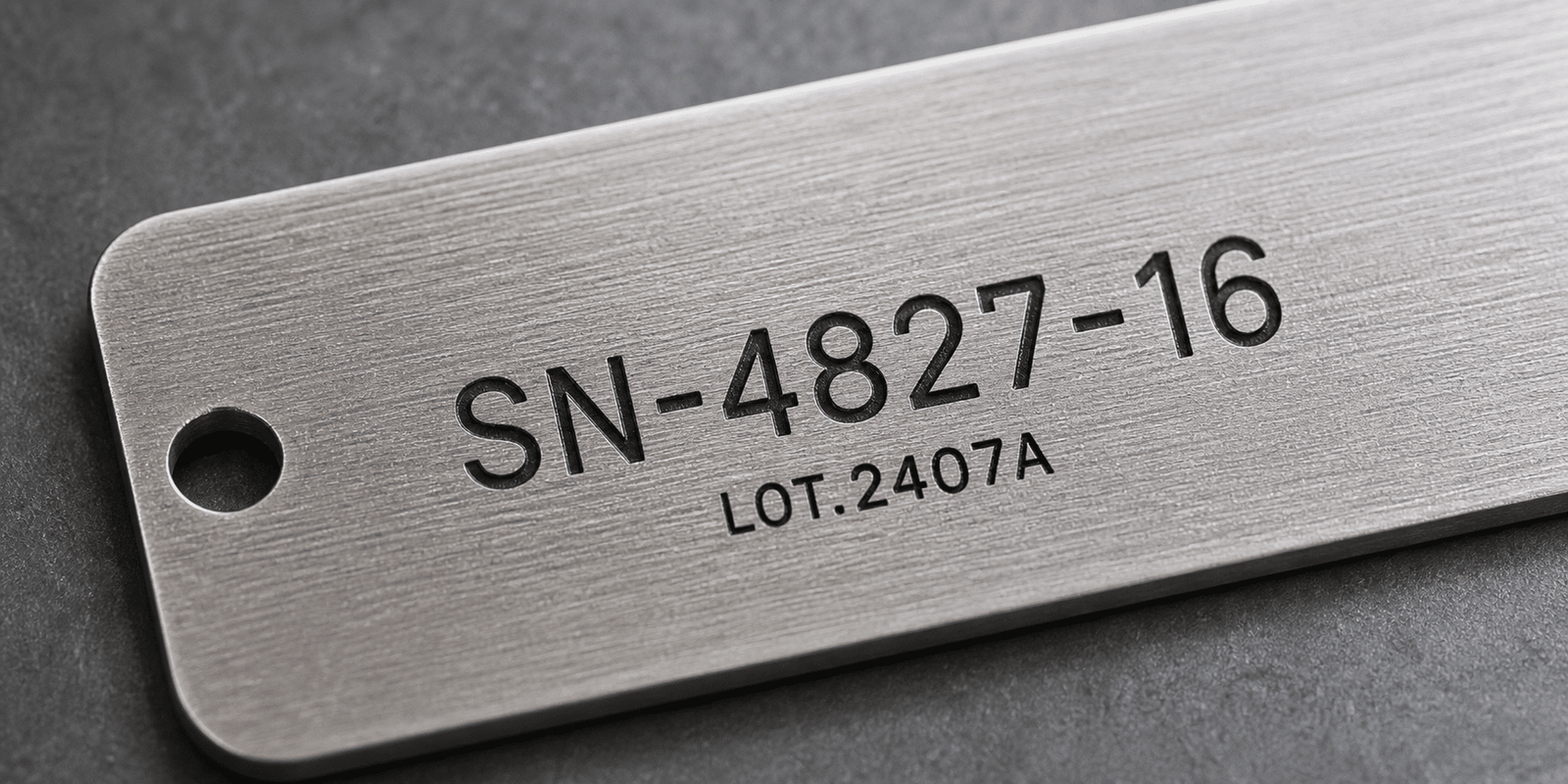
Build a serial marking setup around your parts and data source
Serial number marking can be configured as a desktop laser marker, enclosed station, rotary setup, fixture station or automated marking line.
Desktop Laser Marker
Good for small batches, repair parts, tags, tools and flexible serial number marking.
Enclosed Workstation
Improves operator protection, marking consistency and part positioning for production areas.
Rotary Attachment
Useful for serial numbers on tubes, cylinders, rings, caps and round products.
Custom Fixtures
Helps place serial numbers in the same position across repeated parts and batches.
Scanner Verification
Checks marked codes or serial-linked QR codes before parts move to packing or shipment.
Automated Marking System
Supports conveyors, database input, serial rules, scanner feedback and production traceability.
Confirm these details before selecting a serial number laser marking system
Clear part and data information helps recommend the right laser source, lens, fixture, software workflow and automation level.
Material and surface
Share metal, plastic, coated part, stainless steel, aluminum, nameplate or finished product details.
Serial number format
Confirm prefix, suffix, number length, date code, batch code, model code and whether the number changes automatically.
Text size and readability
Small text, long serial numbers and low-contrast surfaces need careful lens and parameter selection.
Data source
Manual input, auto-increment, Excel import, database connection or MES integration affects software configuration.
Part position and loading
Flat, round, curved and irregular parts may need fixtures, rotary attachment or vision positioning.
Production volume
Daily output, cycle time and verification needs help decide manual, fixture or automated marking.
Send your part and serial format to confirm the marking result.
Share material, surface finish, serial number format, text size, data source and daily output. Oceanplayer can help recommend laser source, lens size, fixture, scanner or automation options.
Share Serial Details
Send material, serial format, mark size, surface finish and sample photos.
Test Marking Effect
Check readability, contrast, speed, depth and surface impact.
Choose Configuration
Select laser source, software workflow, fixture, scanner or automation.
Explore more Oceanplayer laser marking options
Compare related pages to choose the right serial number marking setup for your material and workflow.