Laser Engraving Logo on Metal for Permanent Branding, Product ID and Premium Surface Finish.
Oceanplayer laser marking and engraving solutions help create clean, permanent logos on stainless steel, aluminum, brass, copper, titanium, tools, nameplates, hardware, machinery parts and finished metal products. Choose the right fiber or MOPA laser setup based on logo detail, engraving depth, contrast, surface finish and production volume.
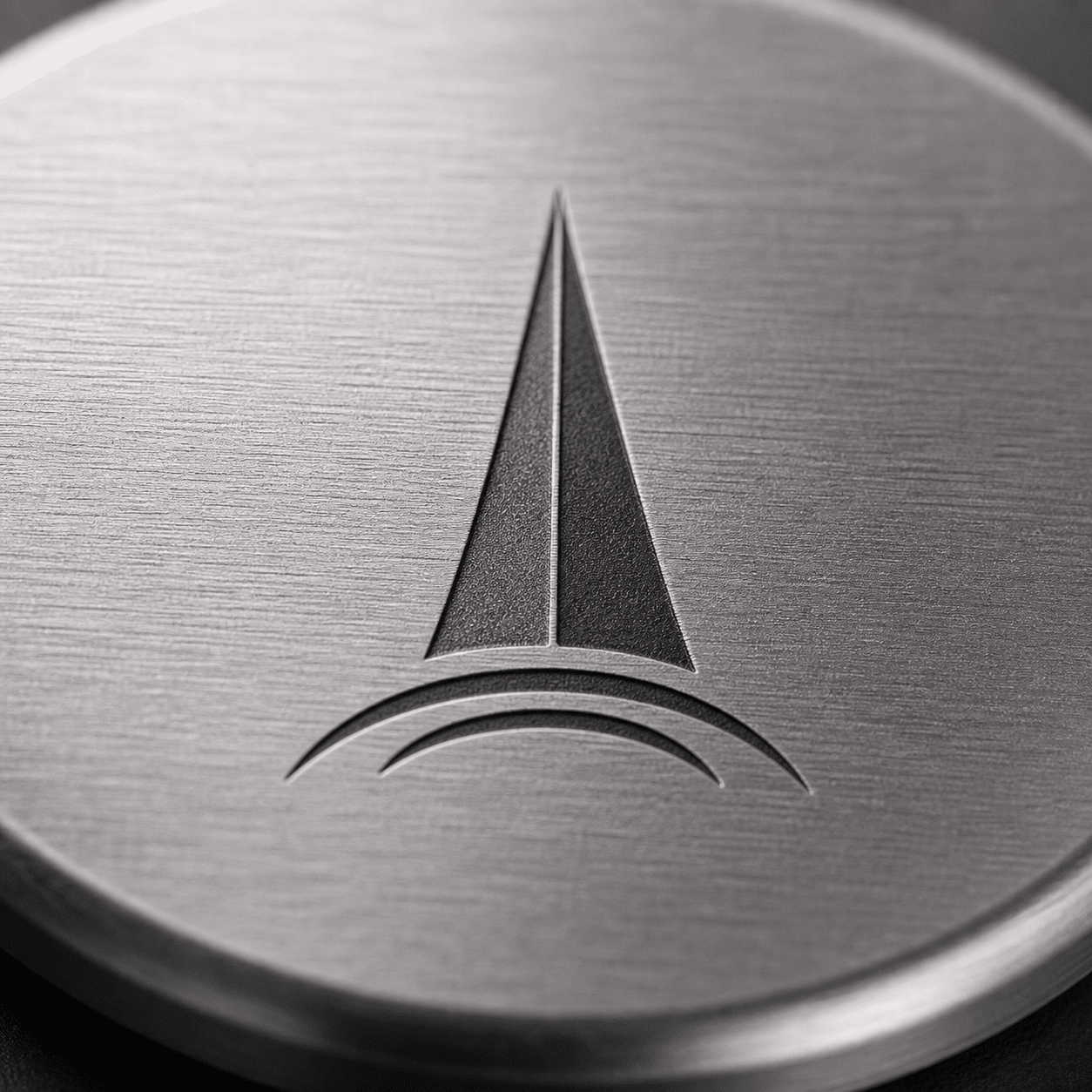
- Permanent metal logo engraving
- Black mark, white mark and deep engraving
Metal logo engraving needs to look clean, durable and consistent
Customers often care about logo edge quality, contrast, depth, surface impact and whether the same result can be repeated across a full production batch.
Logo detail must stay sharp
Fine lines, small text, icons and brand symbols need stable focus, suitable lens size and clean laser parameters.
Marks should resist wear
Laser engraving can create a permanent logo that stays with the metal part through handling, cleaning and normal product use.
Surface finish matters
Polished, brushed, anodized, plated and coated metal surfaces can produce different contrast and engraving effects.
Where laser engraved metal logos are commonly used
Laser engraving is suitable for products that need permanent branding, visible product identity, premium finish or durable manufacturer information.
- Stainless steel tools, kitchenware, medical tools, panels and nameplates.
- Aluminum housings, anodized panels, tags, electronics shells and product plates.
- Brass, copper, titanium, hardware, fittings, knives, molds and custom metal parts.
- Industrial equipment logos, model marks, certification icons and serial number areas.
- Promotional metal products, gifts, badges, plaques and branded accessories.
Choose the logo finish that matches your product and brand style
Different metals can support different visual effects. Sample testing helps confirm the best result for appearance, durability and production speed.
Durable recessed logo
Useful for tools, molds, tags, industrial parts and products that need a logo with more wear resistance.
- Good for harsh-use metal parts
- Requires more passes or higher power
- Check depth, cycle time and texture
High-contrast logo finish
Often used on stainless steel and selected metals where the logo needs to stand out clearly.
- MOPA is often preferred for black marks
- Good for visible products and panels
- Surface finish affects final contrast
Subtle premium surface mark
Suitable for brushed metal, aluminum, gift products and finished surfaces where a clean understated mark is preferred.
- Good for brand marks and icons
- Lower visual contrast than black marks
- Works well on selected finished metals
Select Fiber or MOPA by logo material and engraving effect
The right configuration depends on metal type, logo size, desired contrast, engraving depth, surface finish and batch production requirements.
| Logo Engraving Need | Common Laser Choice | Best Use | What To Check |
|---|---|---|---|
| Standard metal logo marking | Fiber laser marker | Tools, hardware, tags, nameplates and machinery parts | Logo size, contrast, lens size and production speed |
| Black logo on stainless steel | MOPA laser marker | Medical tools, panels, kitchenware and visible products | Pulse setting, surface finish and corrosion requirement |
| Logo on anodized aluminum | Fiber or MOPA laser marker | Electronics housings, panels, tags and product plates | Anodized color, coating thickness and final contrast |
| Deep engraved logo | 30W/50W/100W fiber laser marker | Tools, molds, tags and wear-resistant brand marks | Depth, burr, cycle time and surface roughness |
| Batch logo engraving | Automated laser marking system | Fixtures, conveyors, production batches and repeat logo placement | Part loading, alignment, fixture and cycle time |
Review metal logo engraving results across common materials
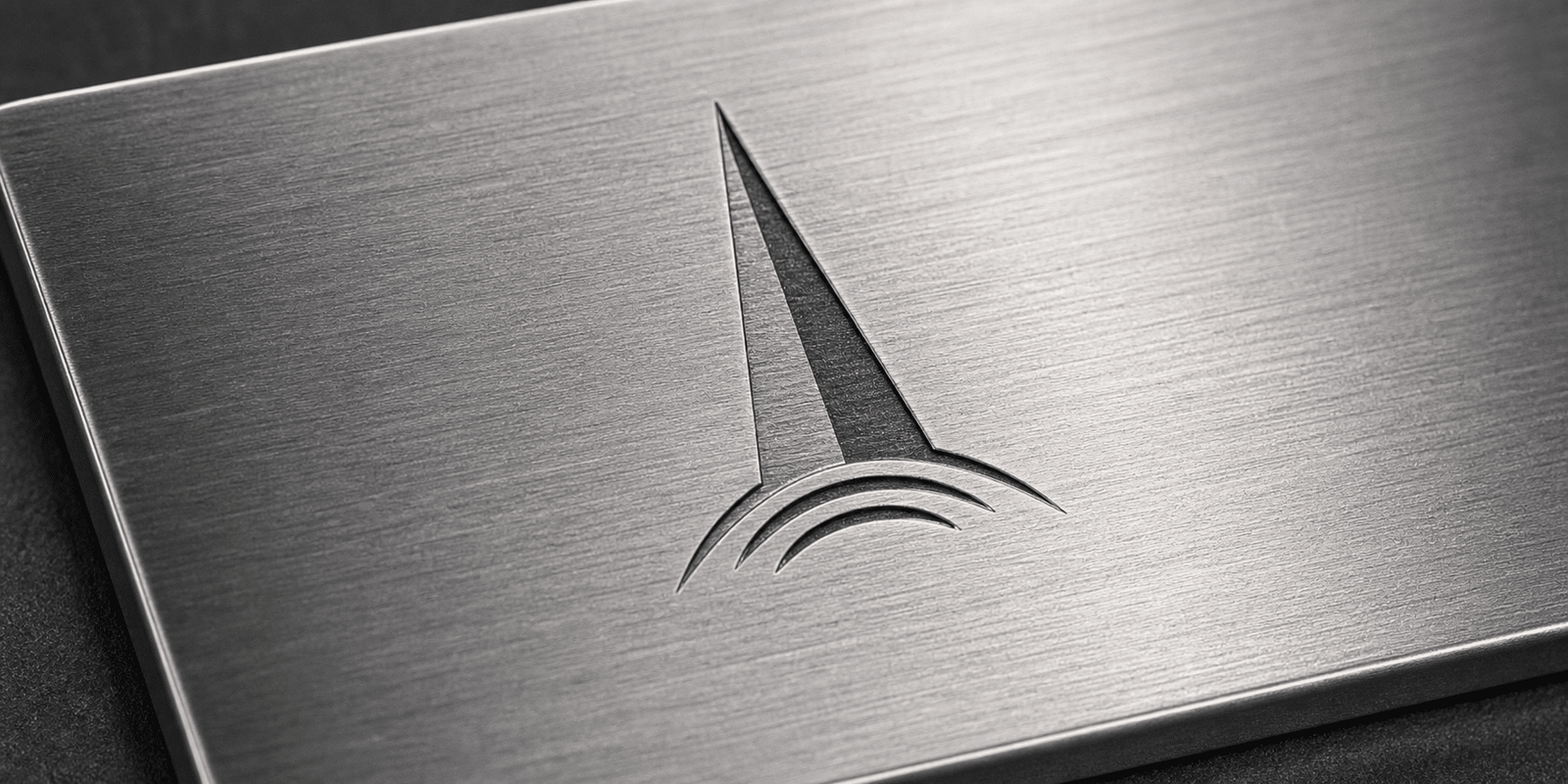
Use these positions for your logo engraving samples on stainless steel, aluminum, brass, tools, nameplates and finished products.
Build a logo engraving setup around your product and batch workflow
Logo engraving can be configured as a desktop marker, enclosed workstation, rotary setup, fixture-based station or automated marking system.
Fiber Laser Marker
Strong general choice for permanent logos on metal parts, tools, nameplates and hardware.
MOPA Laser Marker
Recommended when black logo marking, fine contrast or sensitive surface control is important.
Rotary Attachment
Useful for logos on rings, tubes, bottles, cups, cylinders and round metal products.
Enclosed Workstation
Improves operator protection and repeatability for finished products and small-batch branding.
Custom Fixtures
Helps align logos consistently across repeated parts, panels, tools and product batches.
Automated Marking System
Supports conveyor marking, fixture loading, production batches and consistent logo placement.
Confirm these details before selecting a metal logo engraving machine
Clear logo and part information helps recommend laser source, power, lens, fixture, rotary attachment and automation level.
Metal material and finish
Share stainless steel, aluminum, brass, copper, titanium, plated metal, brushed surface, polished surface or anodized finish.
Logo file and detail
Vector files, line thickness, small text, filled areas and icon detail affect engraving speed and edge quality.
Desired logo effect
Confirm black mark, white mark, frosted logo, shallow engraving, deep engraving or coating removal.
Part shape and size
Flat plates, round parts, curved products, small tools and large panels may need different lenses, fixtures or rotary devices.
Durability requirement
Products exposed to wear, cleaning, heat or outdoor use may need deeper engraving or tested contrast durability.
Production volume
Daily quantity and loading method help decide manual marking, enclosed workstation or automated logo engraving system.
Send your metal part and logo file to confirm the final engraving effect.
Share material, surface finish, logo file, desired effect, marking size and daily output. Oceanplayer can help recommend fiber, MOPA, lens size, rotary, fixture or automation options.
Share Logo Details
Send material, logo file, marking size, surface finish and sample photos.
Test Engraving Effect
Check logo edge quality, contrast, depth, speed and surface impact.
Choose Configuration
Select laser source, power, lens, fixture, rotary option or automation.
Explore more Oceanplayer laser marking options
Compare related pages to choose the right logo engraving and metal marking setup for your products.