QR Code Laser Marking for Permanent Traceability, Part ID and Production Data.
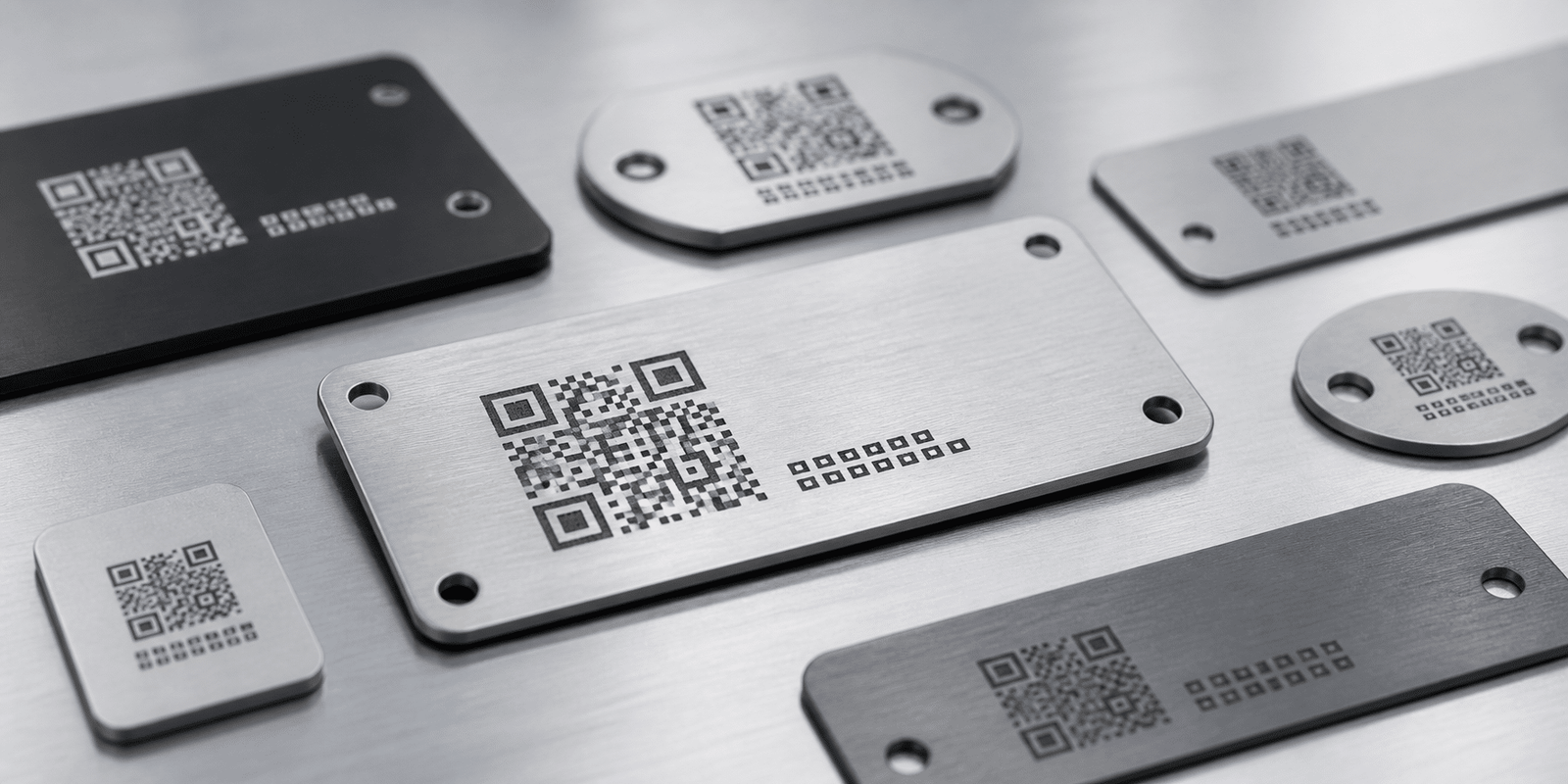
Oceanplayer QR code laser marking solutions help create durable, scannable codes on metal, plastic, stainless steel, aluminum, electronics, tools, nameplates, medical parts and industrial components. Build a marking setup around code size, material contrast, scan distance, cycle time and production data flow.
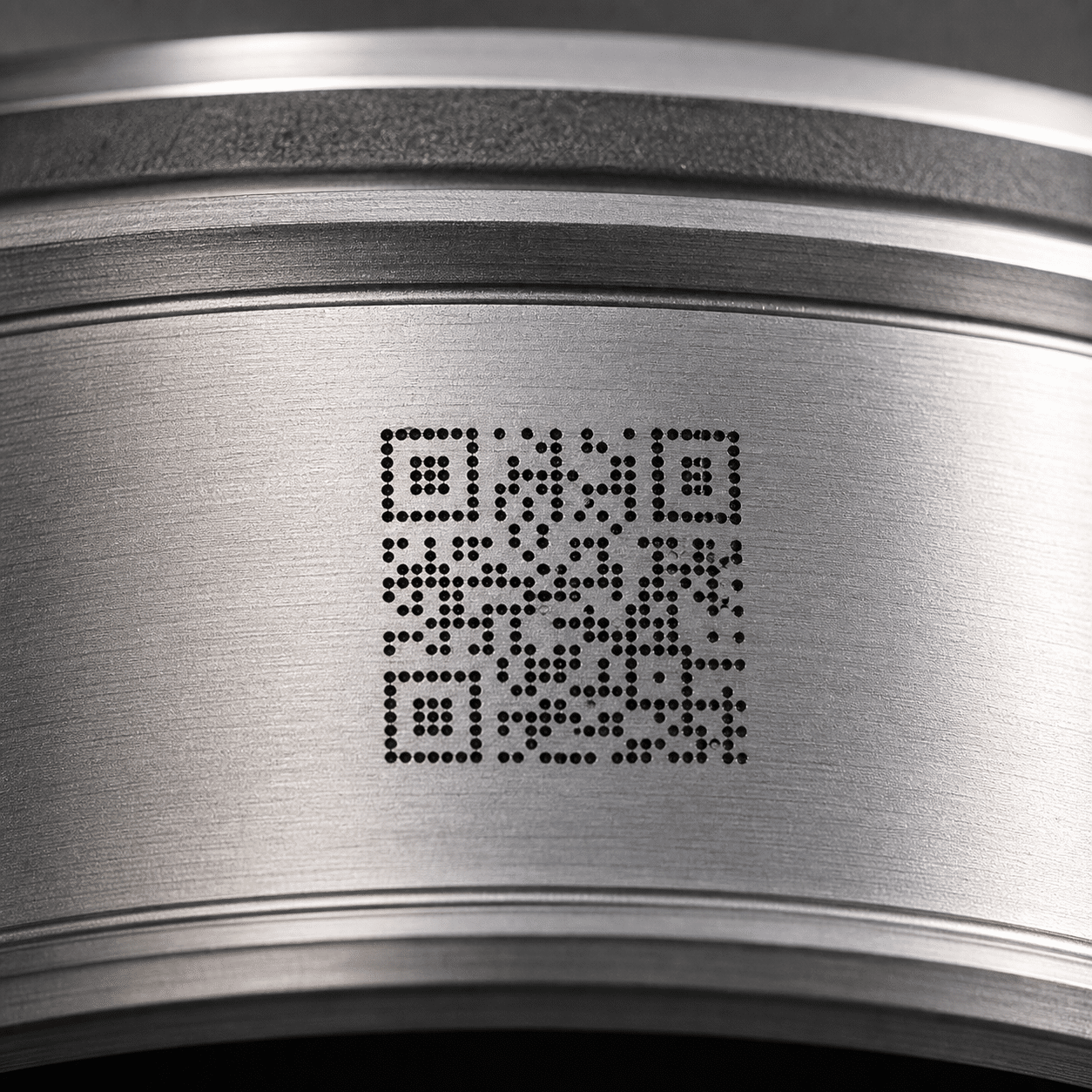
- Permanent QR codes and Data Matrix codes
- Metal, plastic and coated part marking
QR code marking must be readable, durable and repeatable
For traceability, a code is only useful if it scans reliably after production, handling, cleaning, packaging, shipping and daily product use.
Codes need reliable scanning
Laser parameters, code size, quiet zone, contrast and surface finish all affect whether a QR code or Data Matrix code can be read consistently.
Marks must survive use
Direct part marking can help codes remain on the product without labels, ink or stickers that may peel, smear or wear away.
Data changes every part
Production workflows often need variable serial numbers, batch codes, timestamps, database input or automatic code generation.
Where QR code laser marking supports traceability
Laser-marked QR codes and Data Matrix codes are used when products need permanent identification, manufacturing history, warranty tracking, anti-counterfeit information or service records.
- Automotive parts, aerospace components, metal parts and machined components.
- Medical tools, laboratory parts, device housings and regulated product labels.
- Electronics, plastic housings, connectors, chargers, sensors and circuit-related parts.
- Nameplates, product panels, tools, molds, hardware, fittings and industrial tags.
- Serial numbers, batch codes, Data Matrix codes, QR codes and database traceability.
Improve code readability by controlling contrast, size and surface finish
Scannable laser codes need more than a visible mark. The code should match the scanner, lighting, material, viewing angle and production environment.
Clear dark-light difference
High contrast helps scanners detect each module of the QR code or Data Matrix code more accurately.
- Use material-specific laser settings
- Check glare on polished surfaces
- Test under real scanning light
Enough module size for scanning
Small codes need stable positioning, fine laser focus and a scanner that can read the expected distance and angle.
- Confirm minimum code size
- Reserve a clean quiet zone
- Match lens size to detail needs
Mark depth and surface stability
Parts exposed to wear, oil, heat, cleaning or outdoor use may need deeper marks or a more protected marking effect.
- Review cleaning and abrasion exposure
- Test before coating or after coating
- Check corrosion-sensitive materials
Select the laser marker by QR code material and workflow
The best QR code marking setup depends on material, contrast requirement, code size, scanning method, cycle time and data integration.
| QR Code Marking Need | Common Laser Choice | Best Use | What To Check |
|---|---|---|---|
| Metal part traceability | Fiber or MOPA laser marker | Stainless steel, aluminum, tools, tags and machined parts | Contrast, depth, glare and scanner readability |
| Black marks on stainless steel | MOPA laser marker | Medical tools, product panels and high-contrast QR codes | Pulse setting, surface finish and corrosion requirement |
| Plastic QR code marking | UV, CO2, fiber or MOPA laser marker | Plastic housings, packaging, caps and electronics | Plastic type, color, additives and heat sensitivity |
| High-volume variable codes | Automated laser marking system | Serial numbers, batch codes, database input and production lines | Data source, cycle time, fixture and verification scanner |
| Curved or round parts | Laser marker with rotary or custom fixture | Tubes, caps, cylinders, rings and curved housings | Distortion, focal range, diameter and mark alignment |
Review QR code laser marking results across different materials
Compare code results on stainless steel, aluminum, plastic, nameplates, tools and automated production samples.
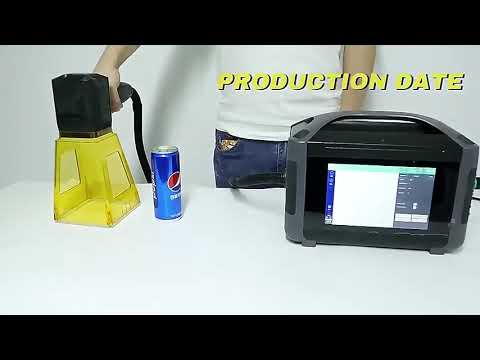
Watch QR code laser marking and scan verification
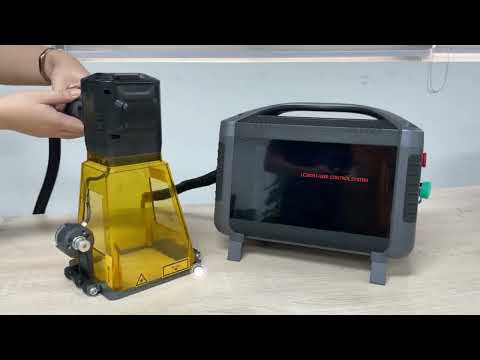
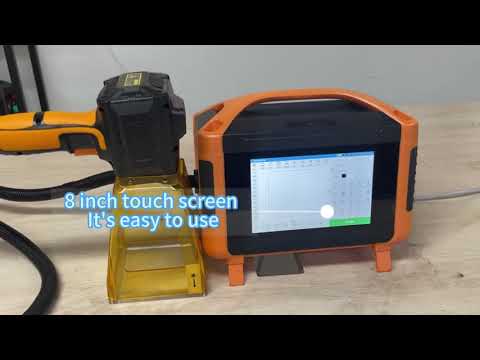
Review code clarity, marking speed, scanner readability and variable data workflow before choosing your configuration.
Build the QR code marking setup around data, parts and scanning
A traceability setup may include a laser marker, fixture, enclosure, rotary device, vision positioning, scanner verification and software data connection.
Fiber Laser Marker
Good for QR codes on many metals, tools, tags, nameplates and industrial components.
MOPA Laser Marker
Useful for black marks on stainless steel, fine contrast control and selected plastics or aluminum surfaces.
UV or CO2 Laser Marker
Used for selected plastics, packaging, labels, sensitive materials and fine code marking requirements.
Code Verification Scanner
Helps confirm that QR codes or Data Matrix codes can be read after marking and before shipment.
Fixture and Positioning
Improves code location, focus stability and repeatability for small parts or high-volume marking.
Automated Marking System
Supports conveyors, serial data, database input, vision positioning and production traceability workflows.
Confirm these details before selecting a QR code laser marking system
QR code marking quality depends on the code design, material, scanner, marking process and production data. These details help avoid unreadable codes and unstable batch results.
Material and surface
Share stainless steel, aluminum, plastic, coated metal, nameplate or packaging material details.
Code type and content
Confirm QR code, Data Matrix code, barcode, serial number, batch code, URL or database ID.
Code size and scan distance
Small codes, long scan distance and angled scanning require better contrast and tighter marking control.
Durability requirement
Review whether the code will face abrasion, oil, cleaning, heat, outdoor exposure or coating processes.
Data input method
Serial rules, Excel files, database connection, MES integration or scanner feedback can affect system design.
Production volume
Daily output, loading method and cycle time help decide manual marking, fixture marking or automation.
Send your parts and confirm QR code readability before production.
Share material, code size, code content, target scan distance, scanner type and production volume. Oceanplayer can test marking contrast, code clarity and practical configuration options.
Share Code Details
Send material, code size, content, scan distance and sample photos.
Test Mark and Scan
Check contrast, edge quality, readability, cycle time and durability.
Choose Configuration
Select laser source, lens, fixture, scanner and automation level.
Explore more Oceanplayer laser marking options
Compare related machine and application pages to choose the right QR code marking setup for your material and workflow.