oceanplayer

Oceanplayer Laser Equipment | Cleaning, Welding, Marking, Automation Sample Testing | Global Shipping | OEM/ODM Support
Stainless Steel Laser Marking

Stainless Steel Laser Marking for Black Marks, Logos, QR Codes and Permanent Traceability.

Oceanplayer stainless steel laser marking solutions create clean, permanent and high-contrast marks on stainless steel tools, nameplates, medical instruments, kitchenware, hardware, machinery parts and product panels. Choose fiber or MOPA laser marking based on black marking, white marking, engraving depth, corrosion requirements, mark size and production workflow.
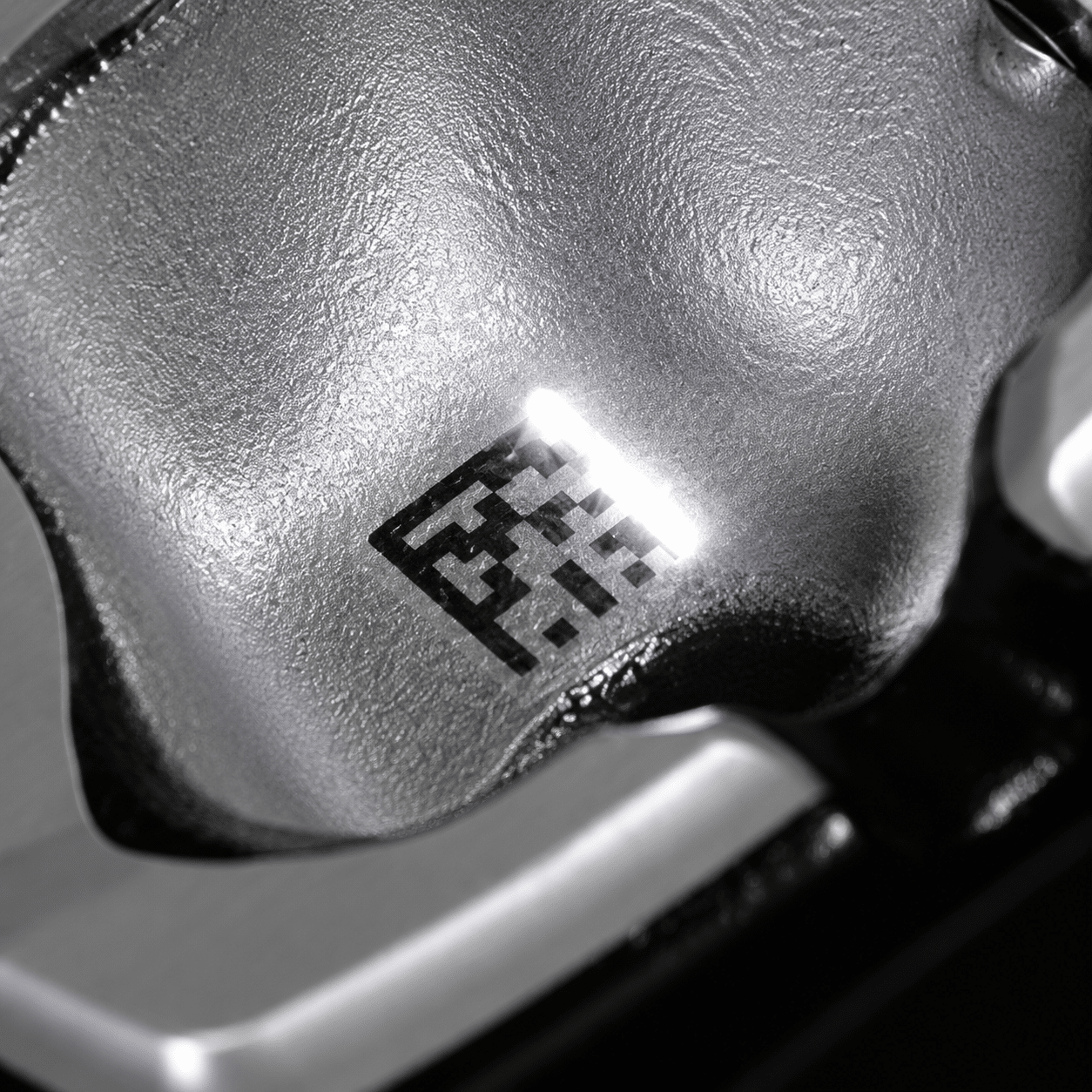
  • Black marking on stainless steel
  • QR codes, logos and serial numbers
  • Sample marking test available
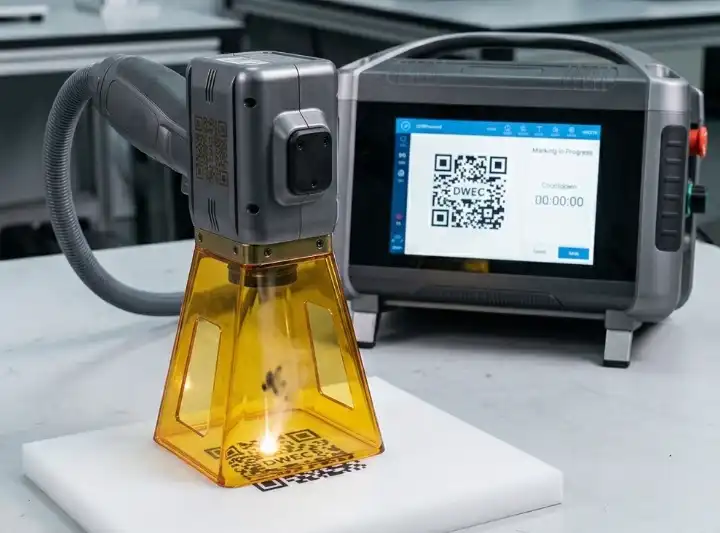
Stainless steel laser marking machine marking black logo QR code and serial number
Clean stainless marksBuilt for logos, codes, tools and product identification
BlackHigh contrast
QRTraceability
MOPAFine control
High Contrast MarksReadable text, QR codes and small serial numbers
Clean Surface FinishMark without ink, labels or chemical etching
Material-Specific ControlAdjust marking effect for different stainless grades
Sample ProofCheck contrast, durability and surface impact first
Customer Concerns

Stainless steel marking problems that laser marking can help solve

Stainless steel products often need marks that are clear, professional and durable without damaging the appearance or adding consumables.

Marks must stay readable

Laser marking can create sharp serial numbers, model codes and QR codes that remain readable through normal product handling.

Need black marks on stainless steel

MOPA laser marking gives better pulse control for rich black marks and fine contrast on many stainless steel surfaces.

Surface and corrosion concerns

For medical, food-grade and outdoor products, sample testing helps confirm mark effect, surface change and post-mark durability.

Application Range

Where stainless steel laser marking is a strong fit

Laser marking is useful for stainless steel products that need permanent identification, brand marks, traceability or clean decorative information.

  • Medical instruments, surgical tools, dental tools and laboratory equipment.
  • Kitchenware, cups, sinks, appliances, food machinery and stainless panels.
  • Nameplates, rating plates, machine tags, control panels and equipment labels.
  • Hardware, valves, fittings, bearings, tools, blades and industrial components.
  • QR codes, barcodes, serial numbers, batch codes, logos and anti-counterfeit marks.
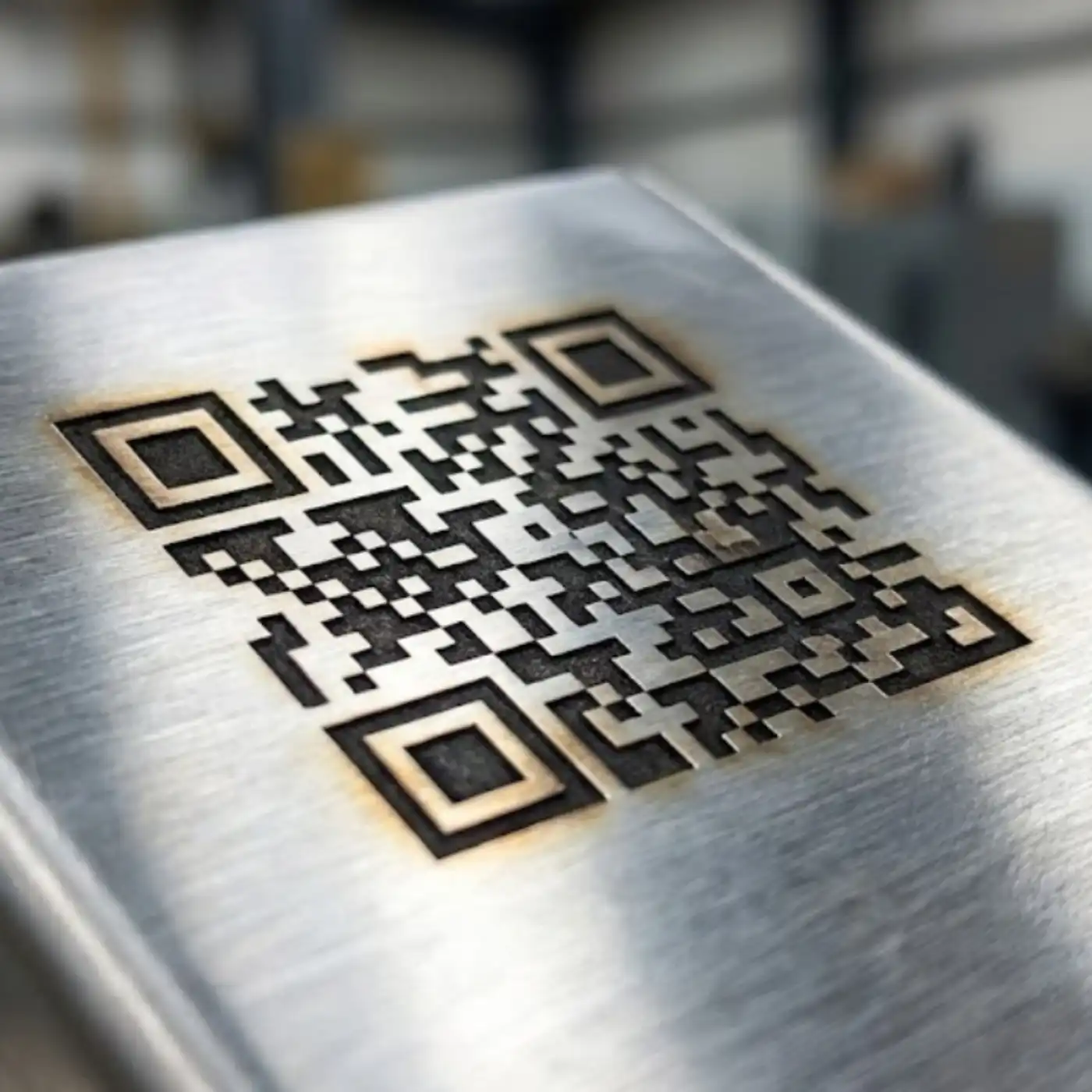
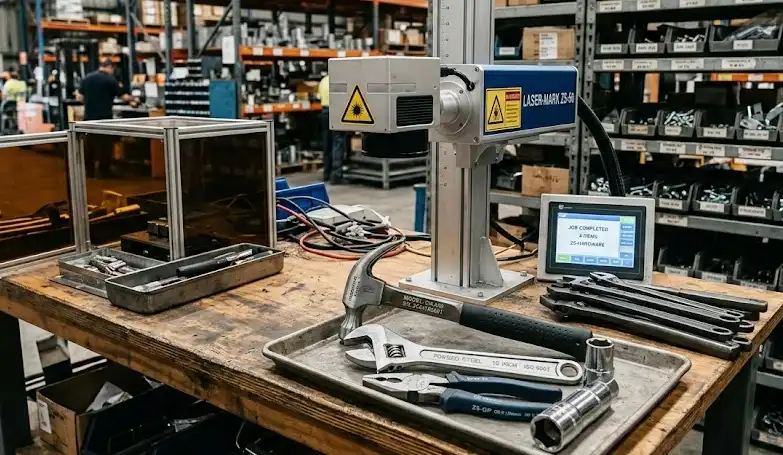
Stainless steel laser marking applications for tools nameplates QR codes and kitchenware
Marking Effects

Choose the right stainless steel marking effect for your product use

Black marking, white marking, engraving and annealing effects each serve different needs for appearance, readability and durability.

Engraving

Deeper permanent engraving

Suitable for tools, molds, hardware and industrial parts that need more wear resistance or a tactile mark.

  • Requires more power or passes
  • Good for harsh-use parts
  • Can change surface texture
Logo Finish

Clean logo and product branding

Used for stainless steel gifts, kitchenware, panels and finished products that need a neat brand mark.

  • Fine edge detail
  • No ink or label thickness
  • Works on flat and selected curved parts
Machine Guide

Select Fiber or MOPA by stainless steel marking result

The best machine depends on stainless grade, surface finish, desired contrast, marking depth, code size and production workflow.

Marking RequirementCommon Laser ChoiceBest UseWhat To Check
Black mark on stainless steelMOPA laser markerMedical tools, QR codes, logos and visible productsPulse settings, surface finish and corrosion requirement
Standard logo or serial numberFiber laser markerIndustrial parts, tools, nameplates and hardwareContrast, speed and mark size
Deep engraving30W/50W/100W fiber laser markerTools, molds, tags and wear-resistant IDsDepth, cycle time and surface roughness
Round stainless partsFiber or MOPA with rotary attachmentCups, tubes, rings, fittings and cylindersDiameter, fixture and mark alignment
Production traceabilityAutomated laser marking systemSerial numbers, QR codes and batch productionData input, code grading and line integration
Marking Results Gallery

Review stainless steel laser marking results across common products

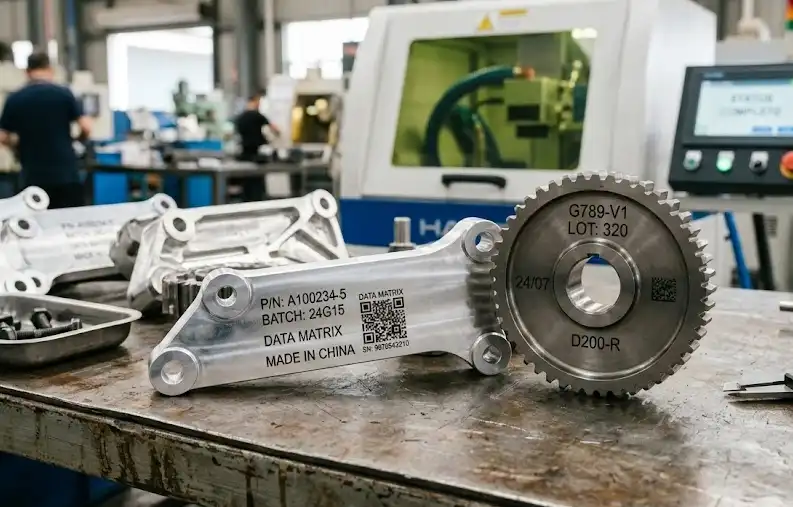
Compare marking results for black marks, QR codes, medical tools, kitchenware, nameplates and deep engraving.
Video Demonstration

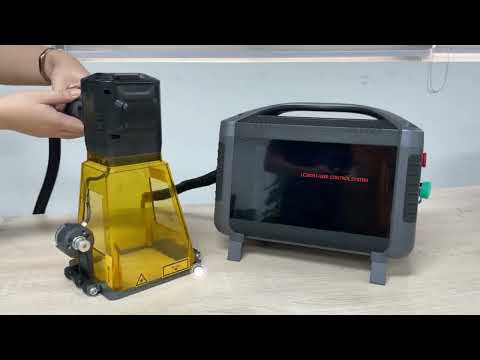
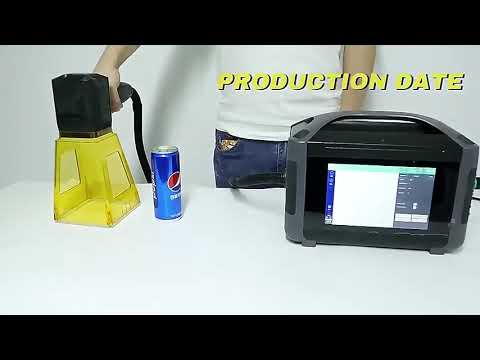
Watch stainless steel laser marking on real parts and tools

See black marking, QR code readability, logo detail and engraving quality before choosing your configuration.
Machine Configuration

Match the laser marker to your stainless steel marking workflow

Stainless steel marking can be manual, enclosed, rotary or automated depending on part size, safety requirements and daily output.

MOPA Laser Marker

Recommended for black marking, fine contrast control and sensitive stainless steel surfaces.

Fiber Laser Marker

Strong general choice for logos, serial numbers, engraving, nameplates and industrial stainless parts.

Rotary Attachment

Useful for cups, rings, tubes, round tools and cylindrical stainless steel products.

Enclosed Marking Station

Improves operator safety and dust control for workshops, labs and production areas.

Automated Marking System

Supports fixtures, conveyor marking, serial numbers, QR codes and data integration.

Vision Positioning

Helps locate marks on small parts, tools, plates and production components more consistently.

Before You Choose

Confirm these details before selecting a stainless steel laser marker

Clear marking information helps recommend laser source, power, lens size, fixture, rotary attachment and automation level.

Stainless grade and finish

Share 304, 316, 201 or other grade, plus brushed, polished, matte, coated or mirror surface details.

Marking effect

Confirm black marking, white marking, logo marking, QR code marking, serial number or deep engraving.

Durability requirement

Medical, food-grade, outdoor or high-wear parts may need specific mark durability and surface tests.

Part size and shape

Flat plates, tools, cups, tubes and curved parts may require different lenses, fixtures or rotary devices.

Production volume

Daily quantity helps decide manual workstation, enclosed marking station or automated marking system.

Traceability data

Serial number rules, QR code content, database input and code readability targets affect software choices.

Sample Marking Test

Send your stainless steel sample and get a practical marking recommendation.

Share stainless grade, surface finish, marking content, target contrast or depth, marking size and production volume. Oceanplayer can recommend fiber, MOPA, rotary, enclosed or automated marking options.

01

Share Part Details

Send stainless grade, surface finish, mark size and sample photos.

02

Test Marking Effect

Check contrast, depth, speed, code readability and surface impact.

03

Choose Configuration

Select fiber, MOPA, rotary, enclosed or automated marking setup.

FAQ

Stainless Steel Laser Marking FAQ

Can stainless steel be laser marked?
Yes. Fiber and MOPA laser markers can create permanent marks on stainless steel, including logos, serial numbers, QR codes, nameplates, tool marks and deep engraving.
How do you make black marks on stainless steel?
MOPA laser marking is commonly used for black marks because it offers more pulse control. The final result depends on stainless grade, surface finish and laser settings.
Will laser marking damage stainless steel corrosion resistance?
Some marking effects can change the surface. For medical, food-grade or corrosion-sensitive parts, sample testing and the right settings are important.
Should I choose fiber or MOPA for stainless steel?
Fiber is a strong general choice for logos, codes and engraving. MOPA is preferred when black marking, fine contrast or sensitive surface control is important.
Can stainless steel laser marking be automated?
Yes. Stainless steel marking can be integrated with fixtures, rotary attachments, conveyors, serial number rules, QR code data and vision positioning.