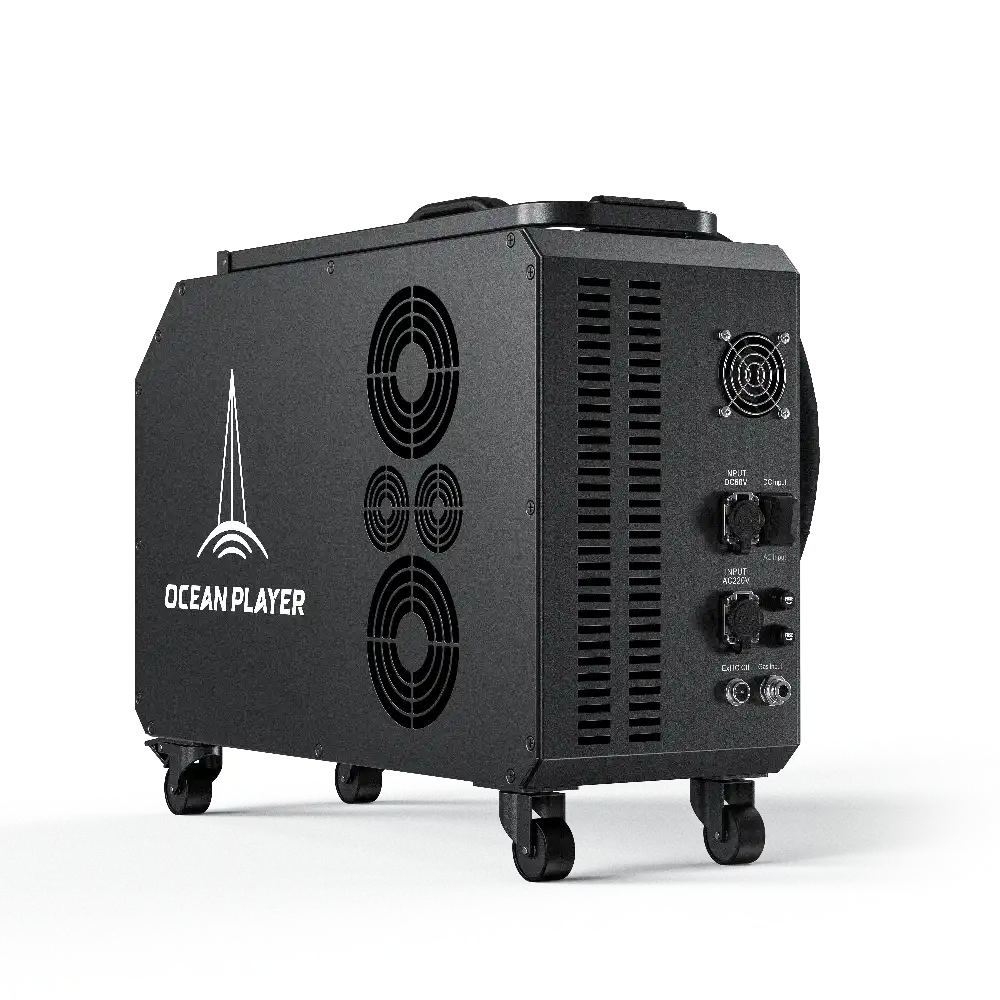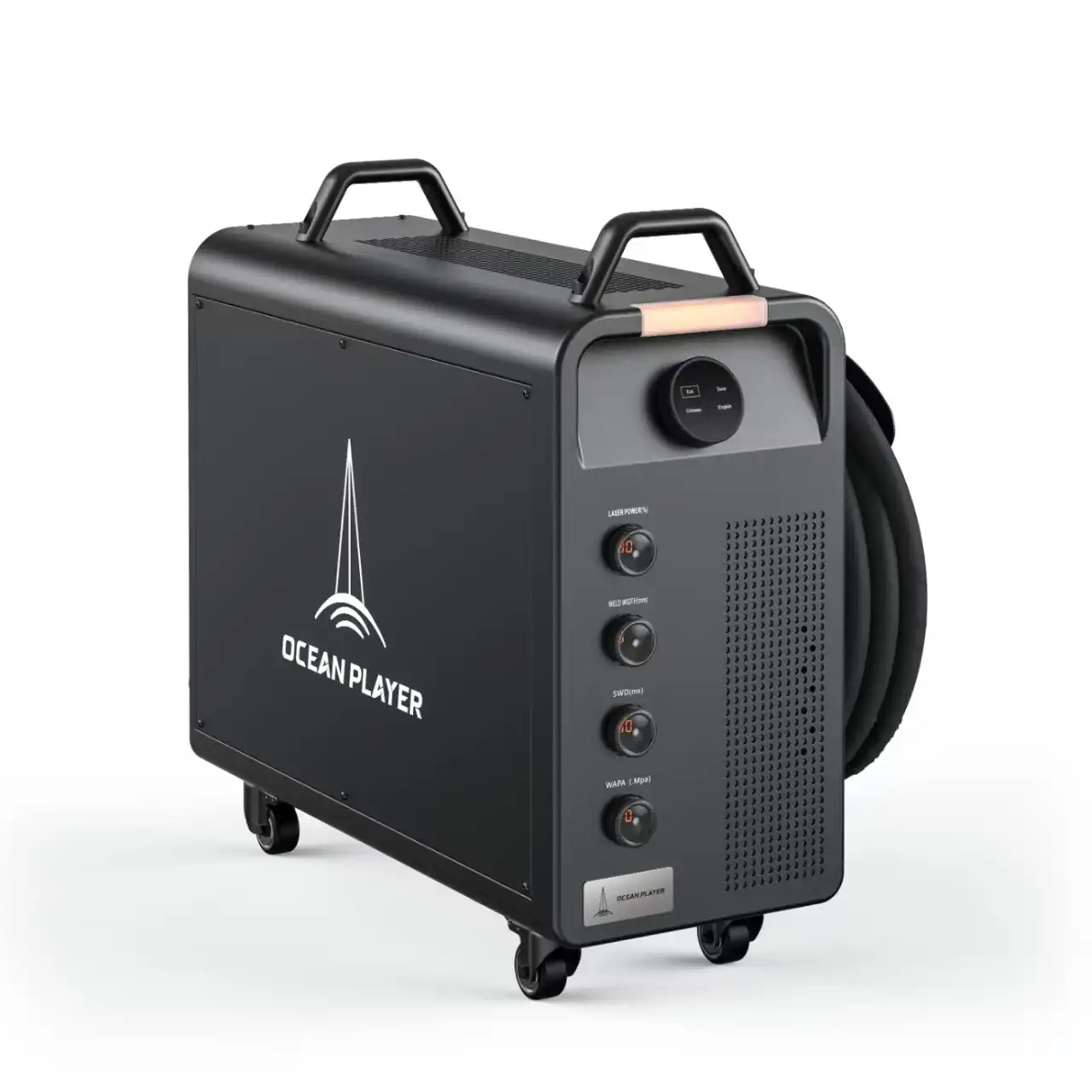
You might ask why your laser welding machine only blows air and does not show light. This problem can happen for many reasons:
- Focusing and alignment problems can stop the laser from working right.
- Unstable power or control signals might stop the light from coming out.
- Dirty lenses or dirty workpiece surfaces can block the laser path.
- Loose wires or broken modules can stop the machine from working.
- Cooling system problems may make safety shutoffs happen.
- Software problems or not enough operator training can also cause trouble.
You can fix most problems by using easy troubleshooting steps.
Key Takeaways
- Look for alarms on your laser welding machine. Alarms show there is a problem. Problems can stop the laser from working.
- Make sure the lens and safety tube are clean. Dirty or broken parts can block the laser beam. This can make the machine blow air instead.
- Check the cooling system often. The cooling system stops the machine from getting too hot. It helps the laser work the right way.
- Make sure the power is steady and signals are correct. If the voltage drops, the laser may not work. Signal problems can also stop the laser from firing.
- Do daily maintenance steps. Regular checks and cleaning help your laser welding machine work well.
Main Causes of No Light in Laser Welding
Laser Source and Chiller Alarms
Your laser welding machine may only blow air if alarms show up. These alarms help protect the system from harm. If the chiller or laser source finds a problem, it stops the light. You can look at alarm codes and what they mean in the table below:
| Alarm Code | Description |
|---|---|
| E1 | ultrahigh room temperature alarm |
| E2 | ultrahigh water temperature alarm |
| E3 | ultralow water temperature alarm |
| E4 | room temperature sensor failure |
| E5 | water temperature sensor failure |
| E6 | alarm of water shortage |
| E6/E7 | low flow rate/water flow alarm |
| E7 | faulted circulating pump |
When alarms go off, the machine will not show light. The system uses these warnings to stop overheating or damage. You should check the display panel for codes if your machine only blows air.
High Temperature and Safety Interlocks
High temperature can make safety interlocks turn on. These features stop the laser from firing to keep you safe. The machine uses safety tools to avoid accidents. Some common safety interlocks are listed in the table below:
| Mechanism Type | Function |
|---|---|
| Safety interlock switch | Stops the laser if the door is open. |
| Automatic shutdown on door opening | Turns off the laser if the door opens during use. |
| Interlocked entry doors | Stops welding right away when the door opens. |
| Ensures personnel awareness | Keeps people from entering without the welder knowing. |
| Safety enclosure interlocks | Stops laser work unless the enclosure is closed tight. |
| Emergency shutdown features | Protects against tampering or emergencies. |
If a safety interlock is active, the machine will only blow air. The system does this to keep you safe from laser exposure and heat.
Signal and Voltage Issues
Signal and voltage problems can stop your machine from working. The machine needs steady power and correct signals to run. If the voltage drops or signals are wrong, the laser will not show light. Here are the usual requirements:
| Requirement | Specification |
|---|---|
| Voltage Range | 200V – 400V |
| Power Supply Stability | High stability required |
| Frequency | 50Hz or 60Hz AC |
The machine also needs certain signals to work. If signals do not match, the laser will not fire. You can see signal types and values below:
| Signal Type | Pin Configuration | Output Voltage |
|---|---|---|
| Enable Signal | 2/4 | 24V |
| PWM Modulation Signal | 6/7 | 24V |
| Analog Signal | 4/5 | 10V at full power |
If you only see air, you may have a voltage drop or broken wire. These problems stop the laser from working right.
Damaged Safety Tube or Lens Problems
Dirty or damaged lenses can block the laser beam. If the lens is scratched or dirty, the machine may only blow air. Common problems include:
- Things or burnt spots on the lens lower laser power.
- Heat can cause uneven damage to the lens.
- Cleaning the lens wrong can add dirt or scratches.
You may also notice these effects:
- The lens can get thermal stress that cannot be fixed.
- Power drops when the beam goes through the lens.
- The focus point moves, so welding does not work well.
Dirt on the lens absorbs laser energy and spreads power unevenly. The system may shut down the laser to stop more damage. You need to keep the lens clean for good laser welding.
Tip: Manufacturers say you should check the gas cylinder, look at the air blow port, test the solenoid valve, and make sure nothing blocks the air circuit. These steps help stop air-only output and keep your laser welding machine working well.
How Laser Welding Should Operate
Air and Light Output Basics
You might wonder why your machine needs both air and light to work correctly. The air output mechanism plays a key role in laser welding. It helps keep the temperature steady inside the machine. When the air flows as it should, it cools the system and stops it from getting too hot. This cooling keeps the laser beam stable. If the temperature changes too much, the laser output can become weak or stop working. Stable air flow means you get a steady beam, which leads to strong and clean welds.
Note: If you notice only air coming out and no light, your machine may be protecting itself from overheating or another problem.
Normal vs. Faulty Symptoms
You can spot the difference between a healthy machine and one with problems by looking at a few key signs. A normal laser welding machine gives off both air and a bright laser light. You should not see any warning lights or hear alarms. The welds look smooth and strong.
When something goes wrong, the machine may only blow air. You might see alarm codes on the display. The laser light will not appear, and the welds will not form. Problems like chiller alarms, dirty lenses, or signal issues can cause these symptoms.
Here is a table to help you compare normal and faulty operation:
| Symptom | Normally Operating Machine | Machine Experiencing Light Emission Failure |
|---|---|---|
| Laser Output | Present | Absent |
| Alarms | None | Present (e.g., Laser Source Alarm) |
| Operational Issues | None | Various (e.g., chiller alarm, lens issues) |
If you see these faulty symptoms, your machine is likely trying to prevent damage. You should check for alarms, cooling problems, or blocked lenses. Understanding these signs helps you know why your laser welding machine acts the way it does.
Troubleshooting Laser Welding Issues
If your laser welding machine only blows air, you need to find the reason. You can fix most problems by checking things one by one. Each step helps you learn what is wrong and how to fix it.
Check Alarms and Error Messages
Alarms and error messages show what is wrong with your machine. Always look at the display panel first. Here are some alarms you might see:
- Laser shuts down when you do not expect it.
- Yaskawa motor shows an alarm.
- X-axis servo has errors.
- Encoder does not connect right.
- Noise causes problems.
To check alarms and error messages, do these steps:
- See if the optical cable waterway is blocked. Make sure water flows well.
- Turn off the laser welding machine for two minutes. Turn it back on and check for high temperature alarms.
- Use monitoring software to check the output optical cable temperature. If it is too hot, call a service engineer.
- If the alarm goes away after restarting, use white paper to look for black spots on the cutting head. If you see black spots, check the lower protective lens for damage. If there are no black spots, look for water mist or oil stains on the lens.
Tip: Alarms keep your laser welding machine safe. Do not ignore alarms or you might break the machine.
Inspect Cooling and Temperature
Cooling problems can make your machine stop showing light. The cooling system keeps the temperature steady so the laser works. You should check the cooling system often. Here is what you need to do:
- Make sure the cooling system can handle the heat.
- Check that coolant moves well and heat goes away.
- Make sure the system works in all conditions.
- Use coolant that works well with heat.
- Check and fix the cooling system often.
- Build the cooling system to handle your machine’s heat.
- Use safety features like overheating protection.
You should also:
- Clean cooling pipes and radiators.
- Change coolant when needed.
- Check and fix the water pump.
- Make sure the cooling system does not leak.
- Watch for leaks or broken parts.
- Fix problems when you find them.
Common cooling problems are low coolant, bad coolant flow, bent or broken tubes, broken sensors, dirty coolant, and dirty heat exchanger parts. These problems can make your laser welding machine blow air instead of light.
Verify Signals and Power Supply
Signal and power problems can stop your machine from working. You need to make sure the power is steady and signals are right. Here is how you check:
- Use a multimeter to measure voltage. The voltage should be close to the rated input.
- Check circuit protection devices for damage.
- Measure coolant flow and check temperature changes to make sure cooling works.
- Clean and check optical parts to stop power loss.
You can use special tools to find signal and voltage problems. Here is a table of tools you can use:
| Instrument Type | Model/Description |
|---|---|
| Recorder | MEMORY HiCORDER MR8848 |
| Input Unit | 3CH CURRENT UNIT U8977 × 1 |
| Current Sensor | AC/DC CURRENT PROBE CT6845A × 1 |
Note: Pick the right input unit and current sensor for your tests.
Examine Safety Tube and Clean Lens
Dirty or broken lenses and safety tubes can block the laser beam. You need to keep these parts clean and working well. Follow these steps to check and clean them:
- Wear clean clothes and wash your hands. Put on clean gloves.
- Hold the lens by the edge. Do not touch the surface.
- Take out the protective glass cartridge. Cover the hole with tape.
- Turn the lens ring to take it out.
- Use optics cleaning paper or a cotton swab to clean the lens. Blow dust away with clean air. Wipe gently with paper and alcohol.
Check and clean the laser lens every month. If you use the machine a lot, clean it more often. Always look for damage or dirt on optics. Make sure lenses and mirrors do not have scratches or stains.
Tip: Clean lenses and safety tubes help your laser welding machine work better. Cleaning often stops problems with light.
If you follow these steps, you can find out why your laser welding machine only blows air and does not show light. Each step helps you keep your machine safe and working well.
You see your laser welding machine blow air instead of light because of alarms, cooling problems, signal issues, or dirty lenses. You solve most problems by checking alarms, cleaning lenses, and inspecting cooling systems. You keep your machine working well with these practices:
- Check connectors and components every day.
- Clean the lens and nozzle with a lint-free cloth.
- Make sure gas pressure stays within safe limits.
- Keep your workspace clean and dry.
You prevent air-only output by following these steps and asking for help when needed.
FAQ
Why does my laser welding machine blow air but not emit light?
Your machine blows air to cool the system and protect parts. If you see no light, safety features or alarms may have stopped the laser to prevent damage.
Why do safety interlocks stop the laser from working?
Safety interlocks keep you safe. If a door opens or a cover moves, the system shuts off the laser. This prevents accidents and protects your eyes and skin.
Why should I check the lens and safety tube often?
Dirty or damaged lenses block the laser beam. You need to clean and inspect these parts regularly. Clean lenses help your machine work well and keep welds strong.
Why do voltage or signal problems cause no light output?
Your machine needs stable voltage and correct signals to run. If the power drops or signals fail, the laser will not fire. Checking connections helps you find and fix these issues.
What are fiber laser frequency settings and why do they matter
Passive vs Auto-darkening welding helmet: Is it worth it?
Top Portable Laser Welding Machines for Stainless Steel and Their Prices